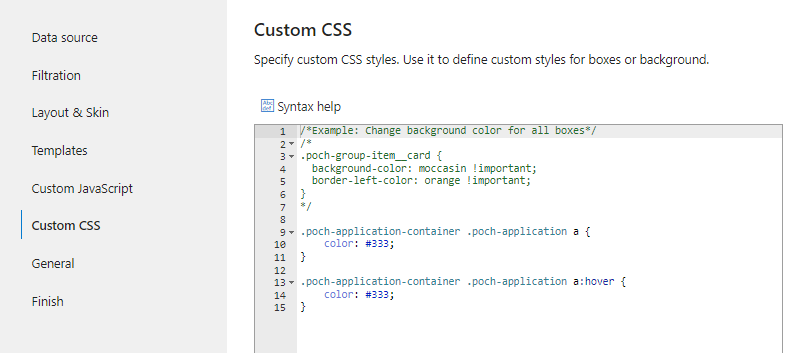
Update for Org Chart 4.
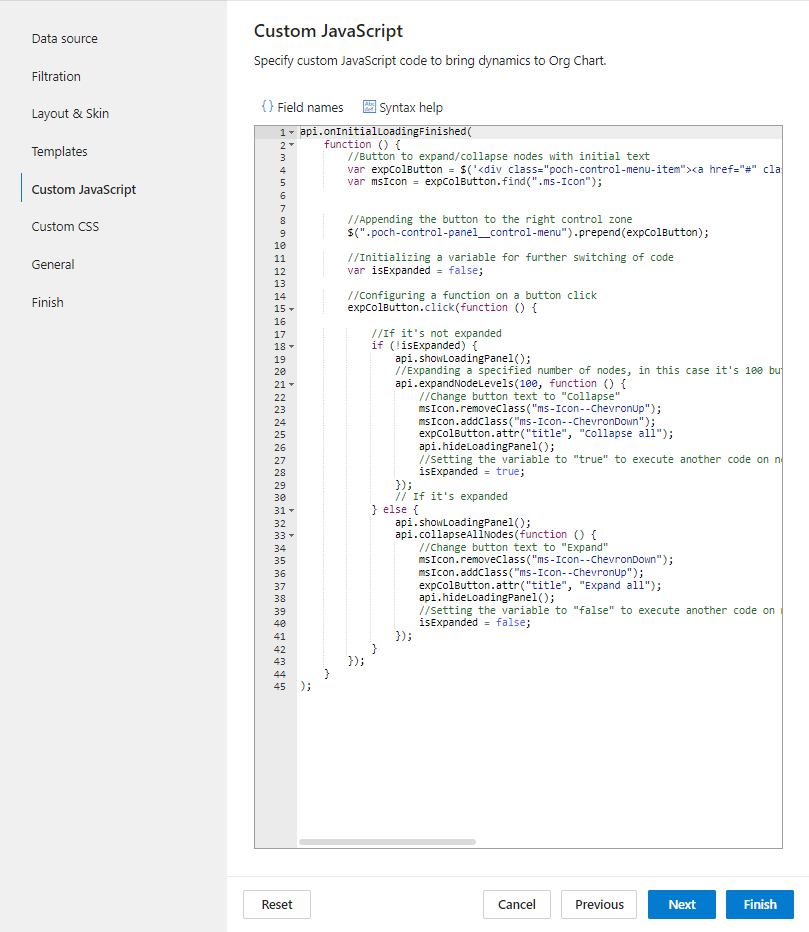
The code snippet for the Custom JavaScript step:
api.onInitialLoadingFinished(
    function () {
        //Button to expand/collapse nodes with initial text
        var expColButton = $('<div class="poch-control-menu-item"><a href="#" class="poch-control-menu-item__link is-size-1" title="Expand all"><i class="ms-Icon ms-Icon--ChevronUp poch-fabric-icon"></i></a></div>');
        var msIcon = expColButton.find(".ms-Icon");


        //Appending the button to the right control zone
        $(".poch-control-panel__control-menu").prepend(expColButton);

        //Initializing a variable for further switching of code
        var isExpanded = false;

        //Configuring a function on a button click
        expColButton.click(function () {

            //If it's not expanded
            if (!isExpanded) {
                api.showLoadingPanel();
                //Expanding a specified number of nodes, in this case it's 100 but you can set a greater value
                api.expandNodeLevels(100, function () {
                    //Change button text to "Collapse"
                    msIcon.removeClass("ms-Icon--ChevronUp");
                    msIcon.addClass("ms-Icon--ChevronDown");
                    expColButton.attr("title", "Collapse all");
                    api.hideLoadingPanel();
                    //Setting the variable to "true" to execute another code on next click
                    isExpanded = true;
                });
                // If it's expanded
            } else {
                api.showLoadingPanel();
                api.collapseAllNodes(function () {
                    //Change button text to "Expand"
                    msIcon.removeClass("ms-Icon--ChevronDown");
                    msIcon.addClass("ms-Icon--ChevronUp");
                    expColButton.attr("title", "Expand all");
                    api.hideLoadingPanel();
                    //Setting the variable to "false" to execute another code on next click
                    isExpanded = false;
                });
            }
        });
    }
);
Styles for the Custom CSS step:
.poch-application-container .poch-application a {
    color: #333;
}

.poch-application-container .poch-application a:hover {
    color: #333;
}