Redirect on save does not populate Plumsail modified form

Hello,

I used the redirect to edit upon new form save and it works... but... it loads the default Sharepoint form instead of the Plumsail modified form I created... When I use "edit" the form loads correctly.

thanks for your help!

Here is the code:

fd.spSaved(function(result) {
    var listId = fd.spFormCtx.ListAttributes.Id;
    var itemId = result.Id;

    //replace "https://domain.sharepoint.com/sites/sitename/subsite" with path to your site
    //PageType=6 means Edit Form
    result.RedirectUrl =
        "https://hnirisk.sharepoint.com/HNIDataHub/_layouts/15/listform.aspx?PageType=6&ListId="
        + listId + "&ID=" + itemId;
});

Hello @djbeaudin,

Welcome to Plumsail Community!

Do you get any errors in the browser console (F12)? Could you please share the screenshot if there is nay.

Also, please check that you are using the correct path to your site in the code.

I don't get an error... it just redirects to the non Plumsail version of the edit form (see left). Do I need to add something to the path for the Plumsail form? Thanks!

@djbeaudin,

Could you please share the screenshot of the Edit From including the URL address.

code in the new form:
result.RedirectUrl =
"https://hnirisk.sharepoint.com/HNIDataHub/_layouts/15/listform.aspx?PageType=6&ListId="
+ listId + "&ID=" + itemId;
});

this is the actual edit URL when choosing to edit directly
https://hnirisk.sharepoint.com/HNIDataHub/SitePages/PlumsailForms/TestCustomerDetails/Item/EditForm.aspx?item=687&ct=0x0100DF16E467223D68438D93E4388F0D4258&rf=%2FHNIDataHub%2FLists%2FTestCustomerDetails&source=https%3A%2F%2Fhnirisk.sharepoint.com%2FHNIDataHub%2FLists%2FTestCustomerDetails%2FAllItems.aspx%3Fviewpath%3D%2FHNIDataHub%2FLists%2FTestCustomerDetails%2FAllItems.aspx

@djbeaudin,

That is strange. The code and the link are correct.

Is it possible to provide us a temporary access to the site to troubleshoot the issue? Please contact us via support@plumsail.com

It looks like the redirect is not seeing the plumsail form at all (it's bringing up the Sharepoint edit). Is there anything I can do to "force" it? could the form mode in Sharepoint be an issue? This is the last issue I have with my form migration (good news :-)) at this point.
Thanks again for your help. I will try a few more things and then see if I can set up a mirror site and try it there as well (to rule out our Sharepoint site).
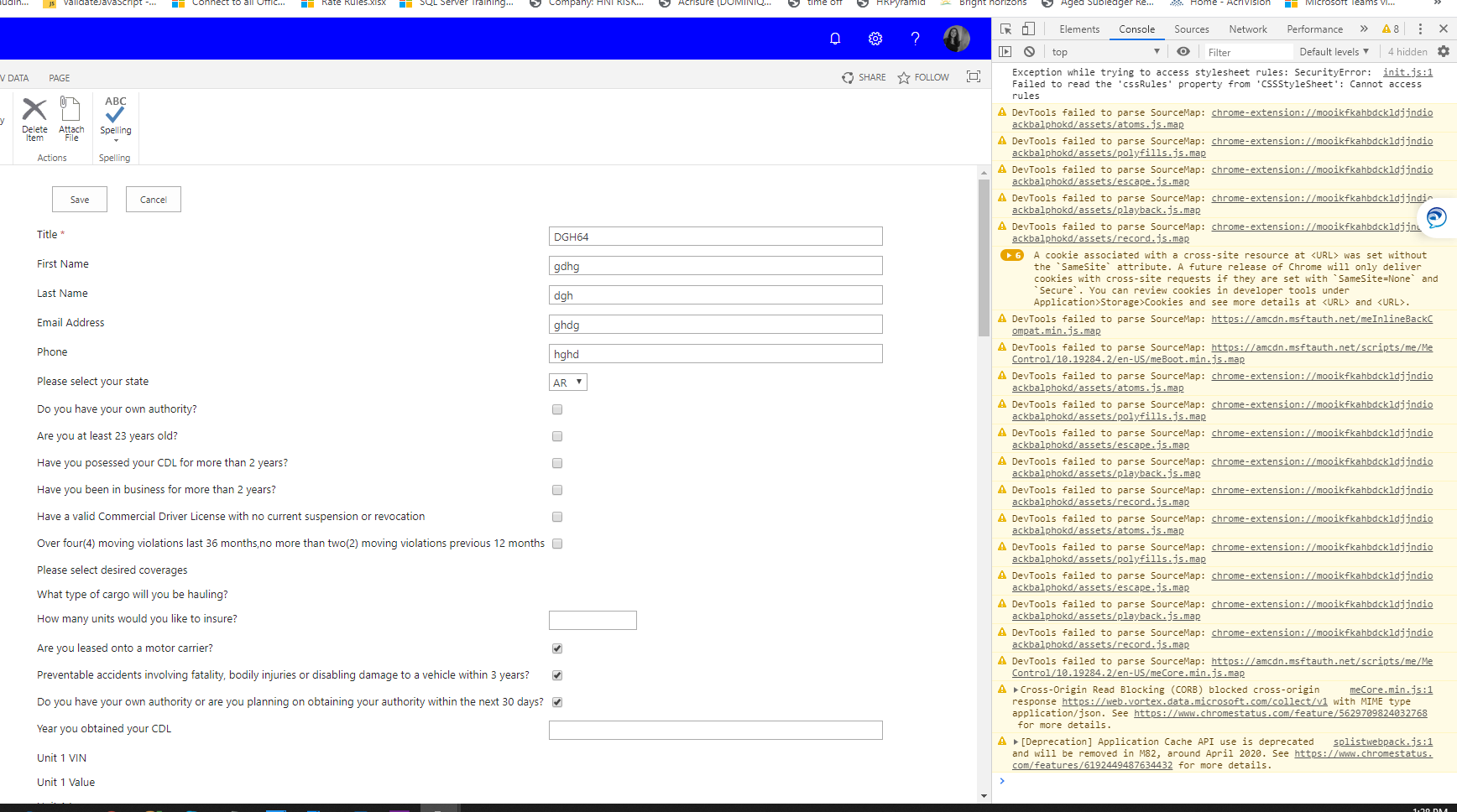
I got it working! Pasting code in case anyone else has this issue. Thanks again.

result.RedirectUrl =
// "https://hnirisk.sharepoint.com/HNIDataHub/_layouts/15/listform.aspx?PageType=6&ListId="
"https://hnirisk.sharepoint.com/HNIDataHub/SitePages/PlumsailForms/CognitoForm/Item/EditForm.aspx?item="
+ itemId;