I'm looking to expand on the topic linked at the bottom of this post. I have a Plumsail form connected to a SharePoint list with a lot of choice questions under separate sections, and 15 Multiple lines of text fields set to Rich text format. Forms should work on both desktop and tablets, so I have form sets for both. Problem is in iPads when users tap the Image icon (landscape mode) or the Insert Image option (portrait mode), the iPad camera opens by default, which we do not want.
I've tried various workarounds through JavaScript that worked, but only intermittently, and initial research suggests this is due to how Safari renders web pages on browsers natively, and carries over to whatever browser you use. On my test iPad I've confirmed this and additional issues when using a different browser, which was Edge. Should I also create 15 Attachment fields in SharePoint and put those under the Multiple lines of text boxes instead? Any ideas would be appreciated. Thank you.
Hi @LauraDG!
If your users only need to upload a single image per question, you can try to use a SharePoint Image column, which maps to an Image field in your form. It should open your device's image picker and not the camera.
They do need to be able to upload more than one image per Multiple lines of text column, but let me see if I can get something wrangled using the image columns. I'll build those out and let you know
Okay, I've definitely hit a wall here. I've added Attachments from the Common Fields section in Plumsail forms under each Multiple lines of text columns from SharePoint list where the forms and information are saved to. I also have an HTML control field right under each Multiple lines of text columns. I have JavaScript that has those mapped out in an array and is supposed to identify each active field, and detect when photos are staged to be uploaded.
Then another fd.spRendered function detects the 2 Accordions and sets a time out so that the active fields can be detected, and then uploads the photos to a library I created in the Shared Documents folder on the site. It was working for 11 out of 15 Multiple lines of text columns without this, but failing on 4 of the columns, which is why I built in the logic to detect and timeout the Accordions.
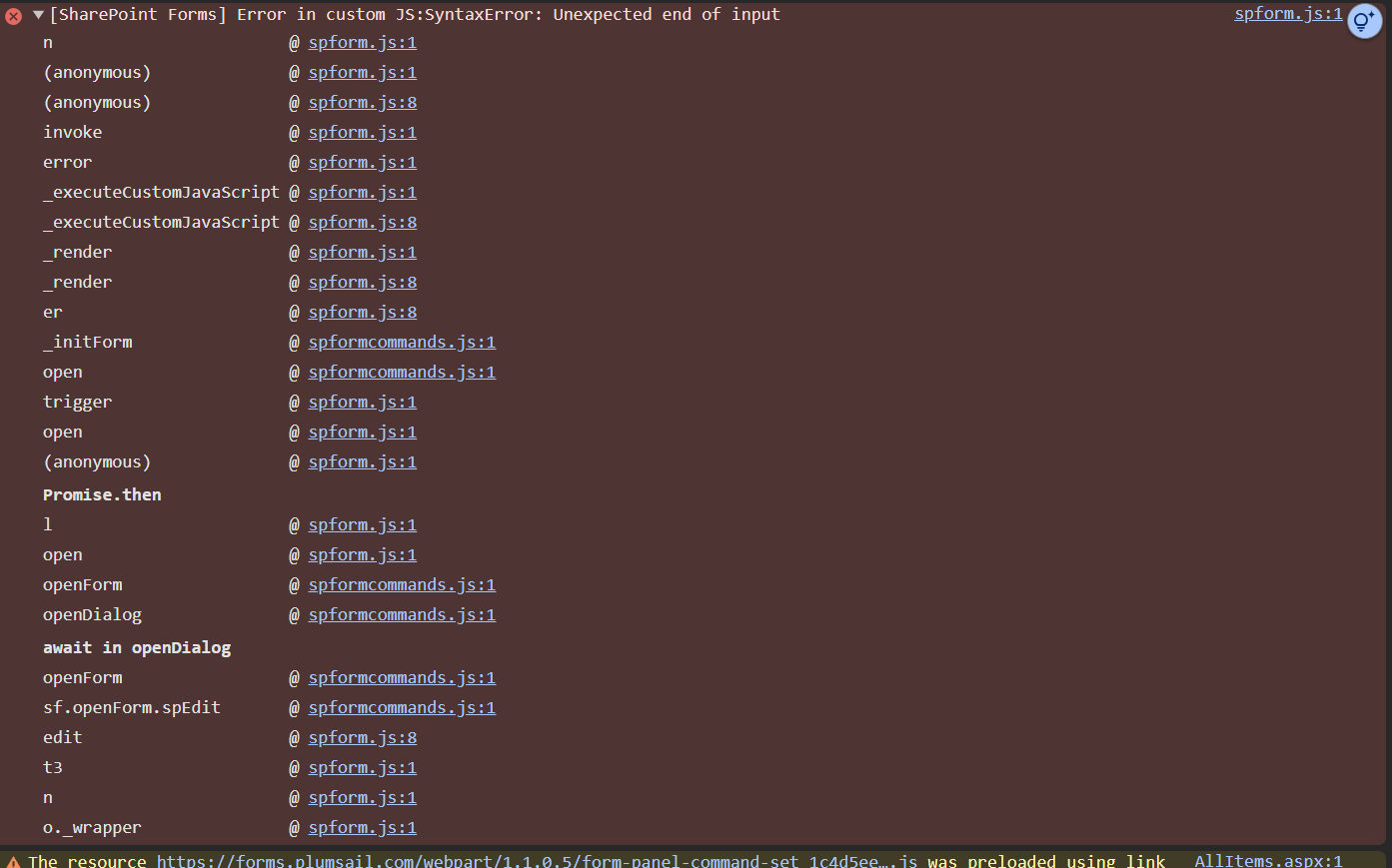
Unfortunately it is failing for all Multiple lines of text columns with the following error:
Any help would be appreciated, but I also understand this is something of a deep woods given the same functionality needing to carry over into iPads. So feel free to tell me "Good luck"
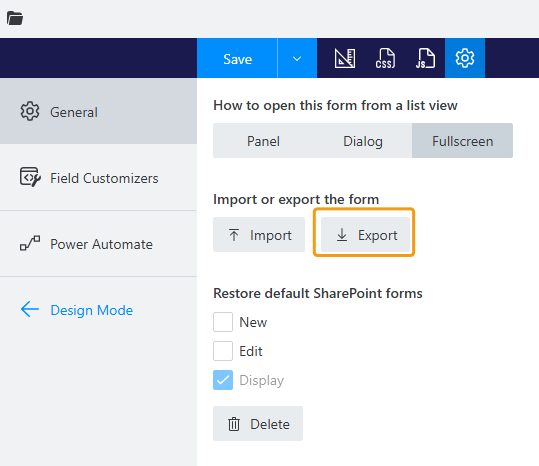
We'll need to look into your form and its custom JavaScript. Can you please contact us via support@plumsail.com, reference this post and attach an exported form definition?
To export your form, open form settings and click Export:
I was unable to get approval to share that, so we've decided to see if we can map this to the List or Library control instead and the JavaScript is being adjusted for this. Does the List or Library control have an internal name like the HTML control does? Thank you.