Some of the org charts on our pages contain a very large number of employees, which significantly impacts page performance. The web parts take a long time to render.
We retrieve the org chart data from User Profiles. To improve performance, I would like to limit the number of employee levels rendered, rather than simply collapsing the view.
However, when I try to add a condition such as Box Level = 3, it doesn't seem to have any effect. Other conditions, such as filtering by office or job title, work as expected.
Could you help me understand why the Box Level condition isn't working and how I can restrict the org chart to a specific number of levels to improve rendering performance?
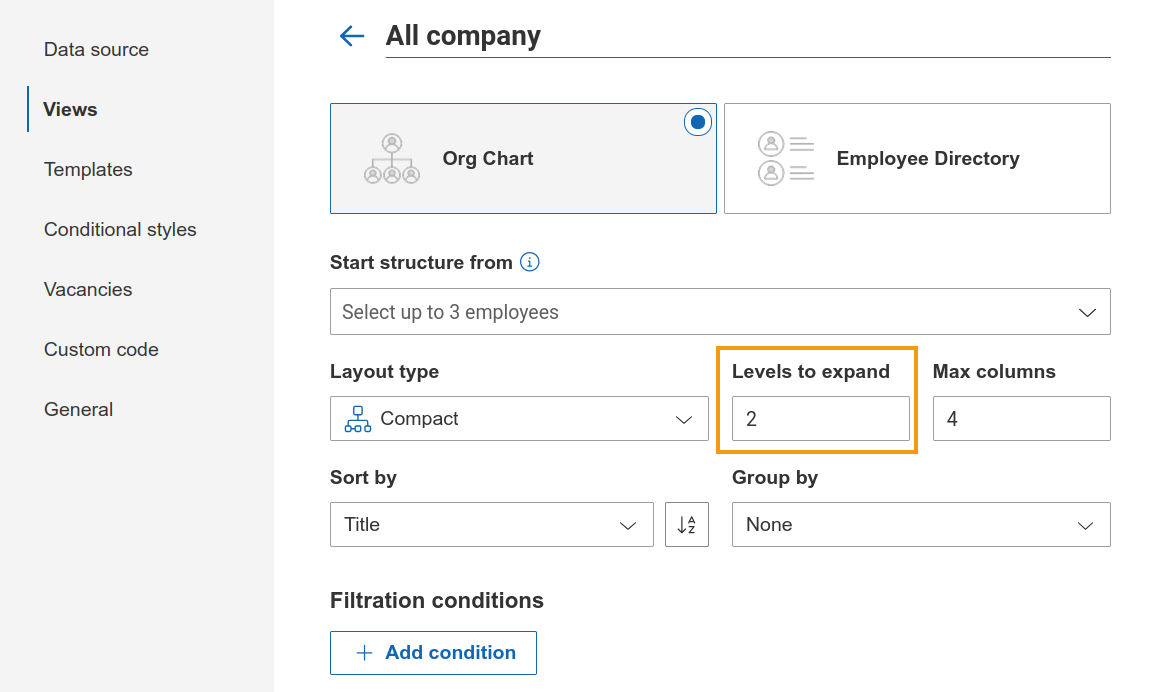
Employees beyond the selected expansion level are not requested or rendered until their card is expanded. This should help keep the chart loading quickly without actually hiding anyone from the chart.
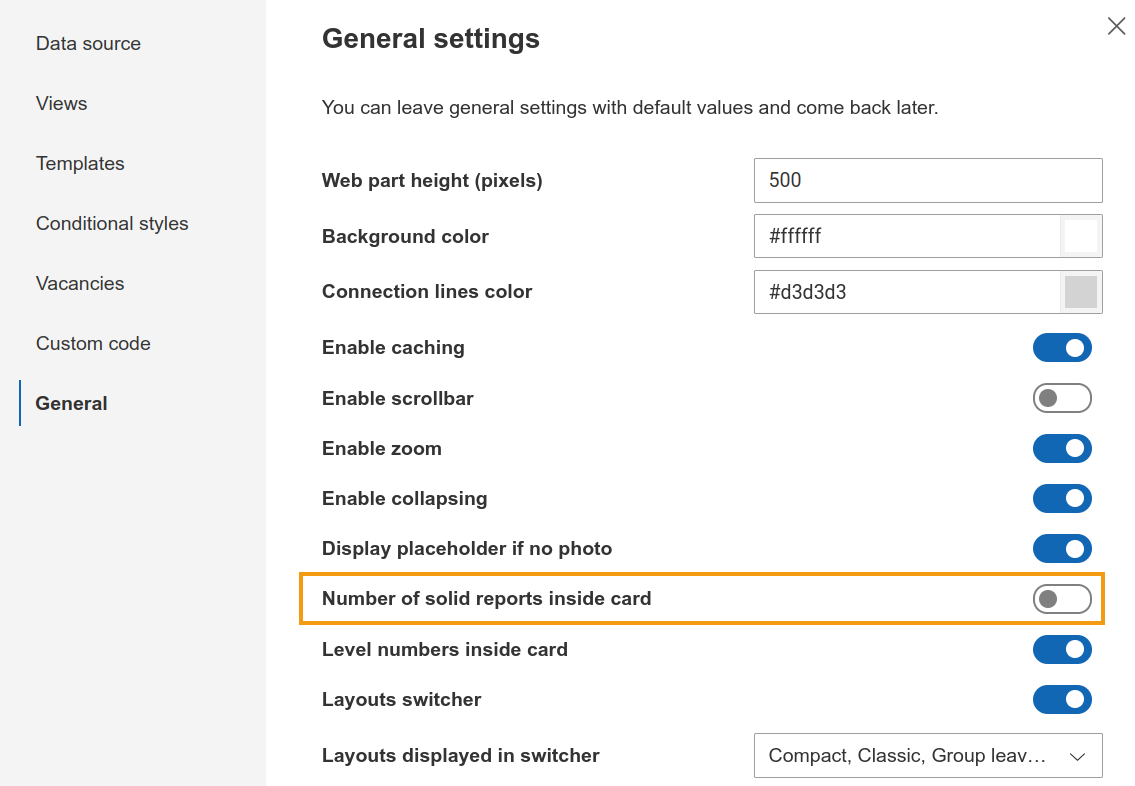
Additionally, if the number of direct reports inside card option is enabled in the General step, we recommend turning it off.
Thanks for the reply! I’ve implemented that in our charts, and it seems to be working reasonably well. The web part is still somewhat slow when loading the hierarchy, especially when dealing with large numbers of collapsed items, but the performance is acceptable for now.