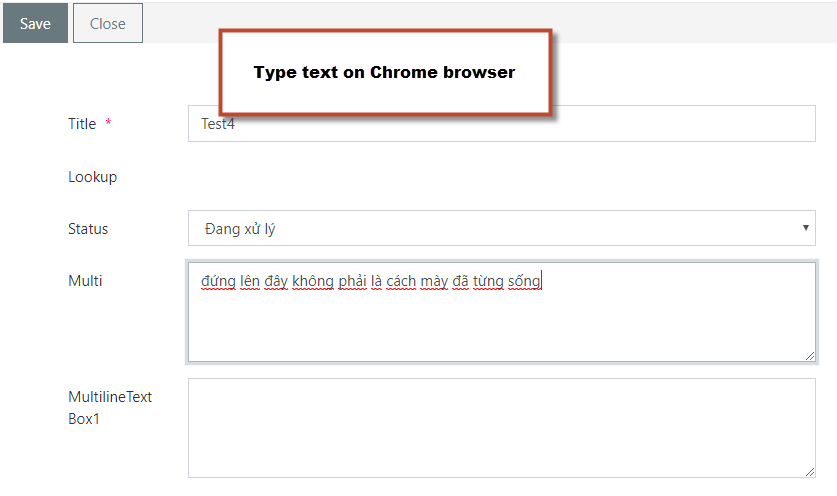
Hi Plumsail,
We used Plumsail form for SharePoint online with Vietnamese language config
On Chrone, we could type Vietnamese ok. But on IE, we could not type Vietnamese on multi text column.
We attach screenshot for you.
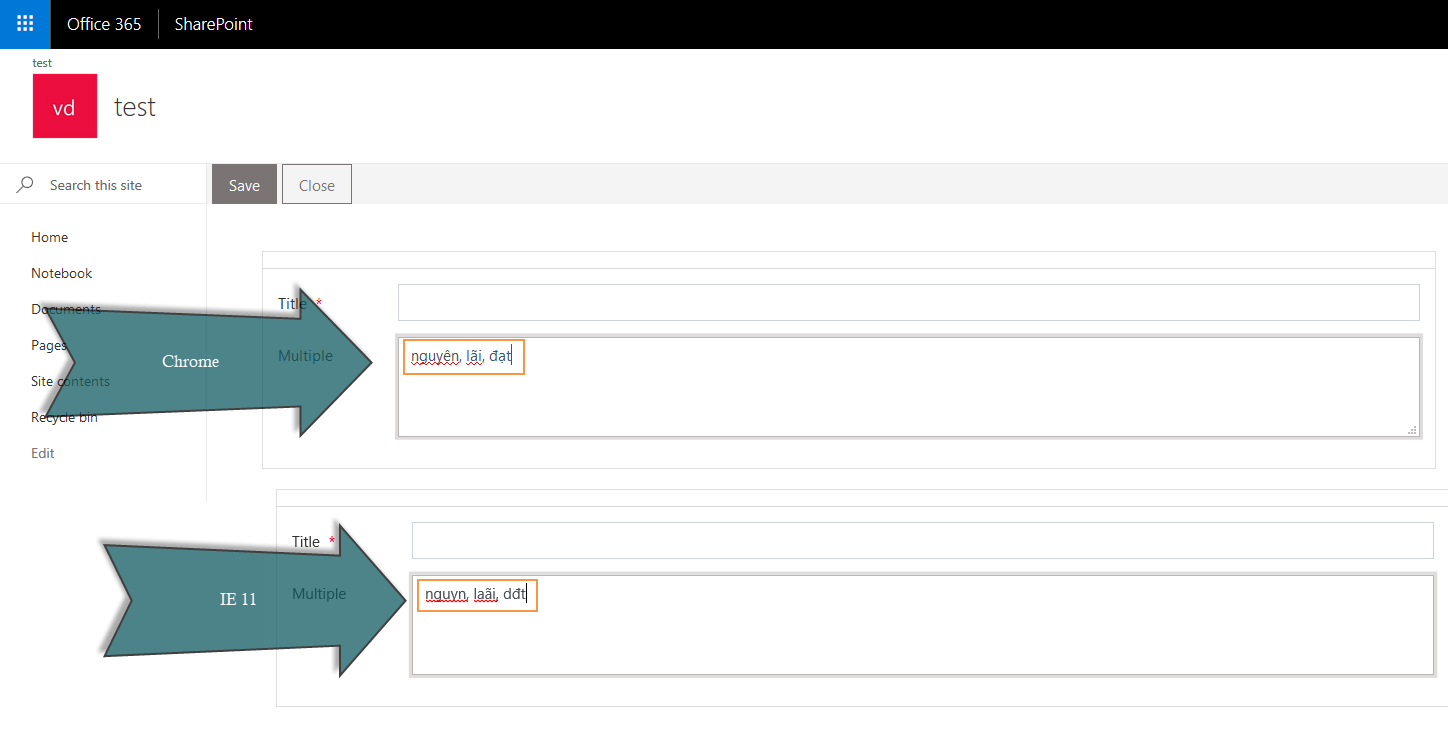
Please help me,
Thanks
Hi!
It’s not an obvious issue, could you please provide a video demonstrating this problem? Also please try to type on a multi-text column on a default Sharepoint form. Let us know about the results.
Hi Plumsail,
I attached the video demonstrating this problem.
I typed text on Multi text column on SharePoint Form in Chrome and IE ok.
But On Plumsail form in IE, it return different result in Chrome
Thanks
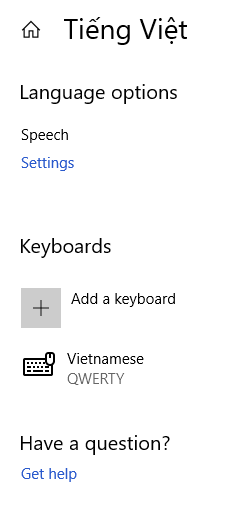
In addition to the Vietnamese keyboard, are you using any utilities for replacing letters? Could you try to create a simple Plumsail form (public form) with just a MultilineTextBox field in Plain mode:

And try to reproduce the issue with that field on the Preview page.
Hi Plumsail,
I am sure that I do not used any utilities for replacing letter.
I tried to used the MultilineTextBox field on Common Field category of Plumsail form in Plain mode. That is ok
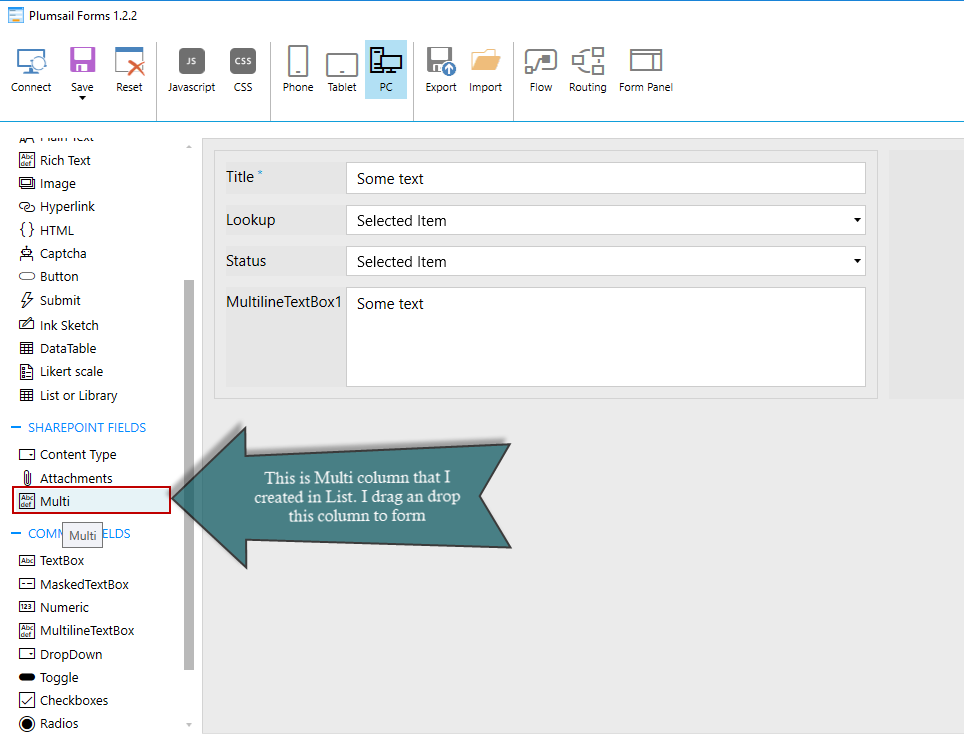
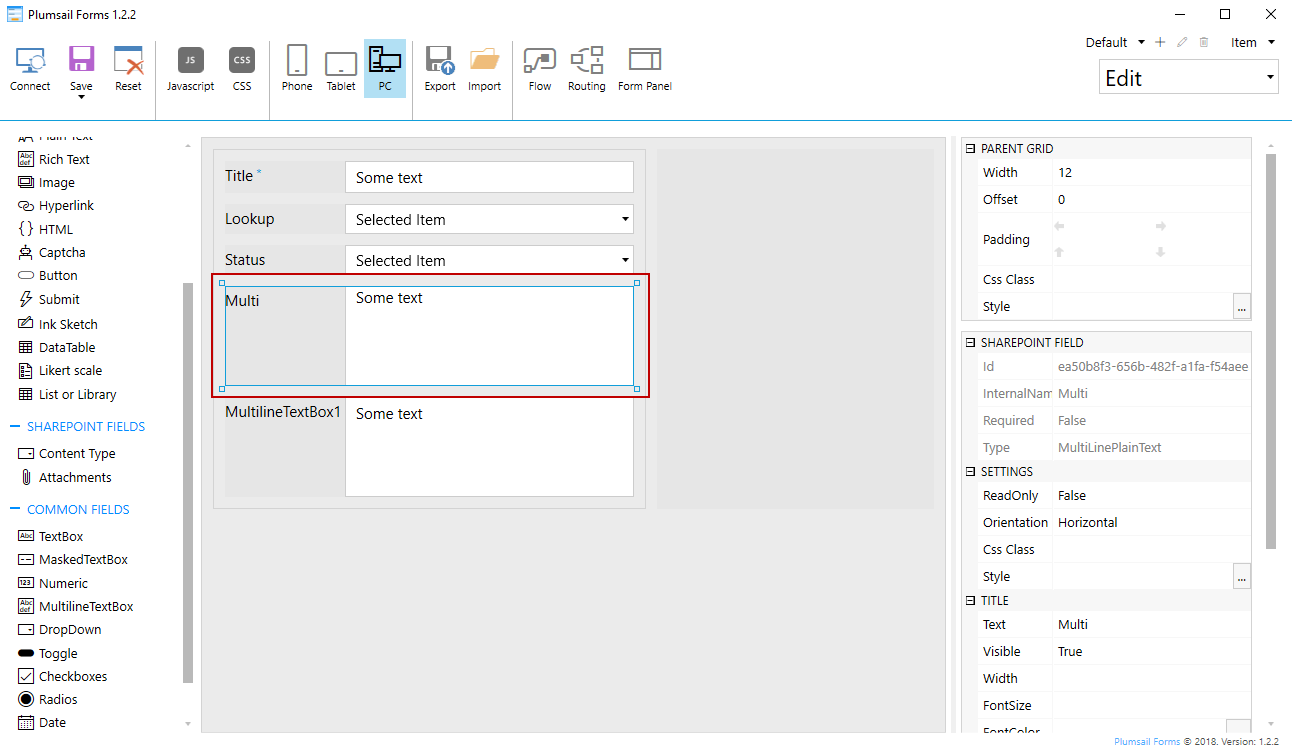
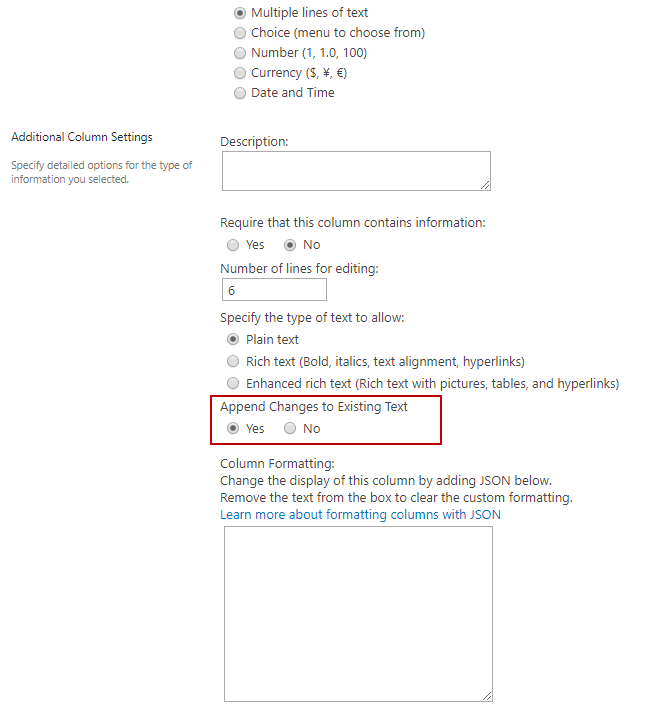
But I used the Multi field that I created on List on SharePoint Field category of Plumsail form. That control do not have Plain mode option like your screenshot.
Thanks
Yes, that is right.
Or You can go to this site: http://unikey.vn to download and install package that support type Vietnamese text
It is free.
Thanks
OK, then could you also describe which keys on English keyboard should I press to get different behavior in IE and Chrome?
When you installed the unikey package with settings like follow: Character set: Unicode, Input type: VNI
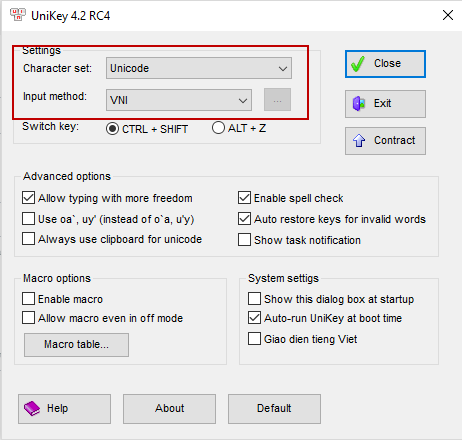
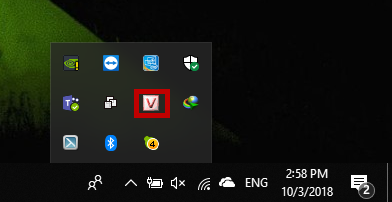
Then you edit 1 list item on IE Browser, On Text or Multi text column, you press English keyboard as following:
d9u71ng le6n d9a6y kho6ng phai3 la2 ca1ch may2 d9a4 tu72ng so61ng
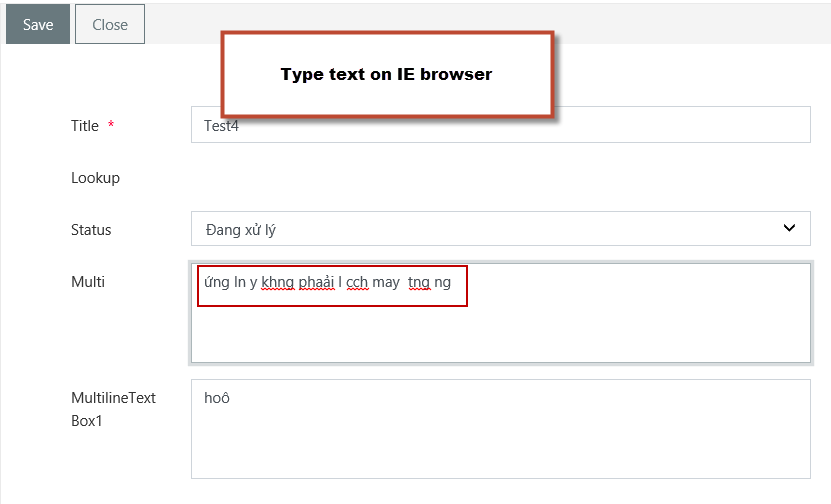
Now, on your IE browser, it show like follow screenshot
That is incorrect
If you press that keyboard on Chrome browser, it show like follow screenshot
That is show correct.
Thanks
It looks like the issue relates to the UniKey tool and it’s compatibility with IE because it did not work properly even for a very simple html page with just a single input field until I restarted the browser. Then it started working for SharePoint form as well, please watch the attached video. https://community.plumsail.com/uploads/default/original/1X/484cf6b152e96ac581c23f0da2581518766a0158.mp4
Please explain more clearly. I still do not understand what you reply.
Besides, the "Signature" multi textbox on your video is SharePoint field or Plumsail common field?
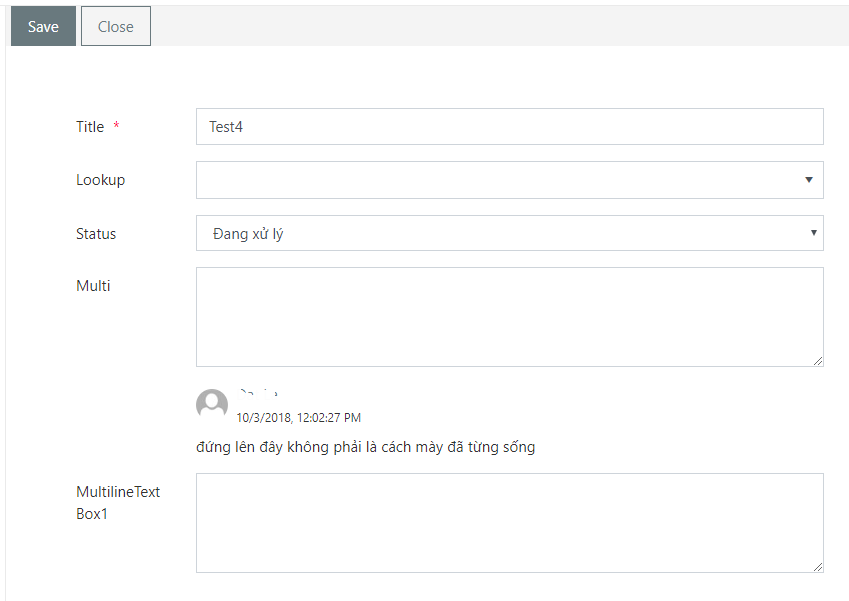
I only show incorrect when I type on the SharePoint field. It is ok for Plumsail common field. But I cannot used the Plumsail common field because my multi text column that have Append change text settings.
Please give me your suggest to resolve my form issue
Thanks
The Signature field from my video is a SharePoint multi-line text field. But as I said, I could reproduce the issue even with a plain textarea field in an arbitrary website. Our conclusion is that the issue relates to compatibility of the UniKey and IE. UniKey is not a part of OS, so we will not continue investigating the problem. If I add Vietnamese keyboard in windows, everything works fine until I start using the UniKey tool. Thus, the recommendation is either not to use the UniKey tool or use it with Chrome only.
Yes, thank you so much for your support.