Dear @jaitsujin,
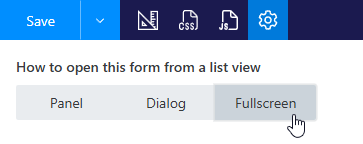
You can use custom forms together with our forms, but our forms replace default form links for content types - so you'll need to replace them again.
Then again, there might be conflicts - let's say you try to access a form from List or Library, so you should be careful with this approach.
We would recommend not to mix different solutions too much, especially within the same content type and lists.
Thanks for letting me know. This extra form would just function as a small placeholder that i would access via a direct link. Using PowerShell, I was able to create a copy of the newform.aspx, but the redirect seems to be embedded somewhere ListFormWebPart. is there an easy way to turn this of for a specific form without affecting the rest?
Dear @jaitsujin,
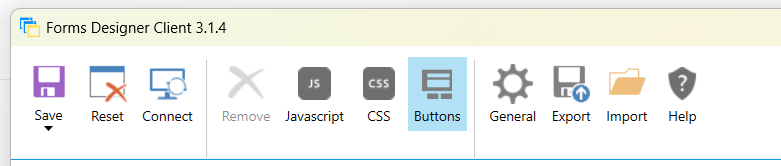
That's a very old app. If you're using SharePoint On-Premises - not a problem, but in SharePoint Online it's deprecated due to SharePoint add-ins deprecation.
If this is your app, you just need to change links in SharePoint Designer 2013. Connect to a site, go to List > Content Type > Form URLs and change them.