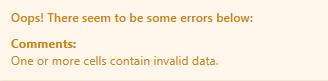
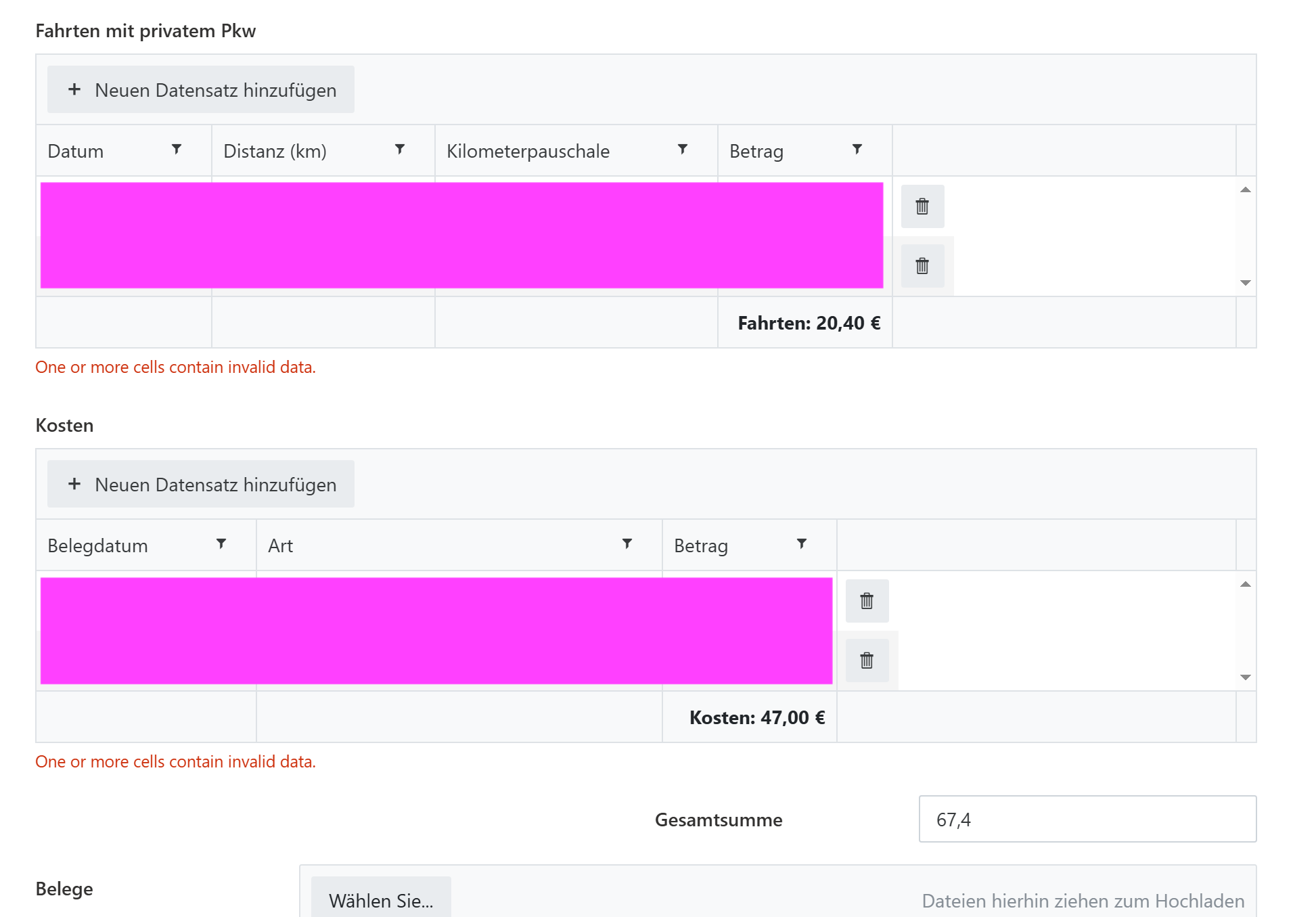
I ran into the same regression today (May 18). After inspecting the live Vue components in the browser, I found the root cause and a working workaround.
Root cause
A recently added validator named dataTableUnsavedRowValidator is attached to every DataTable. Its source (decoded from the minified bundle) is:
class eE {
    constructor(dataTable, errorMessage) {
        this._dataTable = dataTable;
        this.error = errorMessage;
    }
    validate() {
        return this._dataTable.isValid;
    }
    get name() {
        return "dataTableUnsavedRowValidator";
    }
}
The problem: this._dataTable.isValid is not a defined property on the fd-datatable Vue component — it isn't in data, computed, methods, or anywhere on the prototype chain. So validate() always returns undefined (falsy), which makes Plumsail report "One or more cells contain invalid data." even when every cell is perfectly valid.
I confirmed this on a live form: 4 rows of clean data, every row's hasErrors === false, dirty === false, no .k-invalid DOM nodes — yet validation fails. Calling dt.validate() returns false. After overriding the validator's validate() to return true, validation passes and saving works.
Workaround
Add this to your form's JavaScript. It finds the broken validator on the DataTable control after the form renders and replaces its validate() with one that returns true. Multiple setTimeout calls handle the fact that the validator is attached asynchronously.
fd.spRendered(function () {
    function patchDataTableValidator(controlName) {
        var dt = fd.control(controlName);
        if (!dt || !dt.validators) return;
        for (var i = 0; i < dt.validators.length; i++) {
            var v = dt.validators[i];
            if (v && v.name === 'dataTableUnsavedRowValidator' && !v._patched) {
                v.validate = function () { return true; };
                v._patched = true;
            }
        }
    }

    // Repeat for every DataTable control on the form
    ['DataTable1'].forEach(function (name) {
        setTimeout(function () { patchDataTableValidator(name); }, 300);
        setTimeout(function () { patchDataTableValidator(name); }, 1500);
        setTimeout(function () { patchDataTableValidator(name); }, 3000);
    });
});
If you have multiple DataTables on a form, add their internal names to the array (e.g. ['DataTable1', 'DataTable2']).
Caveats
- This disables the "unsaved row" check entirely. If a user starts editing a row inline and clicks Save without committing the edit, the form will now save anyway. In our setup that's an acceptable trade-off — the original validator was a no-op for properly committed data and a blocker for everything else.
- If you need the unsaved-row check, you could instead patch
validate() to check widget._editContainer or widget.editable directly, but I haven't tested that path.
Tested on Plumsail Forms for SharePoint Online. Hope this unblocks people until Plumsail ships a fix.