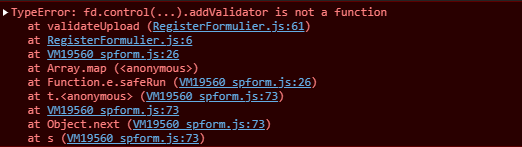
Hello, I am new to plumsail and am stuck with the datatable (list or library) validation.
I want check that atleast one file is uploaded.
I have tried the following but i can still submit my button:
fd.spRendered(function () {
    validateUpload();
});
function validateUpload(){
    fd.control('FilesTable').addValidator({
        name: 'DMP upload validator',
        error: 'Upload at least one DMP into the table',
        validate: function(value) {
            if (value.length == 0) {
                return false;
            }
            return true;
        }
    });
}
Dear @asmita_adh,
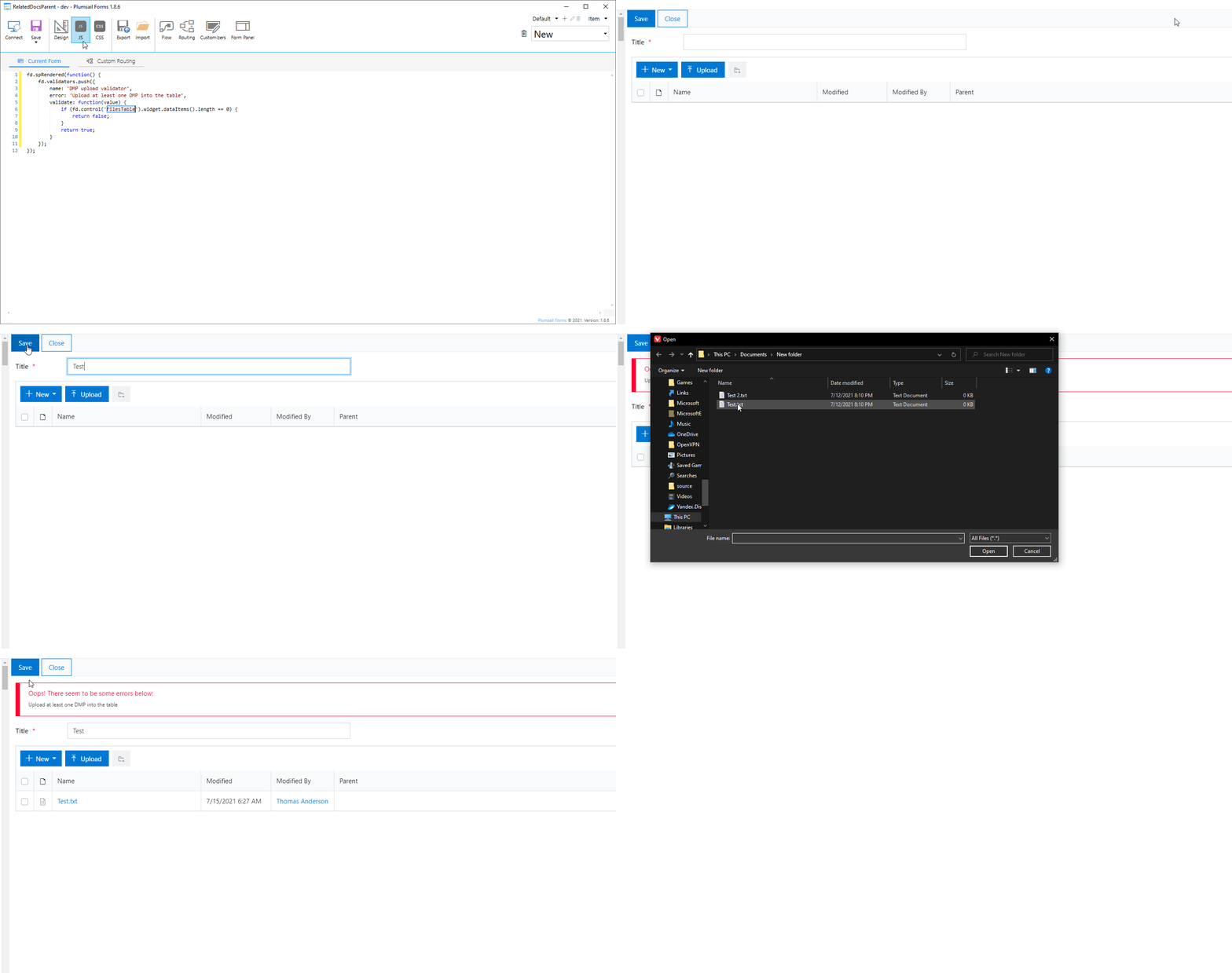
Welcome to the community! List or Library control simply doesn't have validators, instead, use form validators to check it:
fd.validators.push({
        name: 'DMP upload validator',
        error: 'Upload at least one DMP into the table',
        validate: function(value) {
            if (fd.control('FilesTable').widget.dataItems().length == 0) {
                return false;
            }
            return true;
        }
    });
Hi @Nikita_Kurguzov , thank you for your reply!
Unfortunately it doesn't seem to work for me. I do not get any error message.
Is there a way to block form submission when there are "errors" on the table?
Hi @Nikita_Kurguzov ,
By errors I mean the ones shown before submission when dataLength is 0.
I think my errors do not show maybe because I use custom save button.
Is it possible to catch these errors when using a custom button?
Yes, I tried that.
However, the errors is only shown when i used fd.save() on my custom button. I need to however be able to update sharepoint list and add the files to dynamic folders.
But the check is useless when I add the codes to do anything.
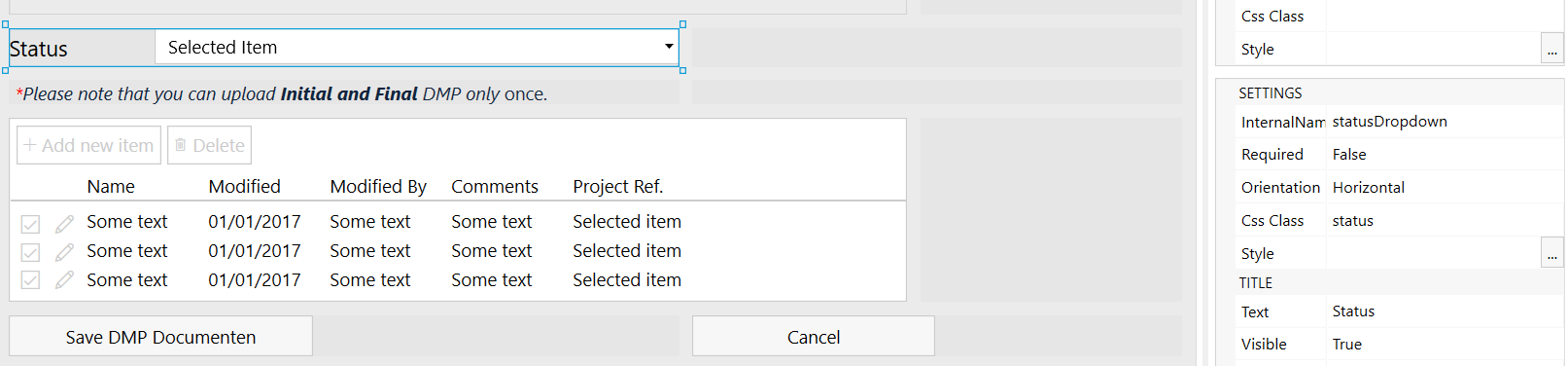
I also tried using fd.isValid() before saving. That partially works only: I have two different validations - one for the List or Library table, other for a dropdown. the fd.isValid only catches the length check but not the dropdown check.
The validators are added to the spRendered function. This is my code on my button for your reference: