We’re excited to share several new updates in Plumsail Documents. These improvements make it easier to create structured email content, work with Modern engine functions, customize PDF watermarks, and process files.
Tokens in process parameter fields and rich text in the email body
You can use tokens in the output filename, email subject, and email body.
You can now also use rich text in the email body with the Modern engine: build bullet lists and tables from your data with tokens, instead of sending plain text. This makes it easy to include structured content such as product lists or order summaries in email notifications.
It works in the Email (SMTP), Outlook, Gmail, Amazon SES, and Zoho Mail deliveries.
For example, an email notification can include a table with order details generated from your data.
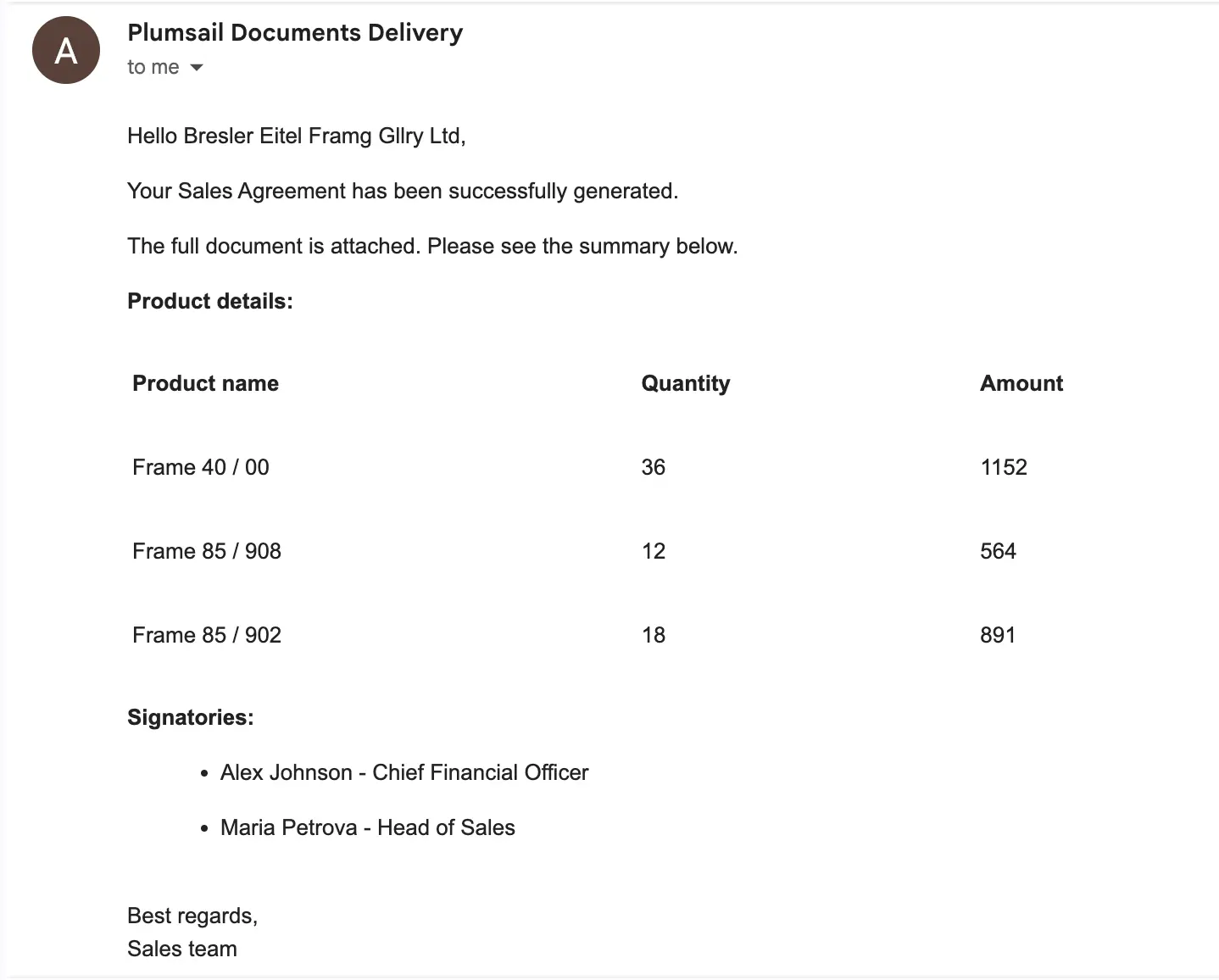
Learn more about Process and template settings and Build dynamic email content (Modern engine)
HTML watermarks
The Add a watermark to PDF action now supports Rich Text (HTML). The new watermark type is available in Power Automate, Make, and Zapier.
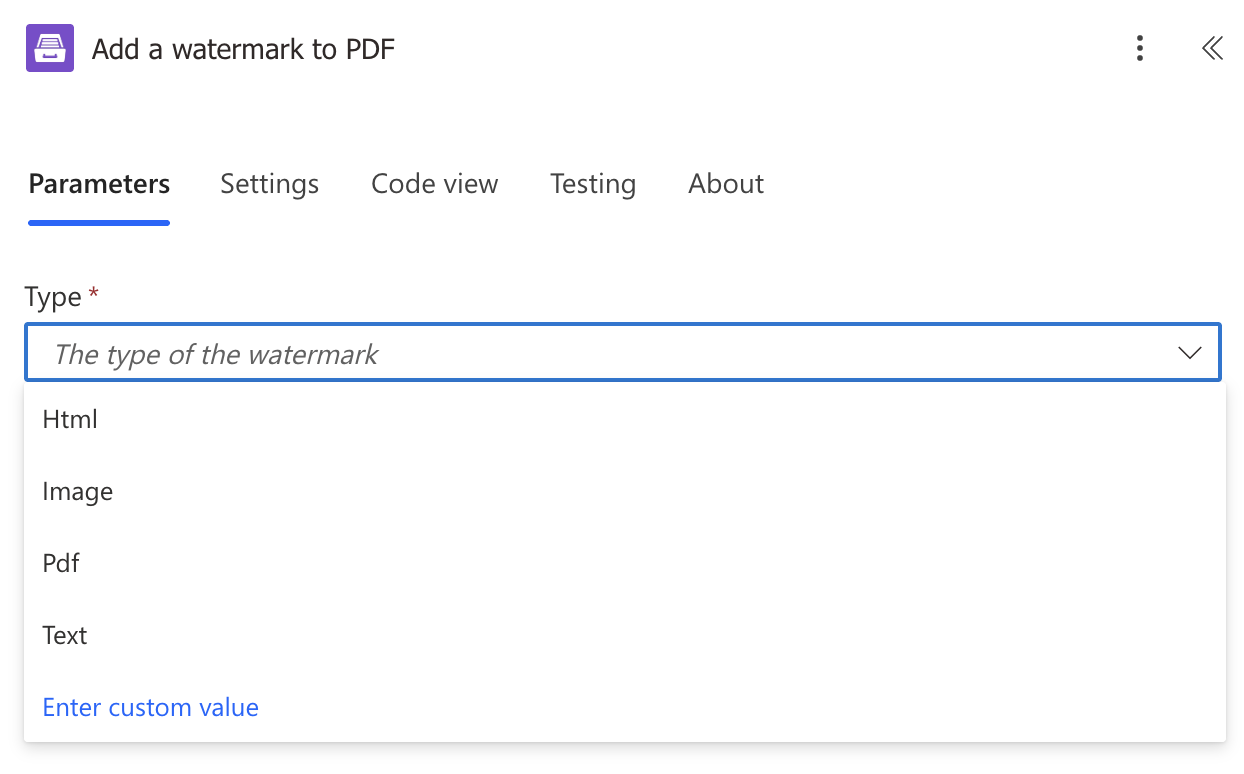
With HTML, you have more control over the watermark content and formatting. You can use HTML to create styled watermarks and include dynamic content.
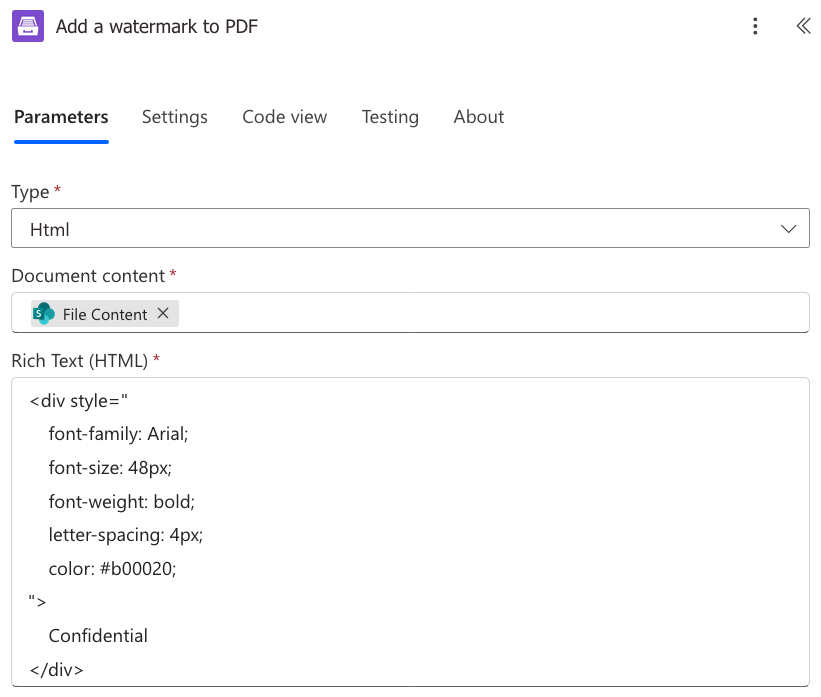
We also added a new Power Automate how to showing how to create a styled Confidential watermark.
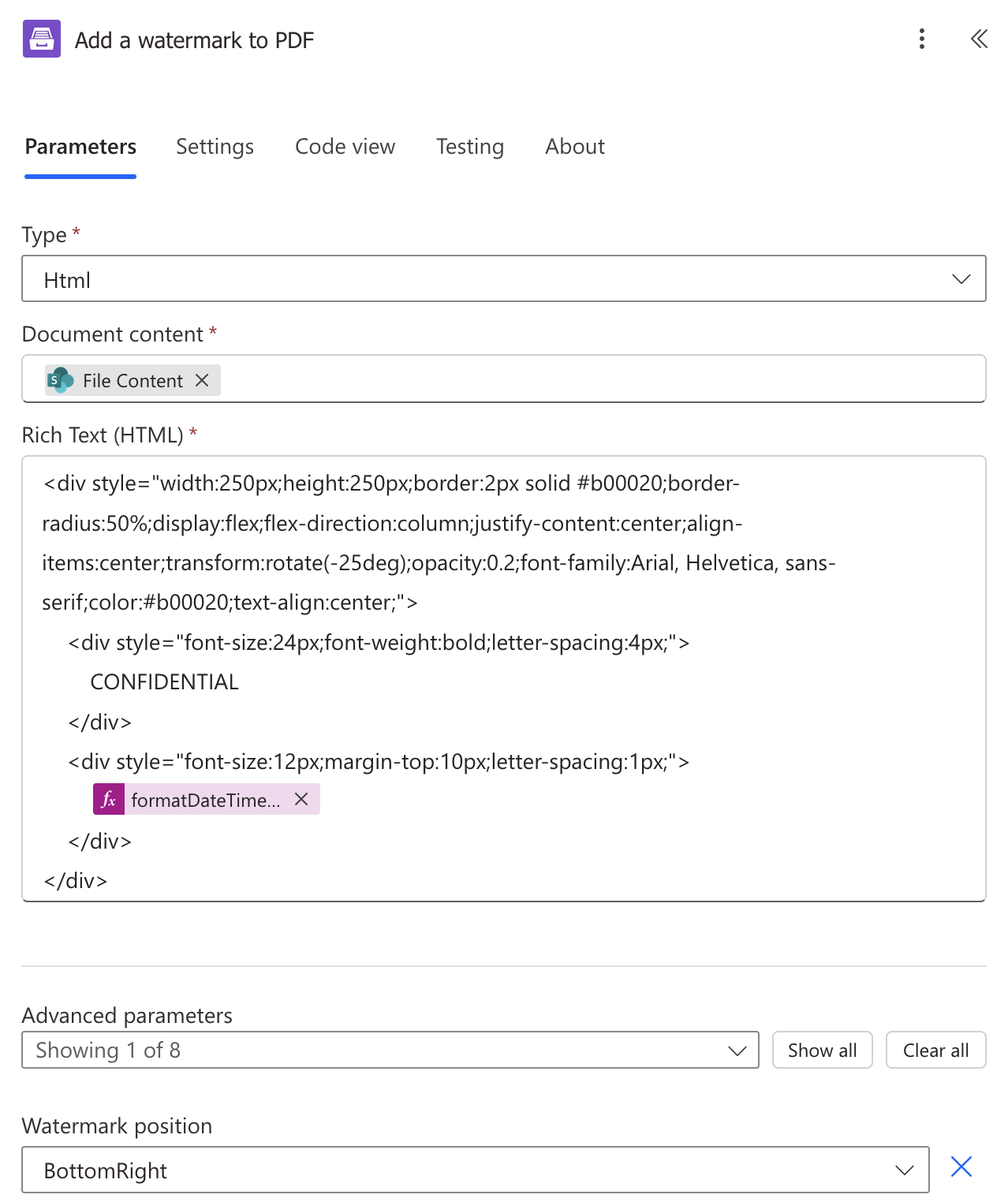
Learn more about adding an HTML watermark to a PDF.
Merge any files into PDF
Merge any files into PDF is now the recommended action for merging PDF files and other supported file formats into a single PDF document.
Please note: the Merge PDF action is now deprecated. We recommend using Merge any files into PDF for new workflows. Existing workflows using Merge PDF will continue to work.
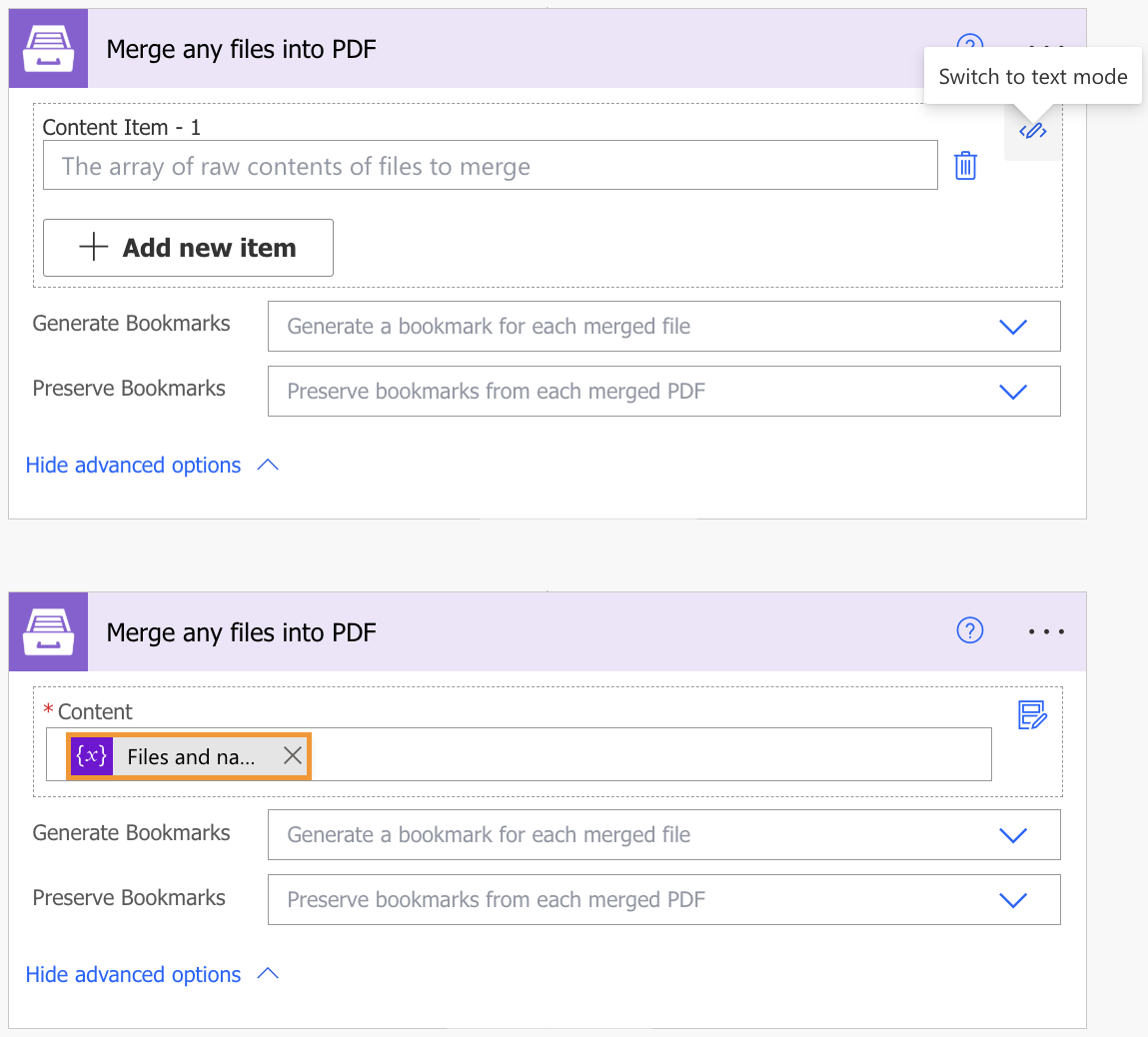
Learn more about Merge any files into PDF.