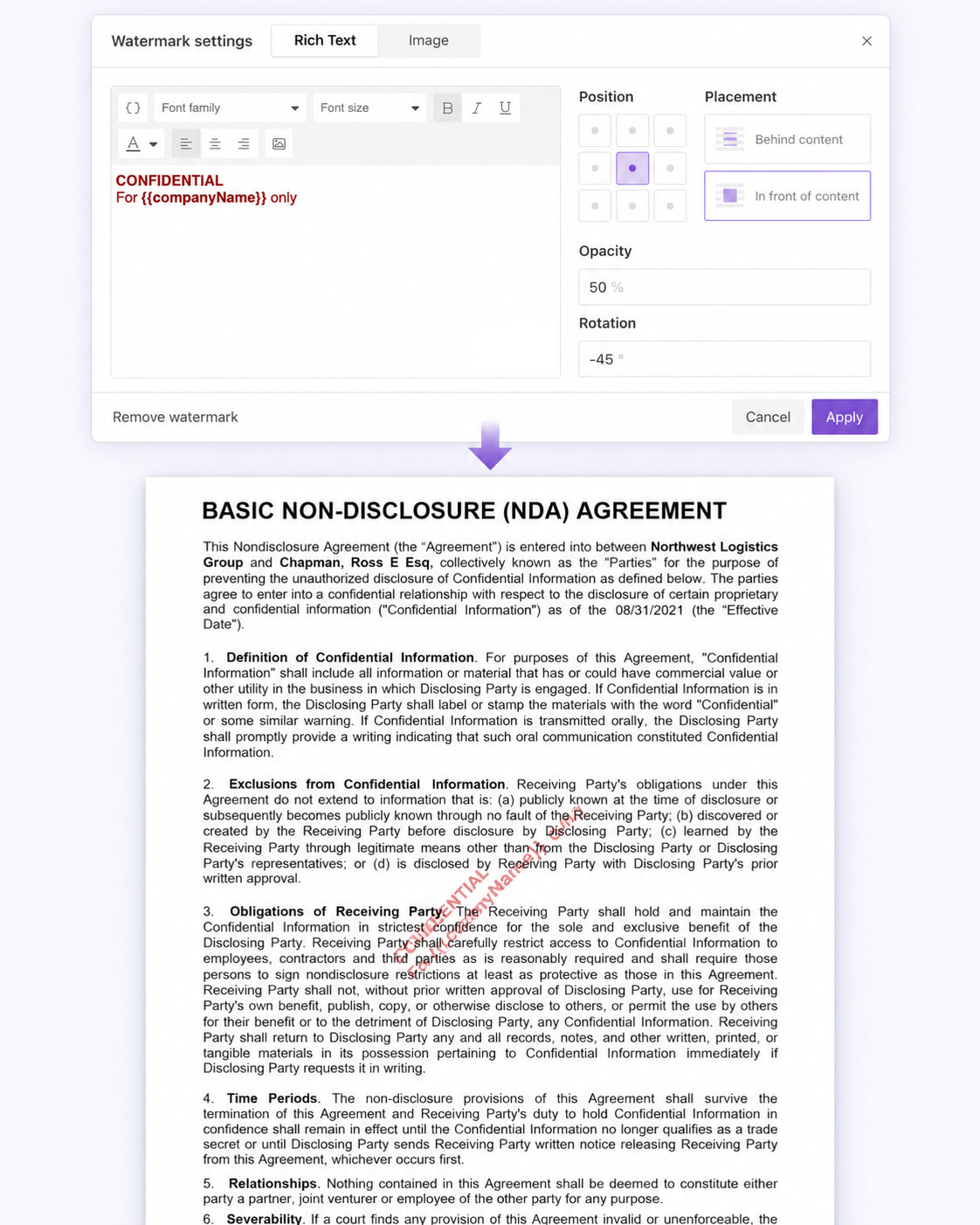
We’ve added a new Rich Text watermark option to the Documents Processes.
Previously, process watermarks supported images only. Now you can create formatted text watermarks directly in the process settings and include dynamic process data using tokens.
Rich text watermarks support font formatting, color, alignment, and images. You can also configure the watermark position, opacity, rotation, and placement, and choose whether it appears behind or in front of the document content.
Image watermarks now support the same placement and rotation options as well.
This makes it easier to create dynamic watermarks or document-specific labels without adding extra Power Automate steps.
Learn more about adding watermarks in Documents processes in our documentation: Add watermark.