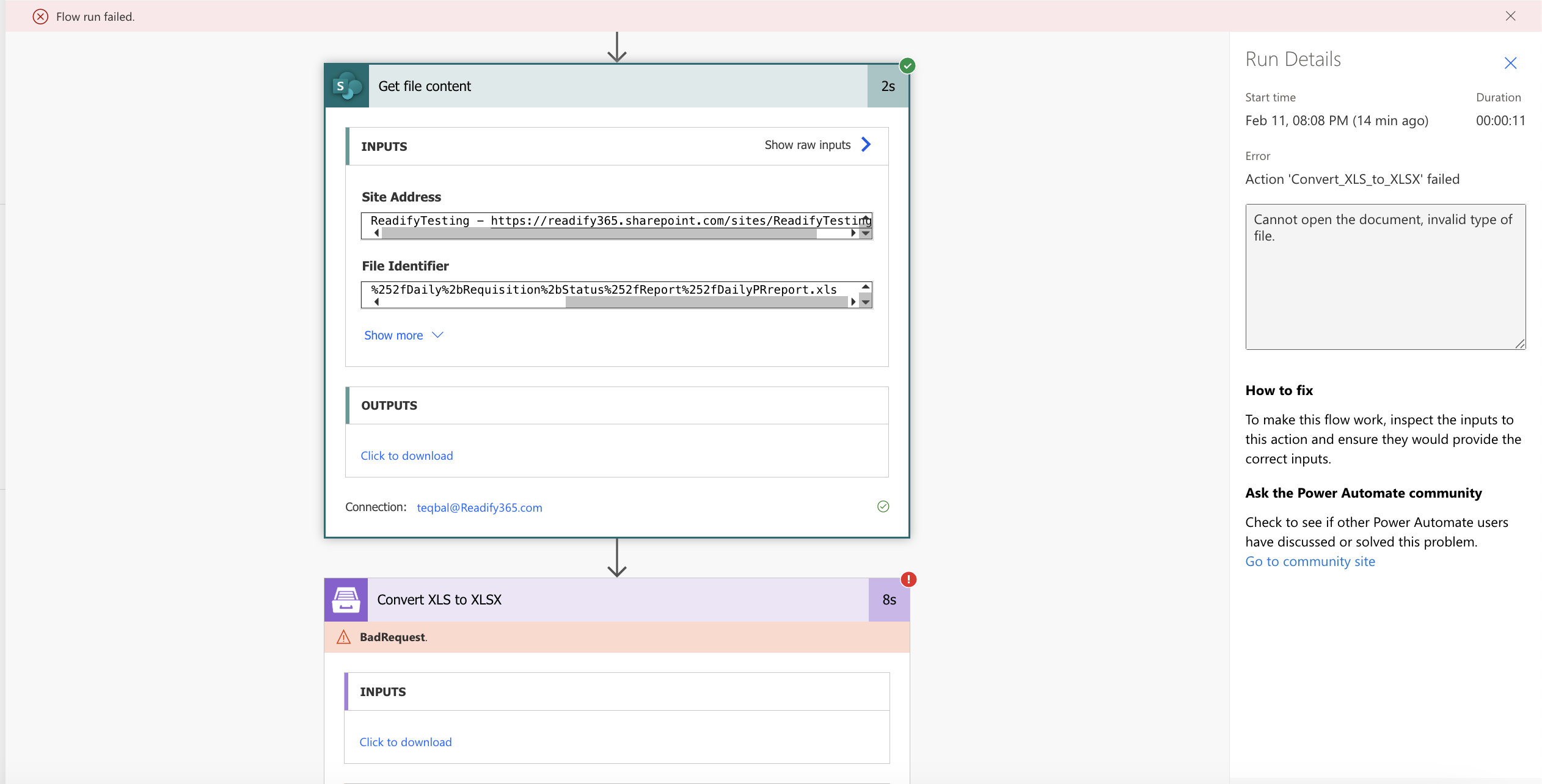
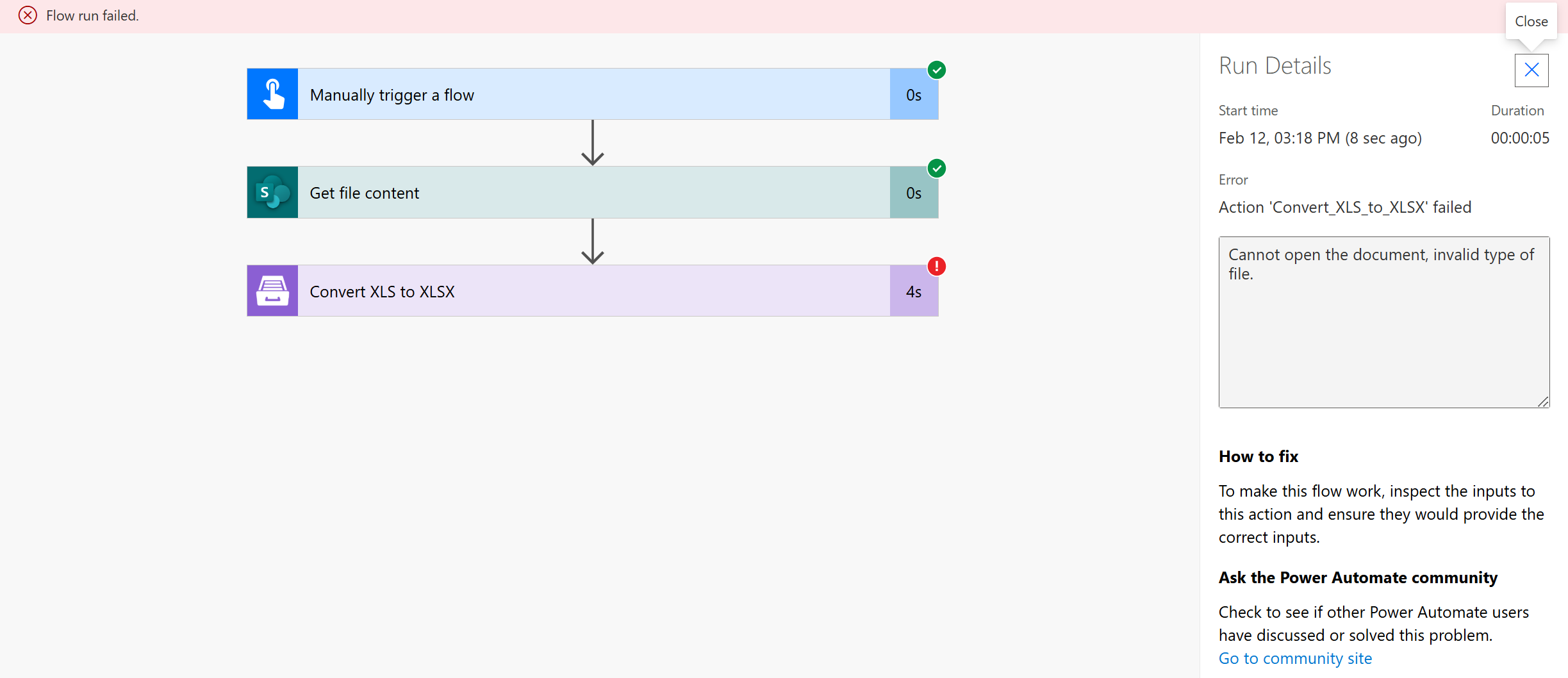
I attempted to convert an XLS file to XLSX using the Plumsail connector, but I’m encountering an error stating: "Cannot open the document, invalid type of file." However, when I open the same file in SharePoint, it prompts me to convert it for editing, and upon clicking Convert, SharePoint successfully converts it to XLSX.
This confirms that the XLS file is valid, yet Plumsail is unable to process the conversion. I have also verified that the correct file is being sent in the flow. Please find the attached screenshot for further clarity.
This is a priority task, so I would appreciate your urgent assistance.
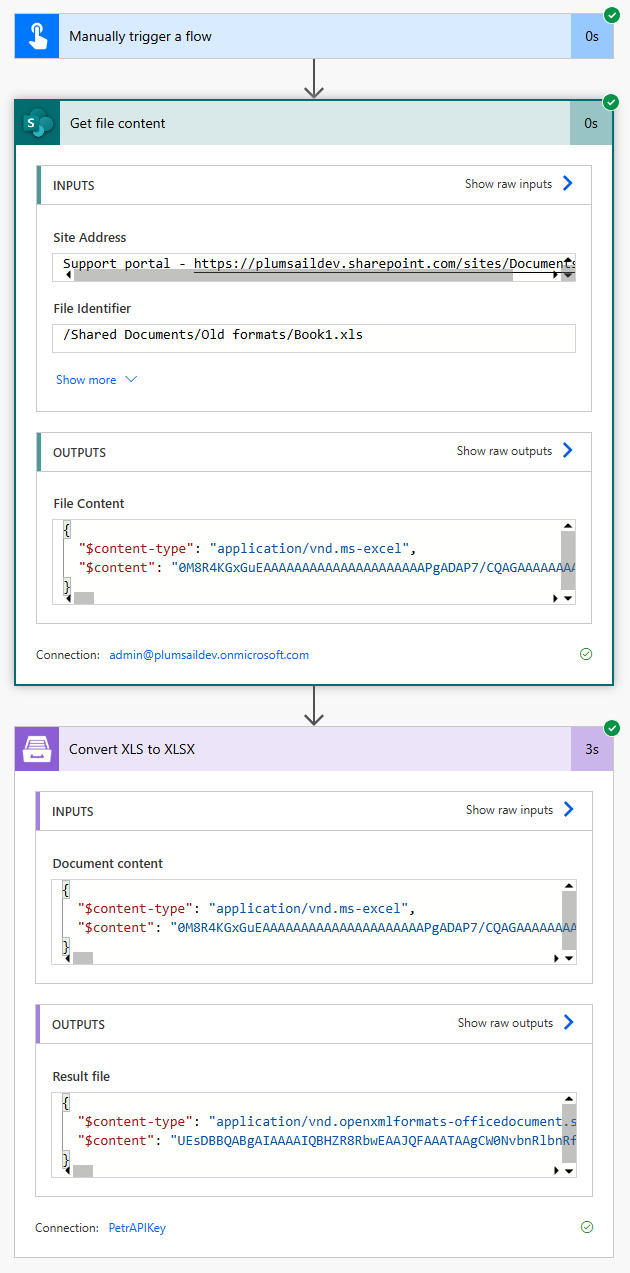
I converted my test .xls file and the flow was successful.
Please share your xls sample and I'll try to reproduce the issue. (you can also send it to support@plumsail.com with a reference to the thread). Probably there is some issue with the source .xls file yet.