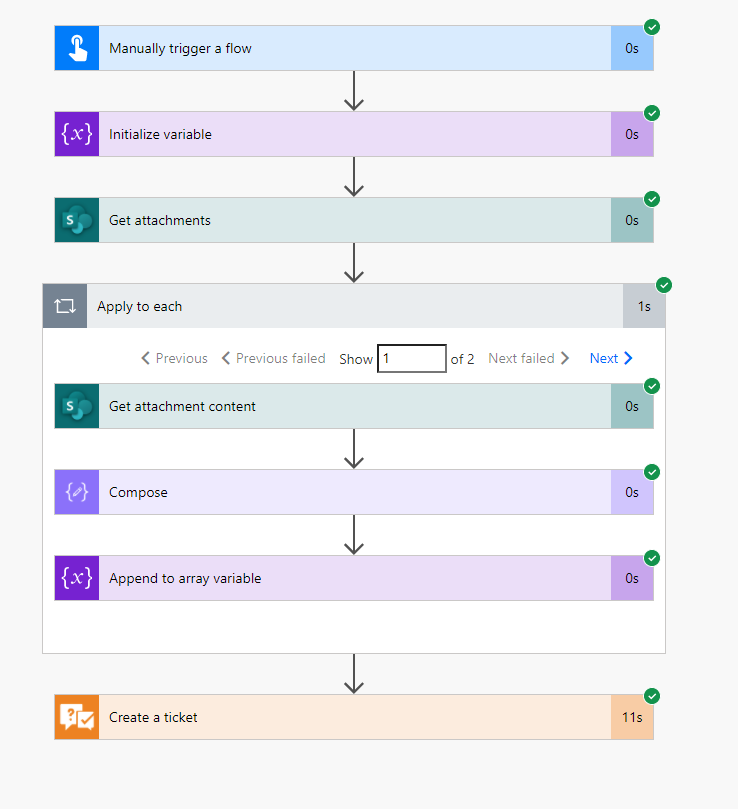
Hi I am getting an error during creating a ticket
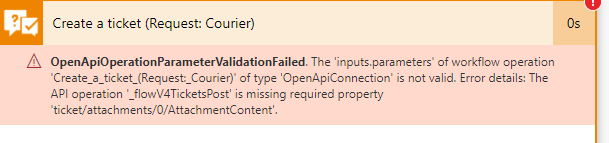
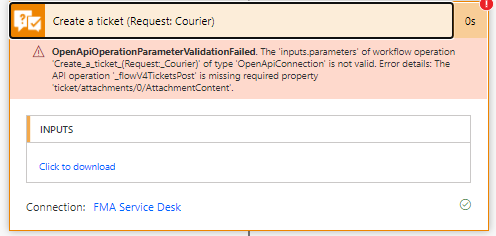
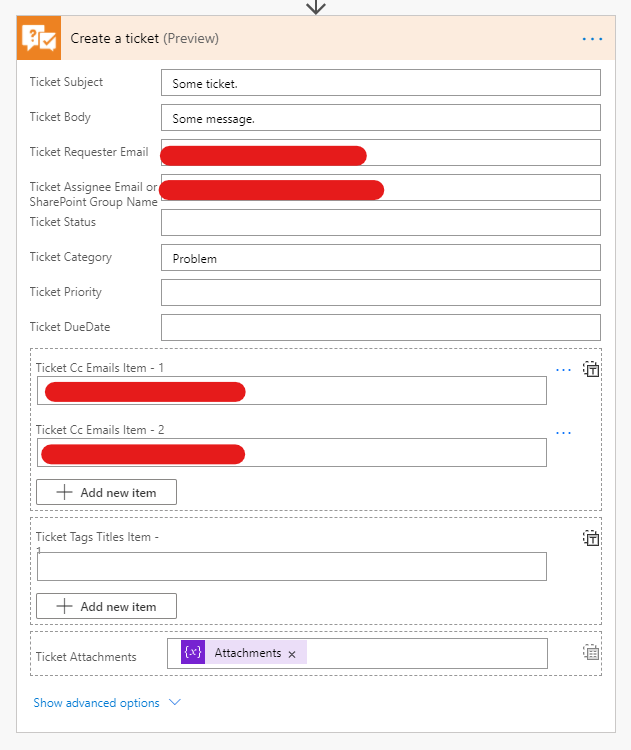
" OpenApiOperationParameterValidationFailed . The 'inputs.parameters' of workflow operation 'Create_a_ticket_(Request:_Courier)' of type 'OpenApiConnection' is not valid. Error details: The API operation '_flowV4TicketsPost' is missing required property 'ticket/attachments/0/AttachmentContent'"
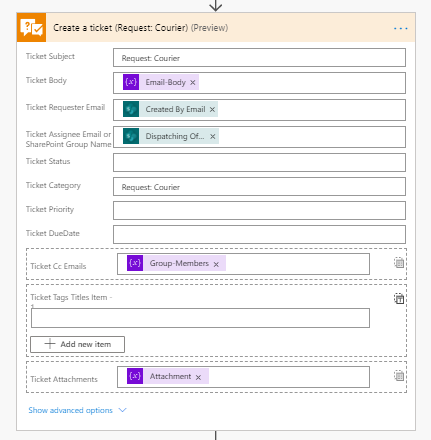
The problem only Exists when there is an attachment. It works fine otherwise.
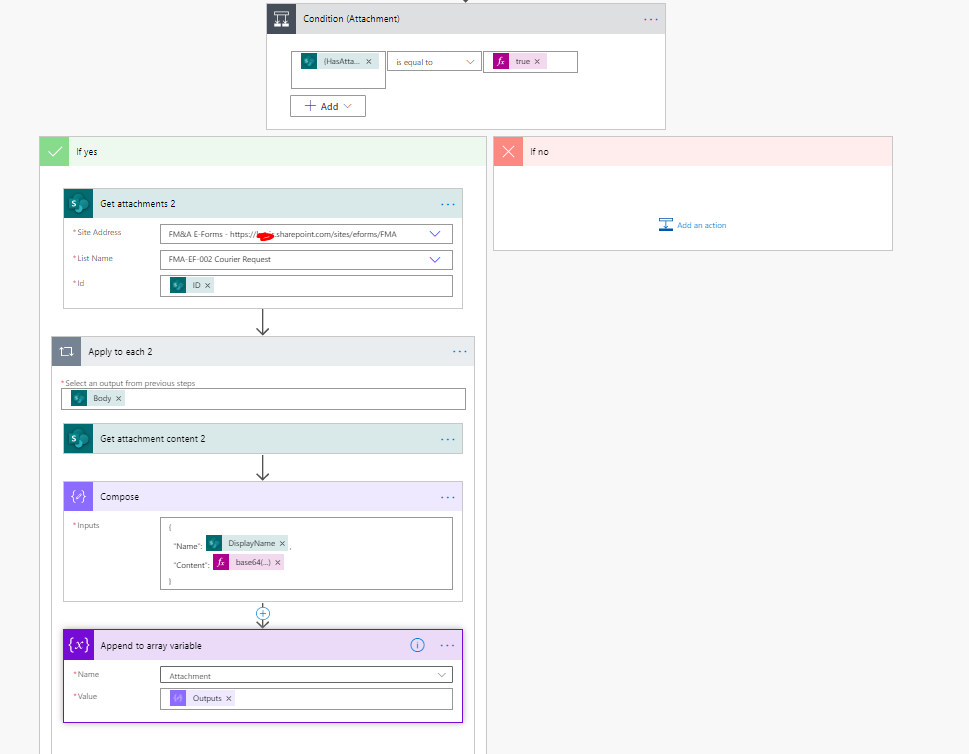
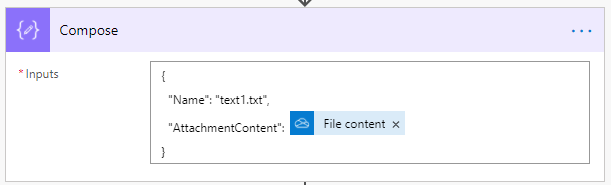
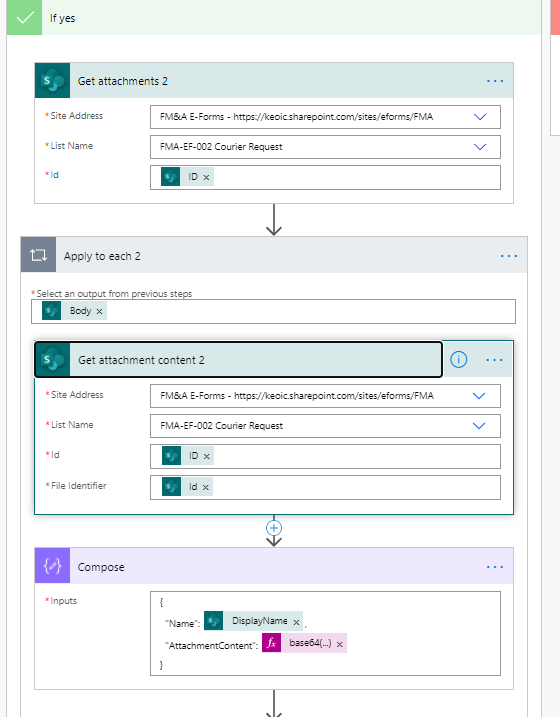
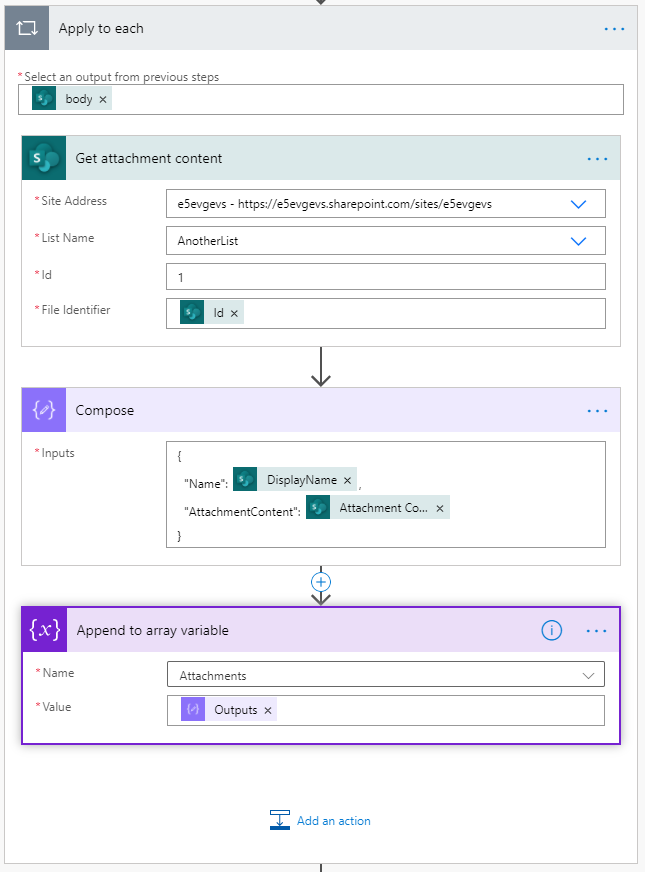
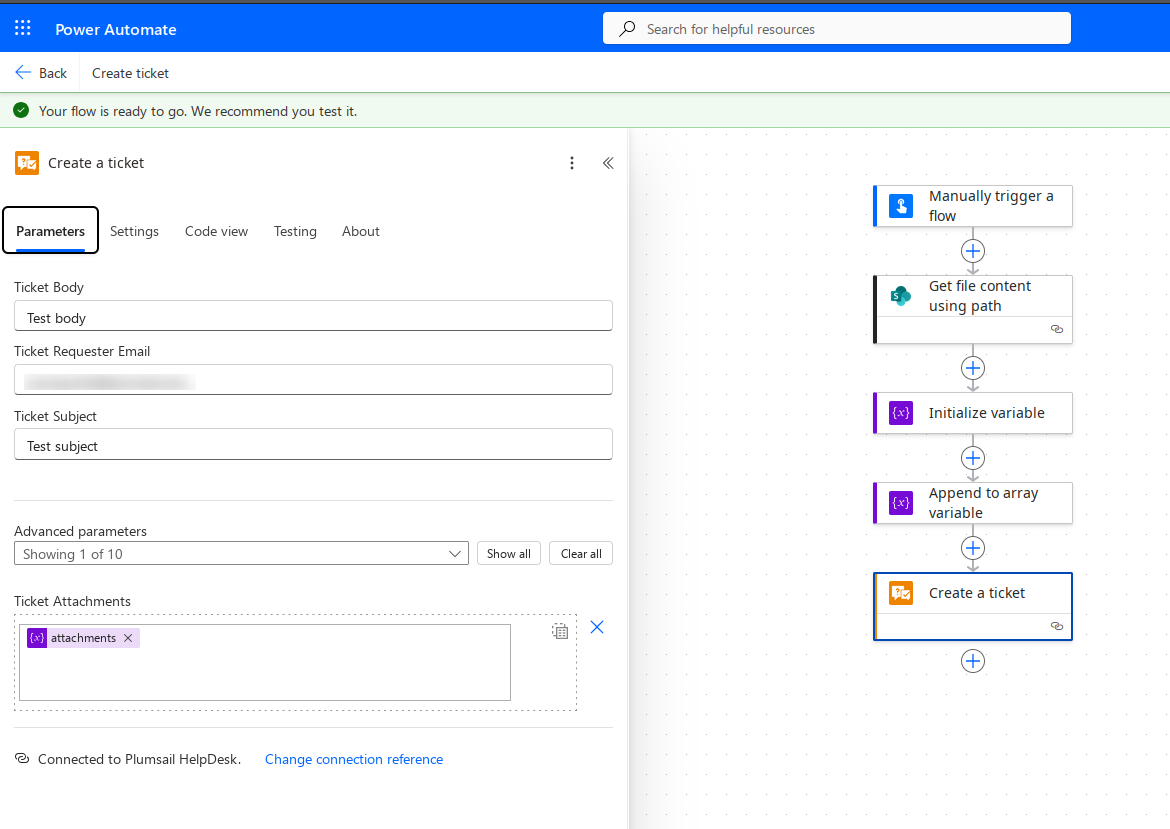
Please try to pass the attachment content directly without using the base64() expression (as on my screenshot). If it doesn't help, share the file(s) you try to attach - I will need to reproduce your case.
UPD
You can share the files via private message if you don't want them to be available publicly.
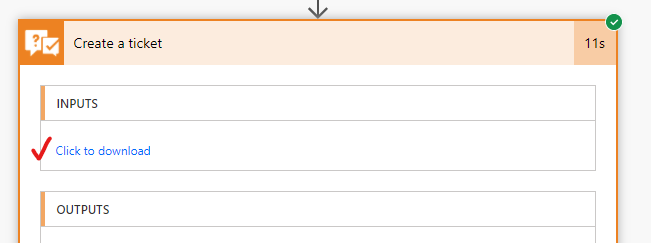
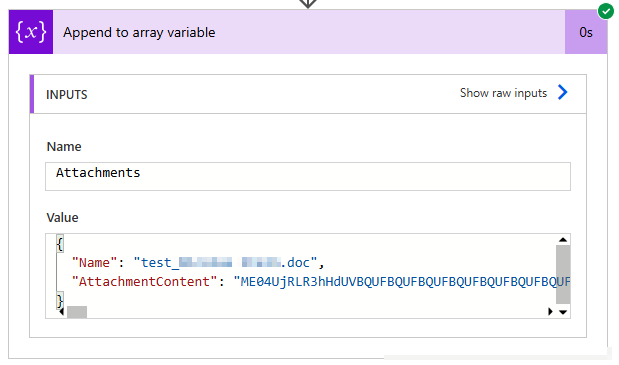
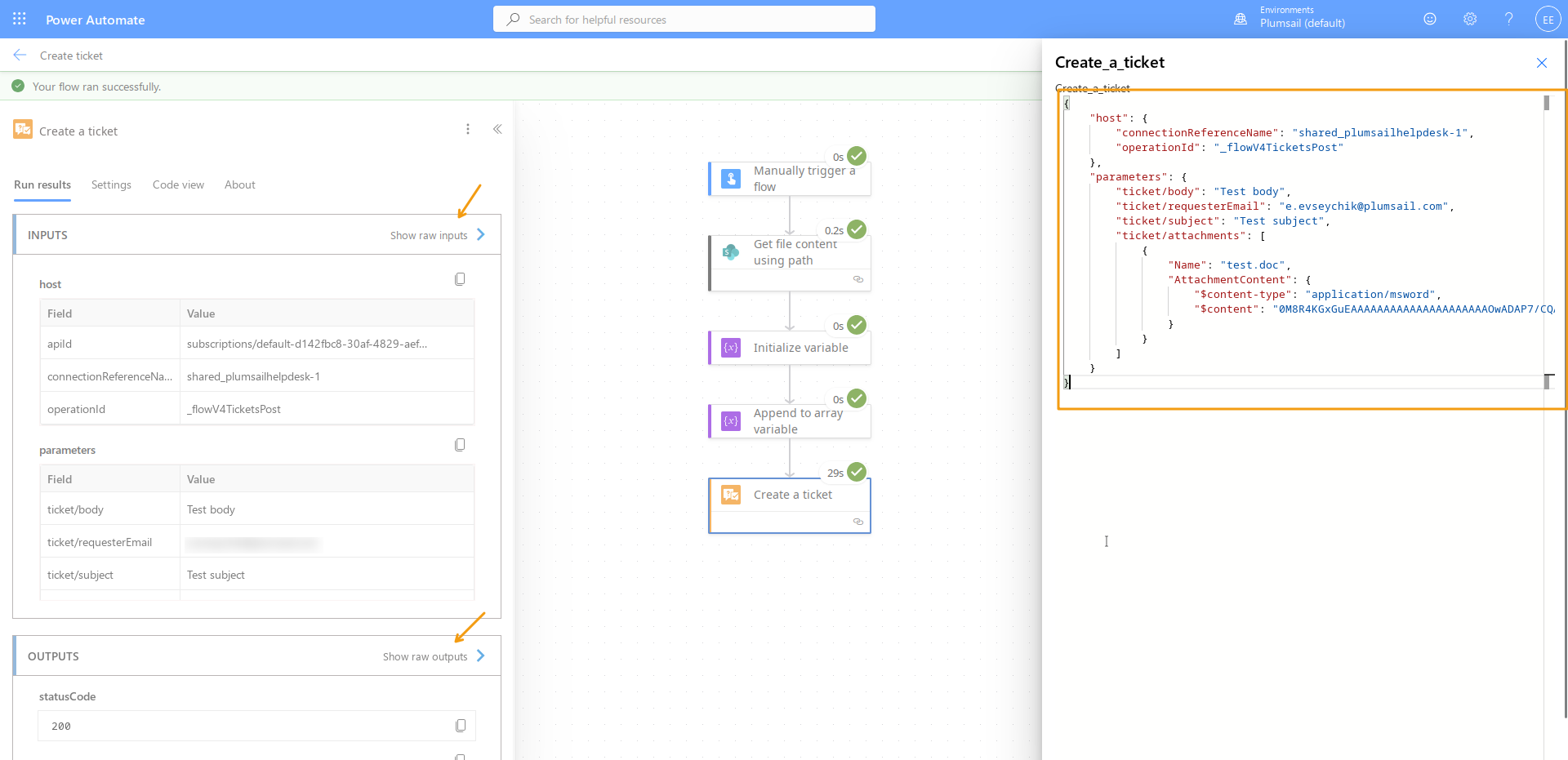
That is why I asked you to provide sample files to reproduce exactly your case. Perhaps, there is a problem with files with a certain extension or something else. Also, please save the input of the HelpDesk action into a JSON file and share it too. You can do it via private message.
I have reproduced the error and it occurs when you put the content of the MSG-file into base64() expression. If you pass the attachment content directly, it will work:
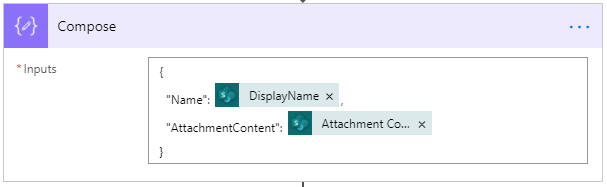
But in your case, there was an additional problem: the AttachmentContent property contained a space which broke the process:
Please check the composing object once more, delete the space, get rid of the expression and let me know whether it helped to solve the issue.
Thanks Evseychik, I have removed the expression (base64()) and it worked. We have other "Create ticket" action that uses base64() will it be an issue if the file type is .msg?
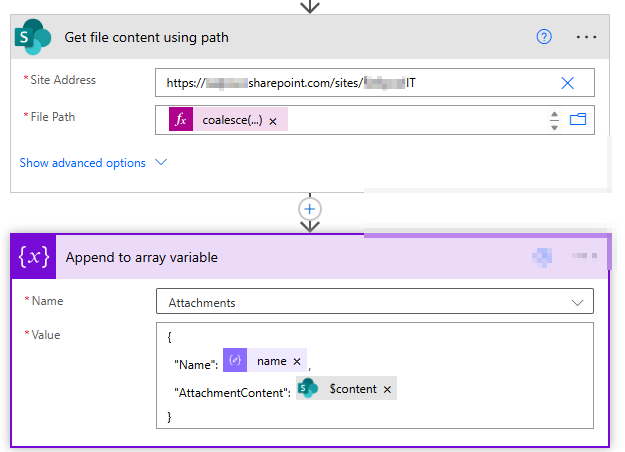
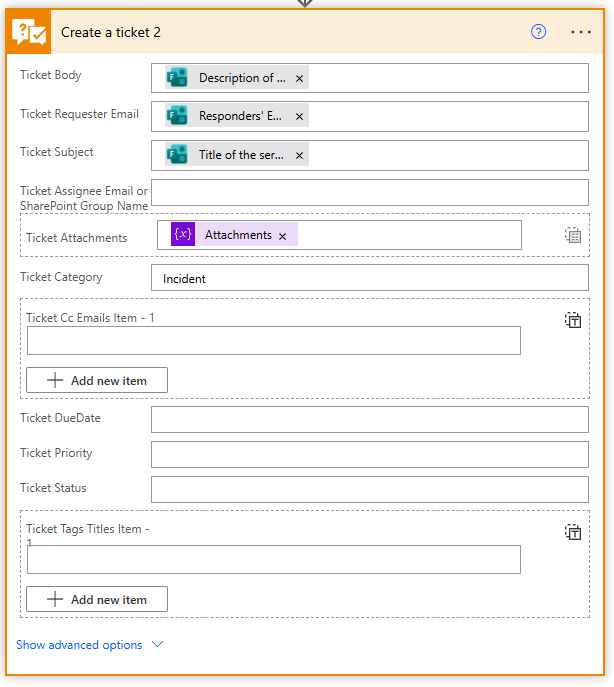
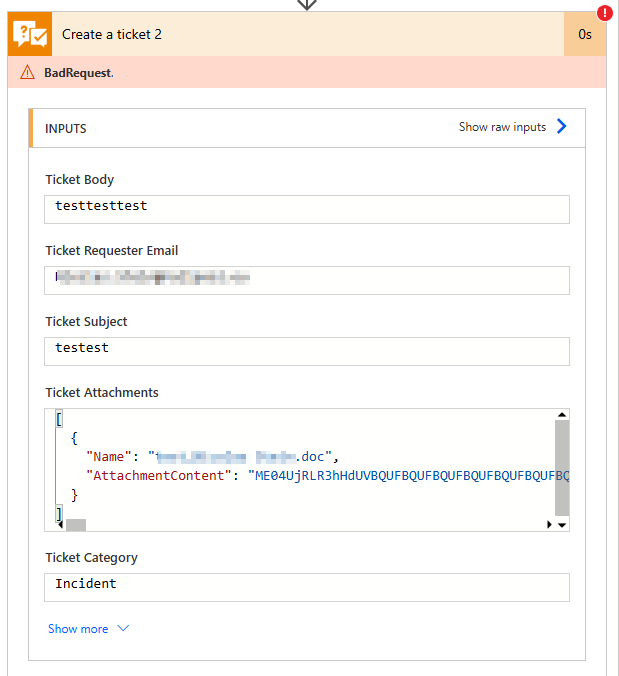
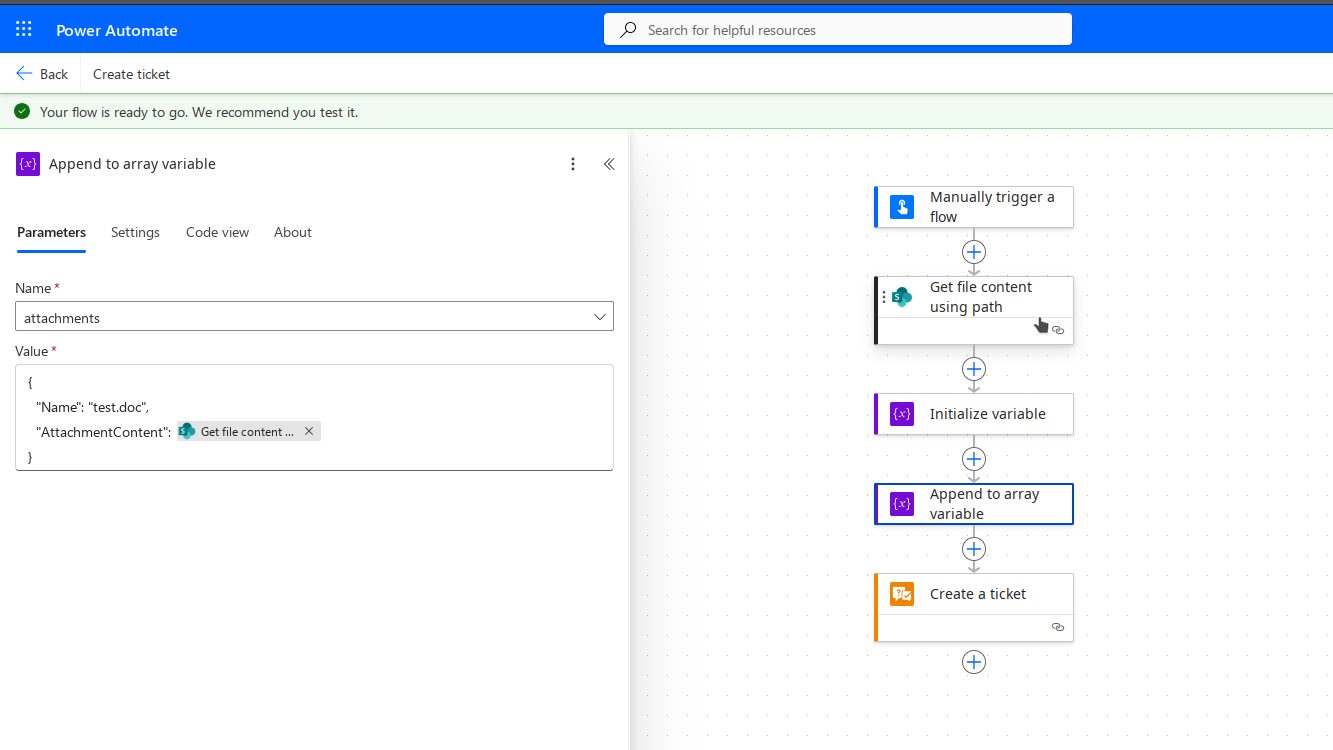
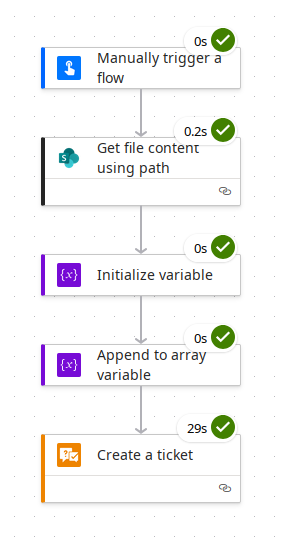
I'm running into the same problem as @Rinu. I'm retrieving my files from a Microsoft Forms form, which is savin the attachments to a SharePoint document library. I get the content using the "Get file content using path" action from SharePoint. I'm adding name and attachment content to an array, as shown in several of your answers and in the instructions here.
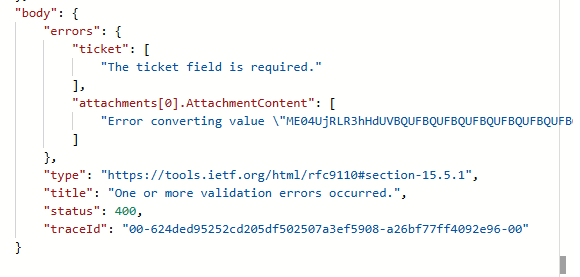
Nevertheless, I keep getting the error message that validation error(s) have occurred. Whether I convert the content to Base64 beforehand or use it directly from the SharePoint action to add it to the array, the error remains the same.
Please raise a ticket at support@plumsail.com, refer to this topic, and share the test file you tried to attach and raw inputs and outputs of the HelpDesk action. Save the latter as text and attach to your request.