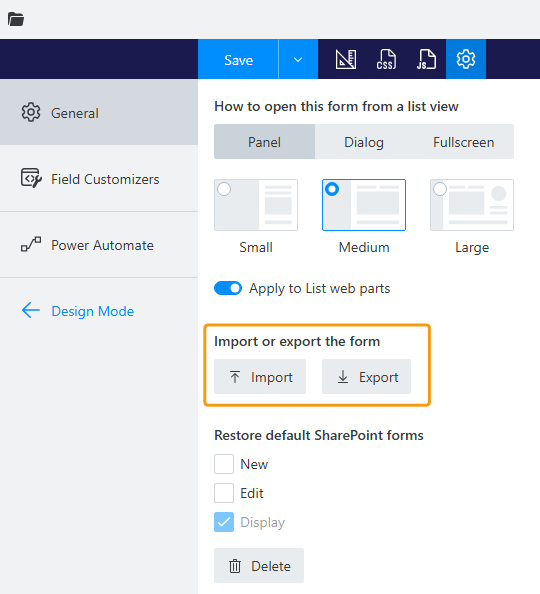
I have started migrating forms from SP 2019 to Online. The first forms I am migrating are for a calendar. I have exported and then imported the forms using the forms designers to the migrated list.
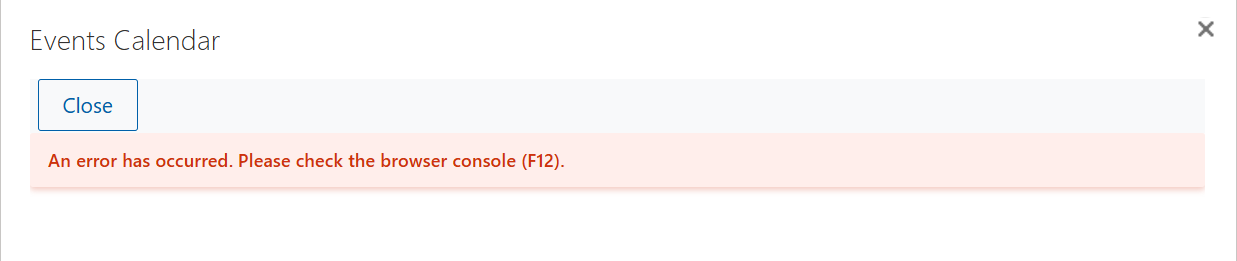
The Edit and Display forms work as expected, however, I am receiving the following error when loading a Newitem form:
Hi @Andrew,
We would need some additional diagnostics from your side. Can you please contact us via support@plumsail.com and send us a HAR file and a screen recording?
For the screen recording, please include the browser's address bar.
To record a HAR file, follow these steps:
In Edge browser, open the list with the erroneous form.
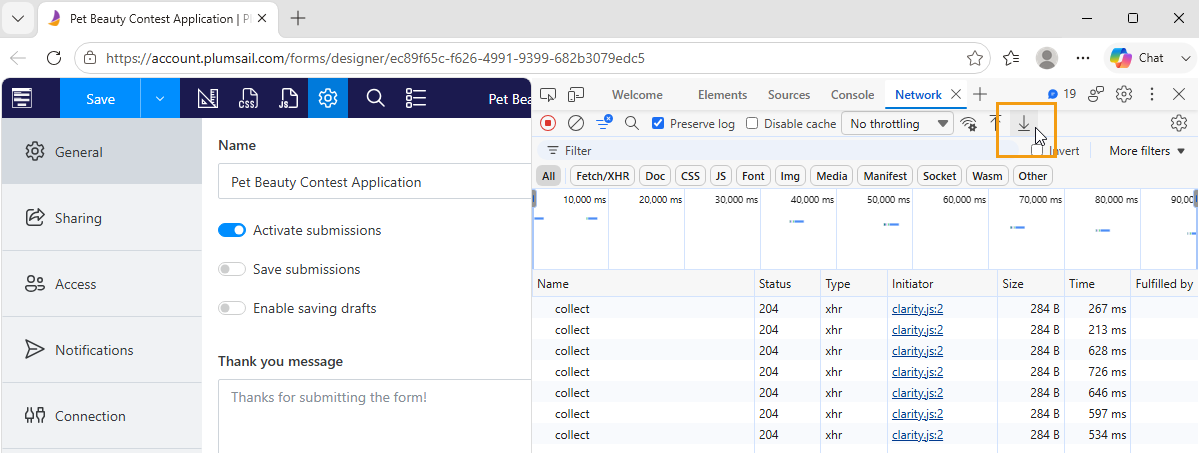
Open DevTools by pressing Ctrl+Shift+I and switch to network tab.
Refresh the page and then try to create a new list item.
Wait until you receive the error message.
Export the HAR file by pressing the export button, located at the top of the DevTools panel:
I've looked into it more and found that the 500 (Internal Server Error) line in the console above is due to the decodeUrl parameter being repeated, giving an incorrect list reference:
In this case the new form is triggered when clicking on '+New' or double clicking the specific day's cell in the classic calendar UI. Hence the issue is likely to be associated with migrating and using a classic calendar UI in SharePoint online.
As I don't need to trigger the form in this way I have instead used the plumsail list web part and this correctly launches the new form.