When the same form is accessed from multiple devices, updates made on one device are not reflected on another device if the form has already been loaded there. The first device appears to keep using values stored in browser local storage instead of retrieving the latest saved form values.
Steps to Reproduce:
- Open/start a form on User 1’s device.
- Open the same form on User 2’s device.
- Make changes to the form on User 2’s device and save/update it.
- Return to User 1’s device.
- Edit or reload the form.
Result:
User 1 does not see the changes made by User 2. The form continues to show the older values stored in local storage.
Expected Result:
User 1 should see the latest saved form values, including changes made by User 2.
Additional Information:
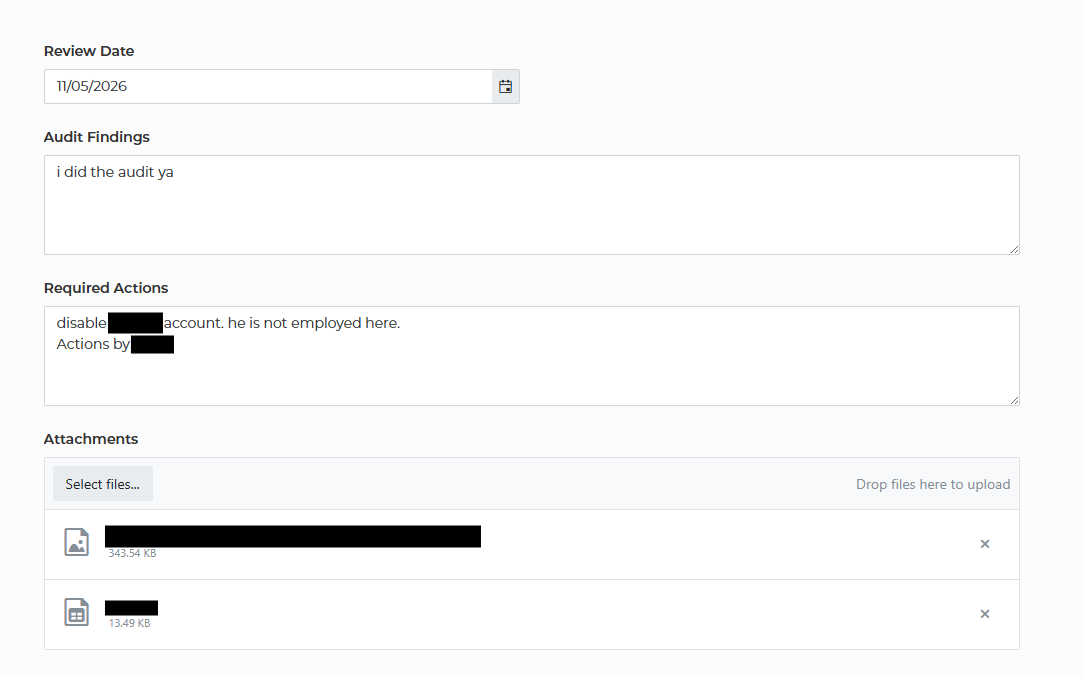
On User 1’s device, the form values appear to be stored in browser local storage. This prevents the device from loading the latest values after another user has updated the form. Clearing local storage and reloading the page causes the latest values to display correctly. Below are some screenshots showing the issue.
Local storage:

Form view:
List view (actual data - green shows value not displaying on form):
