Forms in CanvasZone

Hello community,

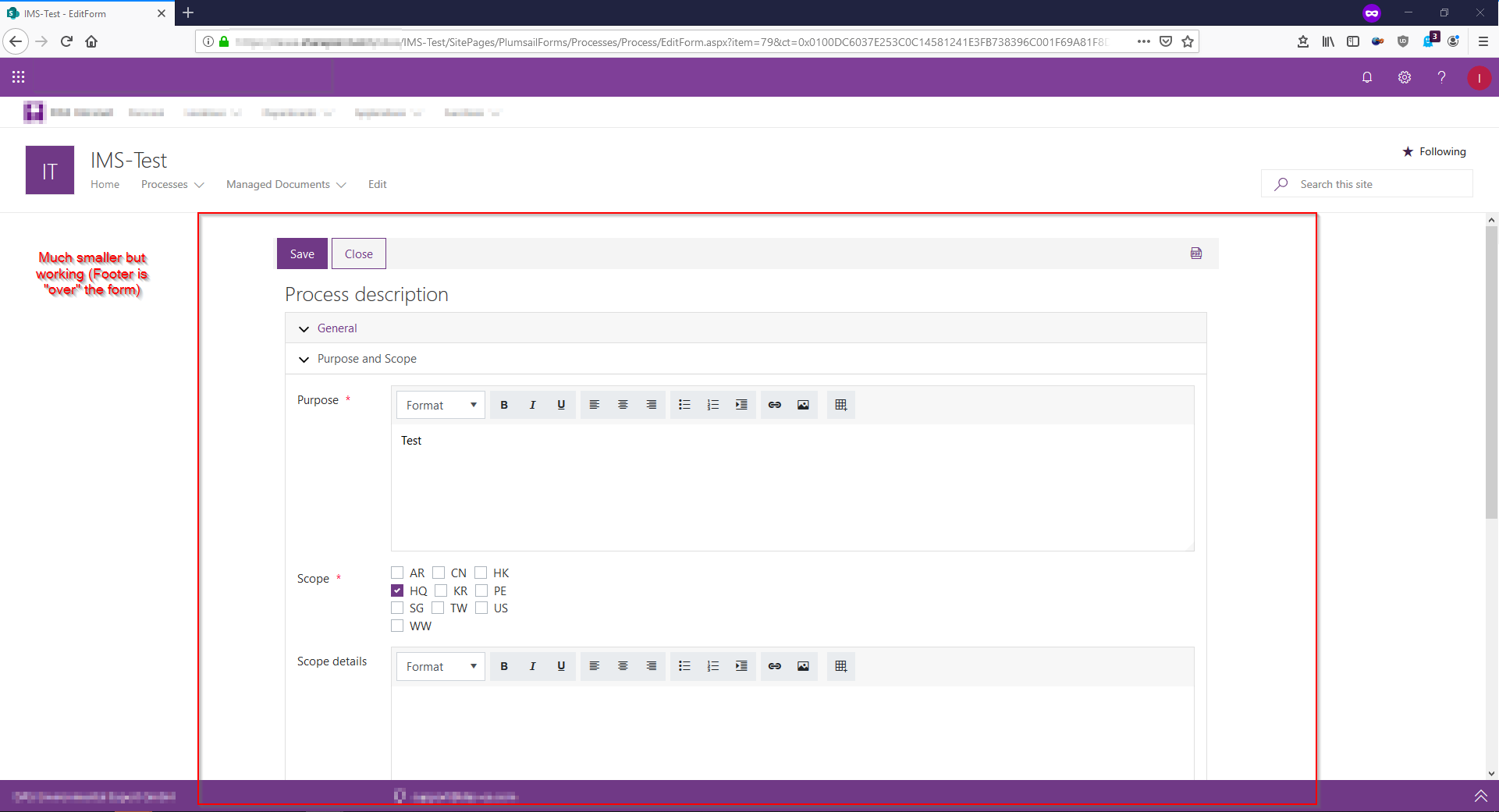
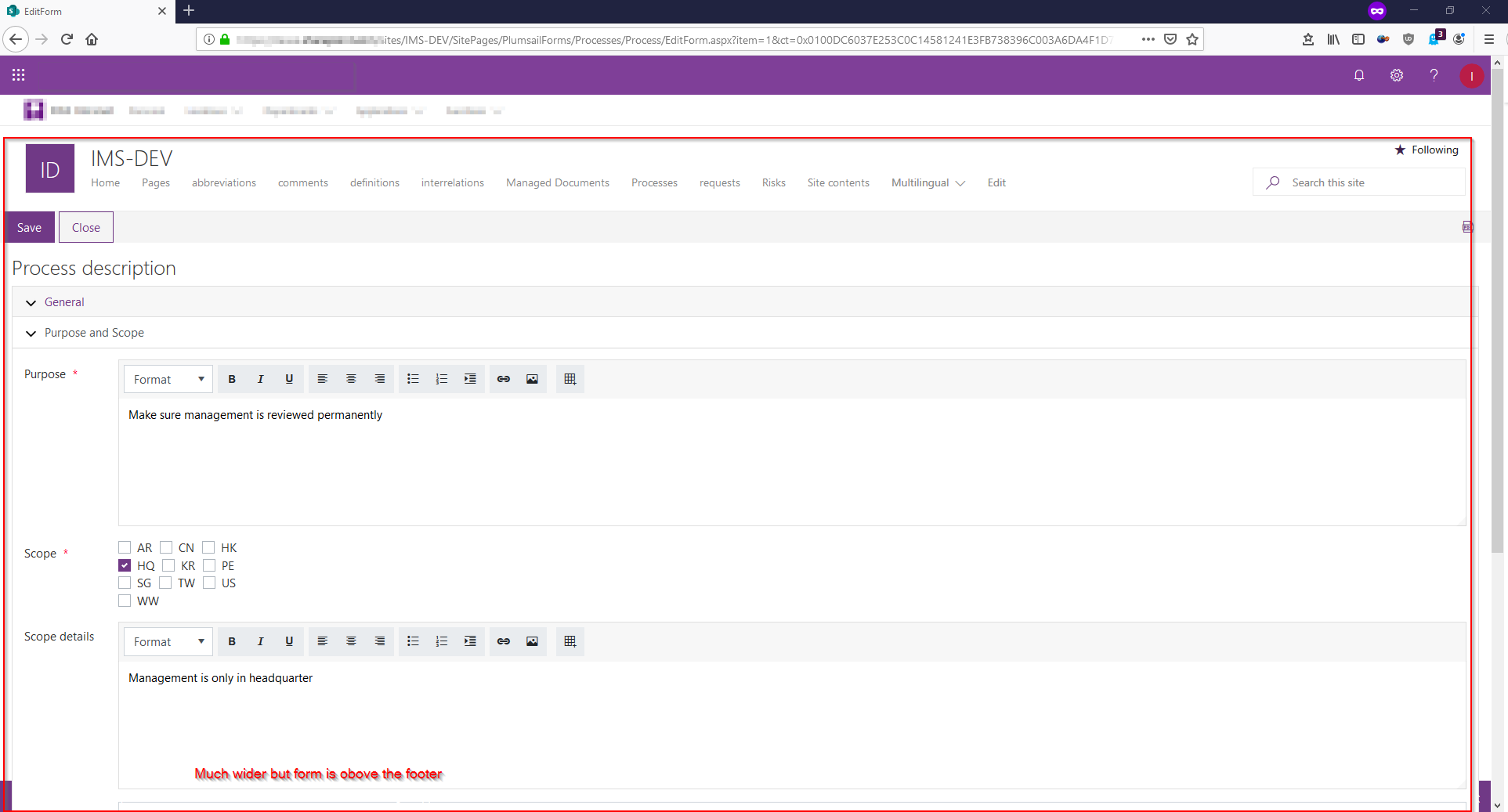
I have a strange issue. Some of my forms have problems with displaying correctly with the pnp-startkit-footer and some have not.
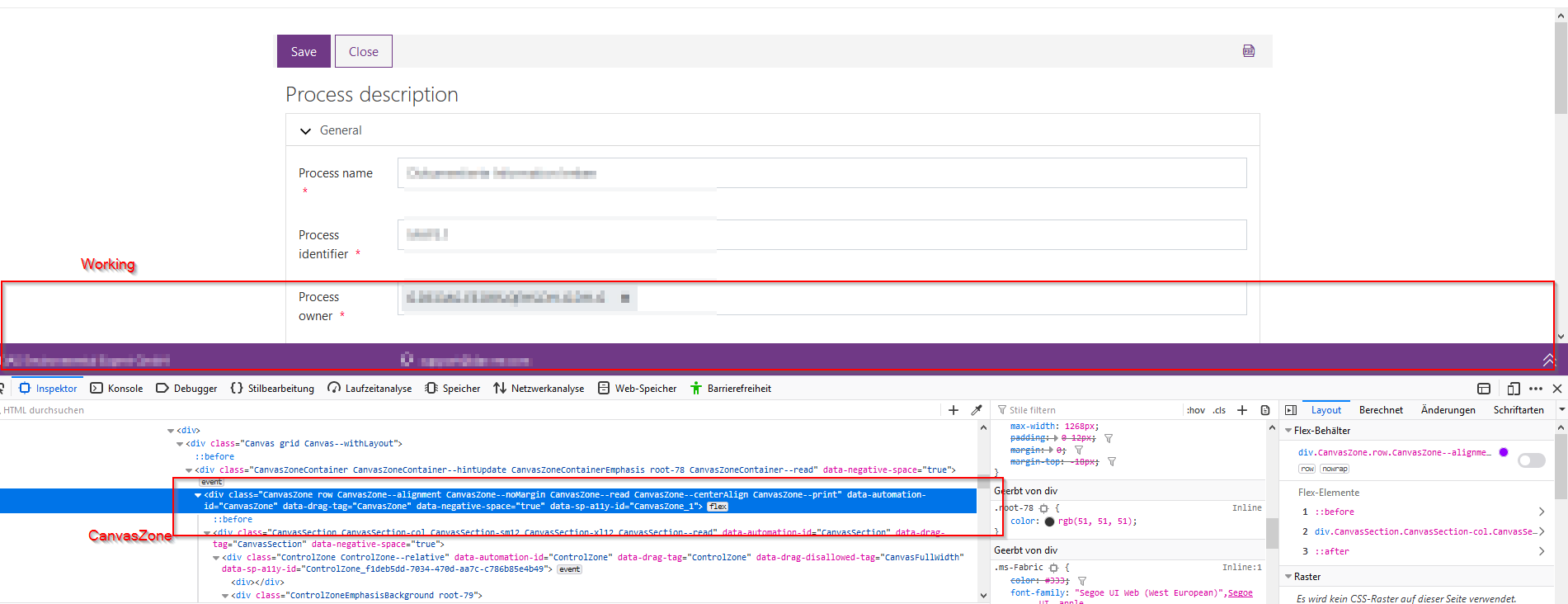
The difference is that the working forms are embedded in a div with the id="CanvasZone" and the forms which have problems are not.
Working:

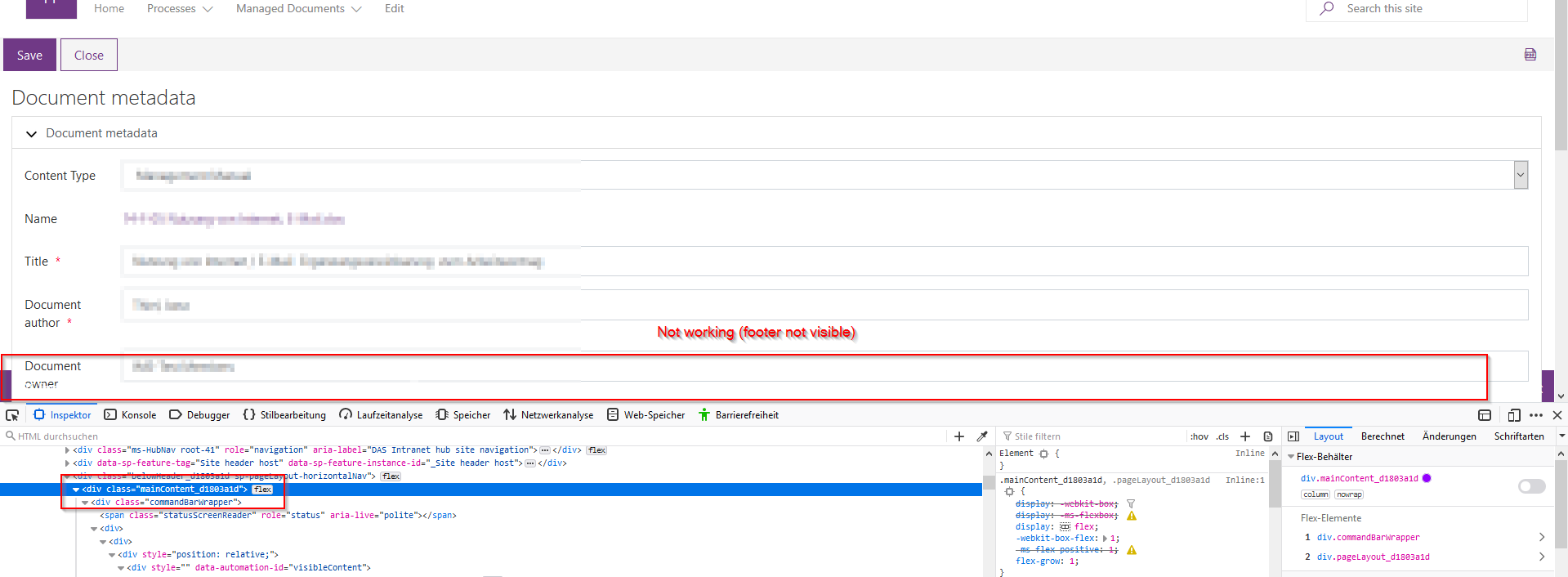
Not Working:

How can I get the other forms in the same rendering mode with the CanvasZone?

Thank you in advance

Hello @muellerfelix,

Could you please give more details about the forms set up to troubleshoot the issue.

Do forms have the same code and styling?
Do controls settings are identical in the forms?

Could you please send us screenshots of the form's settings and the code you are using.

Thank you!

Hello @Margo,

every form set but this one (processes) has the same problem. I tried to export that list and that form set and import it at another site. What is suprising is that on that new site even this form set has the problem:


I removed the complete JS code and CSS but nothing changed.
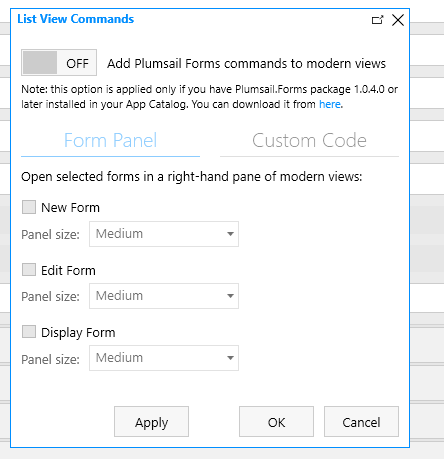
There is no flow export, no routing and no customizer configured. The form panel settings are following:grafik

I also created a ticket for this issue. I could send the exported form to the support. Maybe this would help to troubleshoot the issue?
@muellerfelix,

As discussed in the ticket, in the later versions of the app we've switched to Single part app page for our forms, as they are lighter and load faster - https://docs.microsoft.com/en-us/sharepoint/dev/spfx/web-parts/single-part-app-pages

Unlike default pages, which still used on your old forms, Single part app pages not supported by the PNP footer.

You can most likely fix the issue with some CSS code if you find out what causes this problem by using dev tools.