Hi,
I'm building a document generation flow in Power Automate (called from a Copilot Studio agent) using Plumsail Documents to fill a Word template and generate a contract. I'm getting the same error reported in other threads here:
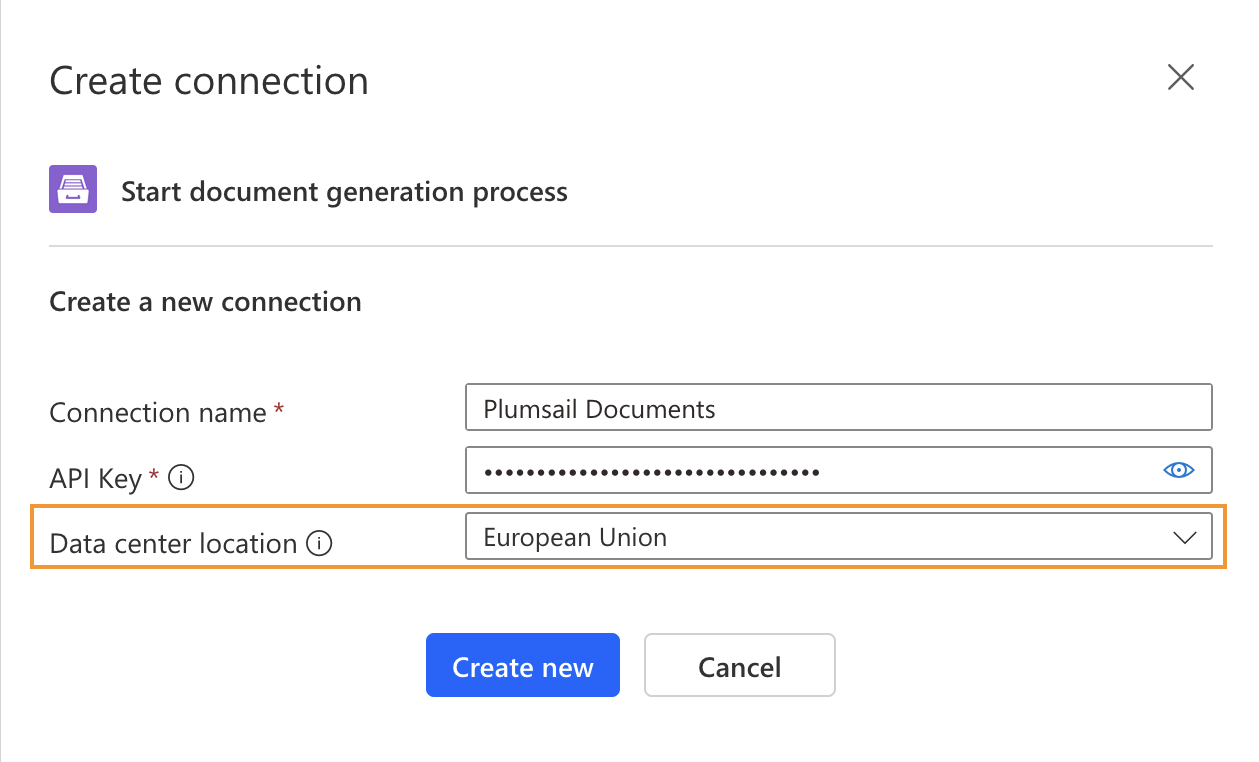
Invalid API key. Make sure you selected the correct region.
I've already ruled out the usual causes:
-
Generated a new Production-mode API key (confirmed "Production" on the API Keys page) and created a fresh Power Automate connection with it.
-
Confirmed my account has an active trial subscription and plenty of remaining document quota (997/1000).
-
Checked the Process itself (separate from the API key) — it was set to "Testing" mode, I switched it to "Production," but the error still occurs.
-
Also occasionally get a plain "Forbidden" and an "Http502" error on the same action.
This matches what "Maxime" described in the "Power Automate import error every 6-8 tickets" thread — the error appears intermittently (not on every run), and you suggested it could be throttling-related.
Could you check whether this is a rate-limiting issue on your side, or something else? Happy to share my account/process details privately if that helps.
Thanks,
Mustafa