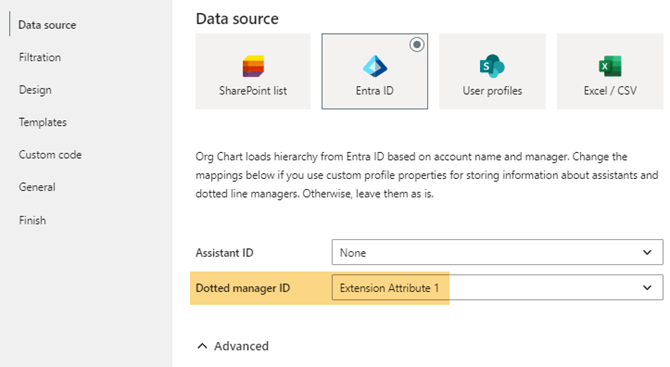
I’m currently using the Plumsail Org Chart web part with Microsoft Entra ID as the data source. I’ve configured ExtensionAttribute1 to store the dottedline manager details of the dotted-line manager for each user.We facing when we
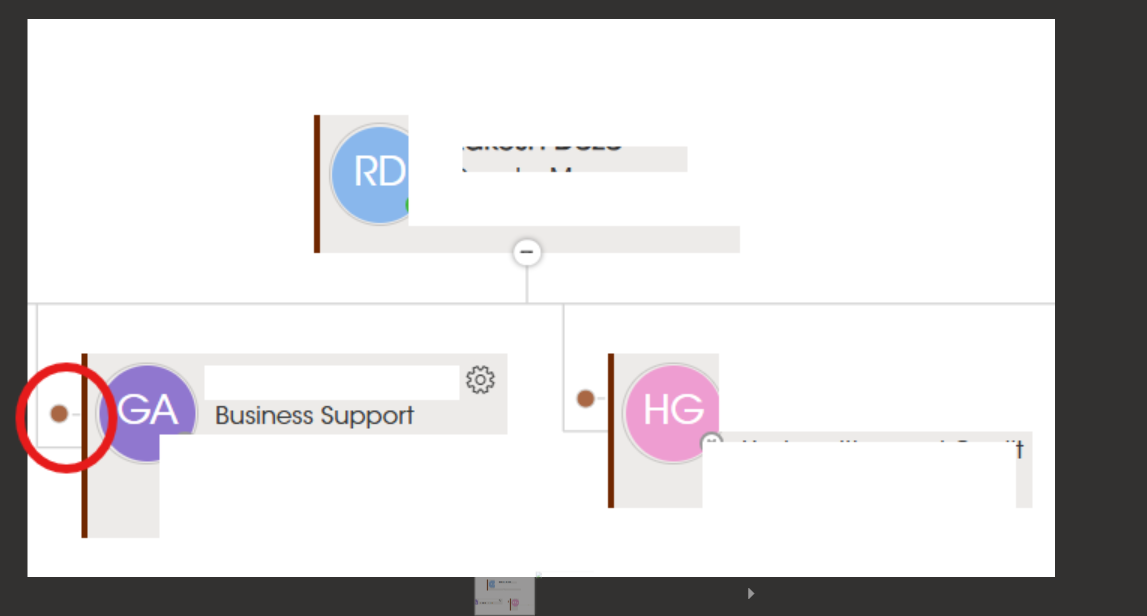
Clicking the dotted-line icon does not navigate to or display the manager’s box in the chart.
The manager is present in the same data source and should be visible in the chart.
Hello @Parvathy! I replied in ticket SP47112 on this issue twice. Did you not receive notifications with my replies? If so, please ensure that your mailbox does not block messages from our HelpDesk: support@plumsail.com and support@team.plumsail.com.
As regards the issue itself, here is my reply from the ticket.
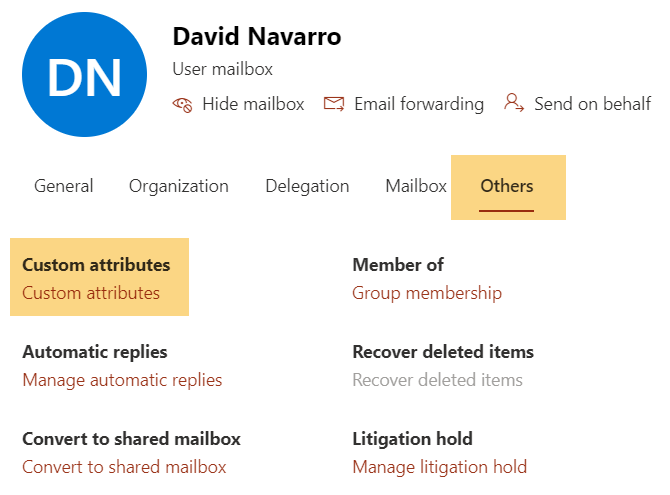
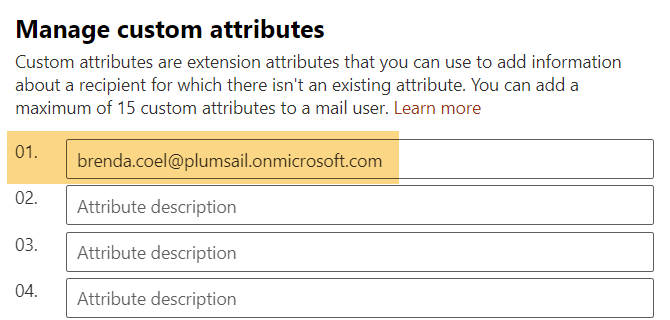
the contact of the dotted-line subordinate in the Exchange Online admin centre showing the dotted-line manager in his attributes:
the ‘General’ tab of manager’s contact in the Exchange Online admin centre, user ID should be visible;
the Org Chart with the dotted-line manager and his subordinate expanded (do not hide fields so that we can detect the issue);
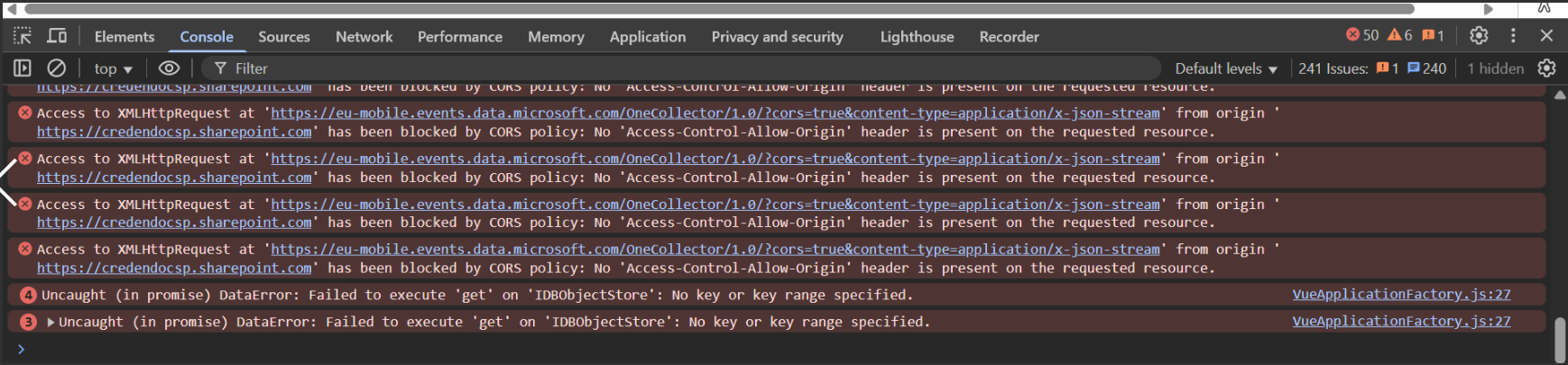
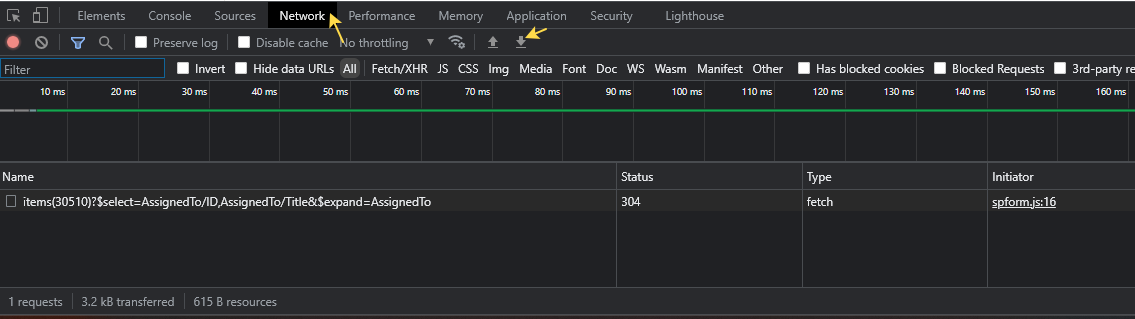
browser console logs and network data collected when you try to click the red dot (see the instruction below).
Please load the page in incognito mode, open developer tools (F12), switch to the ‘Network’ tab, press Ctr+R for reloading the page, and reproduce the issue. Then export a HAR file:
Please do not share the requested data in this topic publicly. Provide them either in the mentioned ticket or send through a private message in the community.
I have double-checked: there were no new replies in the mentioned ticket or other new tickets from you. Please save the EML file of the message which you sent to our HelpDesk and which contains the requested information. Share it through a private message in the community.