I would like to link to a specific form I have created a new form set and want to specifically link to the New form in that form set how do I do so?
I tried using the web part but it says that form does not exist. I also tried using the the form schema that shows in Flow but again that seems in accurate. I also tried using what was is documentation and I get a blank page.
Please help
Hi!
Sorry for a late response, it’s quite an unusual issue.
The easiest option here would be to go to Site Pages -> Plumsail Forms -> List Name -> Content Type name -> Form Set ID -> NewForm.aspx and copy the URL of the page itself to link it to the form.
Hello @AlexZver, @Margo, @Nikita_Kurguzov
I would like to access form link direclty, so i try to find the way that you mention above,
I created different form set including default form.
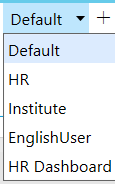
i want link for form HR Dashboard. and it form set id is: "e7bab2ea-e041-462a-b1ab-045e1aad9ccc"
my problem is i can not get folder contain 'Form Set ID' in that.
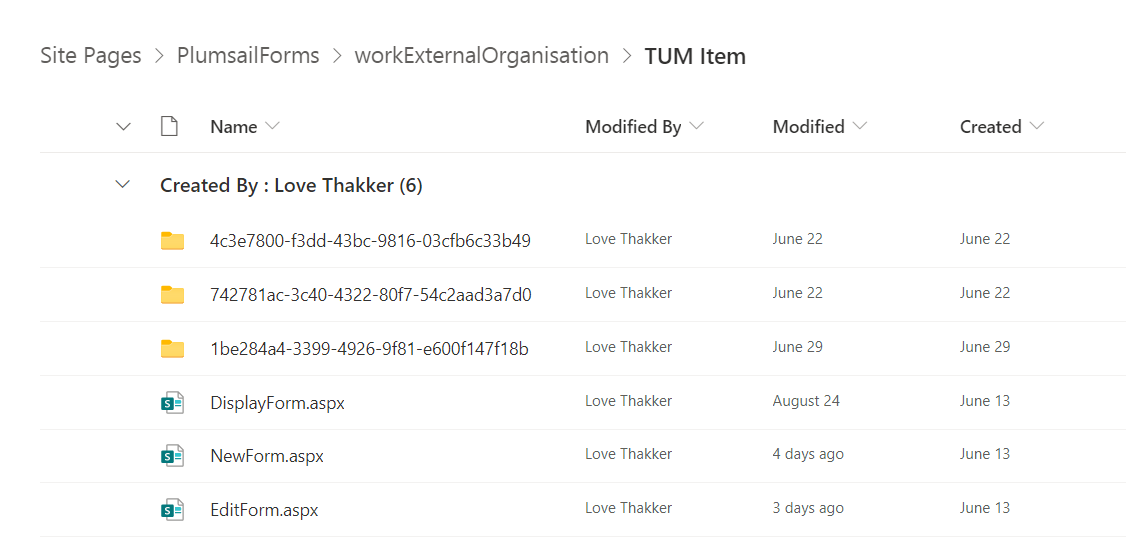
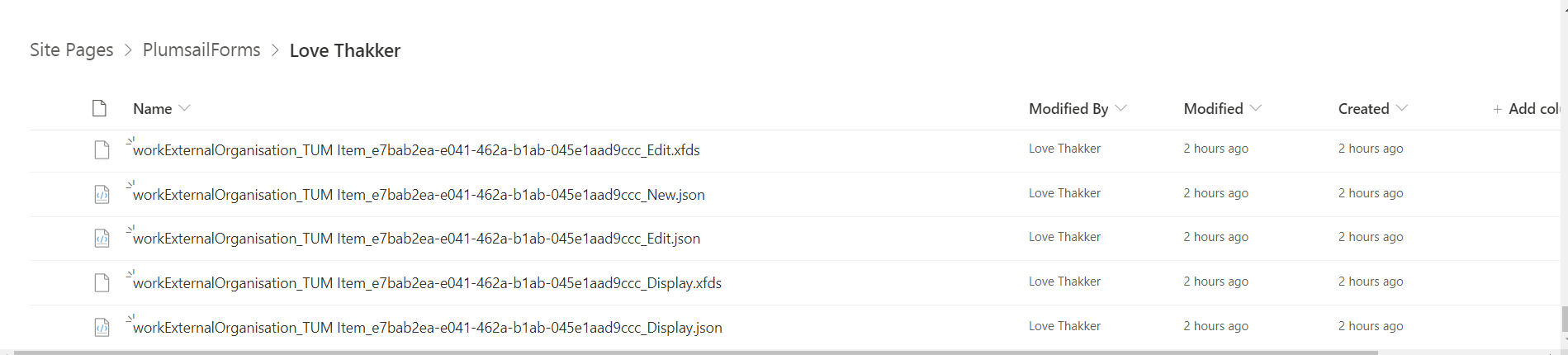
but is available in root folder after Site Pages -> Plumsail Forms -> as json and .xfds file extension.
also i can not generate link with this article, but it also not working.
i can not use routing because i already use it in HR form, i want exact link of this form.
Please help me out...!
Thanks
Hello @harshp924,
The separate page for each form set is not created anymore.
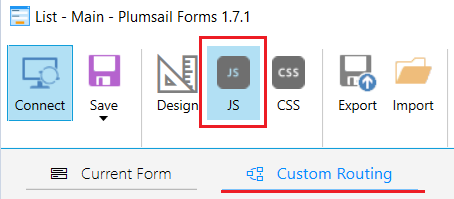
Yes, you can pass Form Set ID in query parameter and redirect user to this specific form set using this code in Custom Routing editor:
const queryString = window.location.search;
const urlParams = new URLSearchParams(queryString);
//FormID is the name of teh query parameter
const formSetId = urlParams.get('FormID')

if(formSetId ){
  return formSetId ;
}
Thanks, @Margo for the response,
as i mentioned before i can not do routing for this, let me explain scenario.
already i have several groups and form set according to that groups, like HR, Institute etc. (please see above image) and i use routing for that.
My requirement is i don't want that user go to the list for opening form, that's why i creating buttons in the home page of the site, so a user can click that button i can directly open that form.
I create form set HR dashboard in and using list or library control of current form in it. i just want that HR can simply click on home page button, and redirect here with just one click.
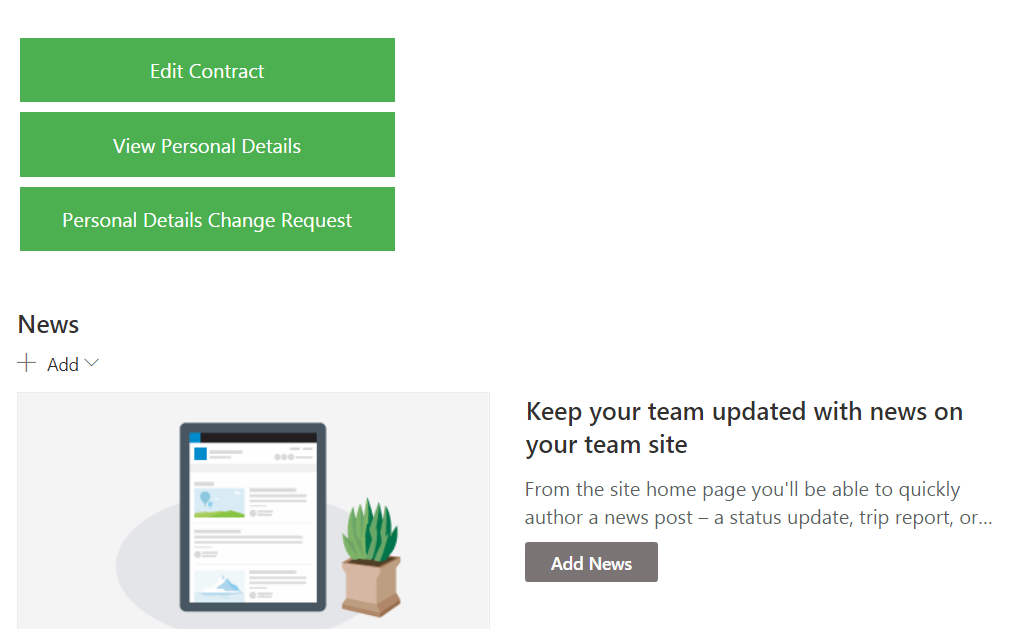
as you see in the above form i want to add a dashboard button and want HR can redirect to that form by clicking on that.
in the routing section, i already wrote code for routing by group, so HR user can rediret to HR form.
i dont know the reason why i can not see forms in folders in the SharePoint site page?
I think i explain well, please help me to get link to specific form so i can use this on my home page button.
Thanks in advance.
Hello @harshp924,
We changed the algorithm of Form sets creation. Now when you add a new form set, the separate page is not created.
Regarding your case, you can add multiple conditions to the custom routing and set the form set priority.
For instance, you can add a condition to open a specific form if the form URL contains query parameter and if the query parameter is blank - open form based on user membership.
Like this:
const queryString = window.location.search;
const urlParams = new URLSearchParams(queryString);
//FormID is the name of teh query parameter
const formSetId = urlParams.get('FormID')

if(formSetId ){
  //open the form based on query parametr
  return formSetId ;
}
else {
//routing by user membership
}