In one of the list and library control it is mandatory to enter certain number of records to be entered. currently users are entering the details one by one. Is there a way we can prepopulate the list items at the time of form load?
I was wondering if there is a way on form load to add all these values by default to make things easier, rather than add new items each time when the user opens up the form. If on form load all the list items are already added, users will just have to edit to make changes and submit.
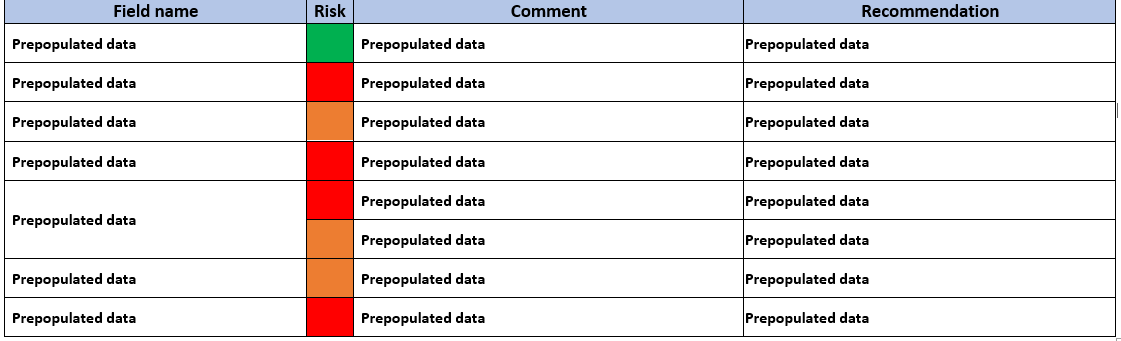
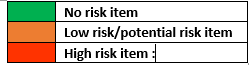
Also is there a way to color code a Colum based on field value in list or library control?
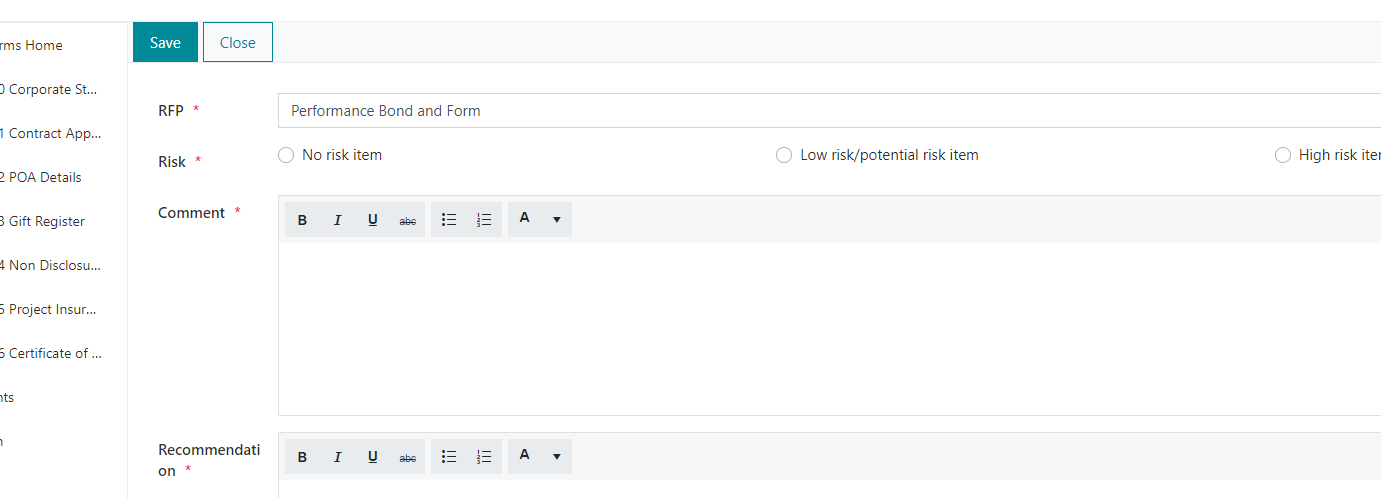
Is there a way for fields such as comments and Recommendation to be rich text when I tried to change the type of these fields to rich text the field gets disabled and i am not able add/edit in the list and library control.
Please see my attempt.
fd.spRendered(function () {
    var list = pnp.sp.web.lists.getByTitle("mylist");

		list.items.add({
                RFP: "sometext",
                Risk: "",
                Comment: "sometext",
                Recommendation: "some text"
                //LookupID: fd.field('ID').value
		}).then(function(){
    		fd.control('SPDataTable1').refresh();
	});
});
the items gets added to the list but not in 'SPDataTable1'
Yes, and the code that you've shared is valid.
Are you using this code in a New Form?
This is not the best approach, that may cause the creation of multiple unwanted records. You can make users to fill out basic information and save the item. When the item is saved, redirect to edit form and create child records on load of the edit form.
You can customize view of columns in List or Library control, please find the example here.
Rich text columns are disabled in inline editing mode. You can switch to dialog editing mode to work with all fields.
no, I am using the code in the edit form. In this particular case the data is not entered via form we have provisioned it via flow to the list, users will only edit the list item.
2nd question for customizing column it is not working, please see the code below.
fd.control('SPDataTable1').templates = {
PercentComplete: function(ctx) {
var value = ctx.row.Risk;
if (!value) {
return '';
}
if (value == "No risk item"){
return '' + value + '';
}
if (value == "Low risk/potential risk item"){
return '' + value + '';
}
if (value == "High risk item"){
return '' + value + '';
}
}
}
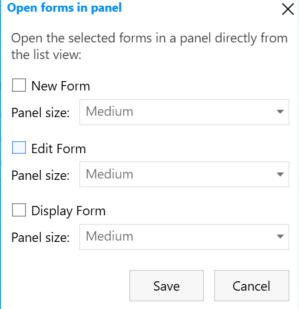
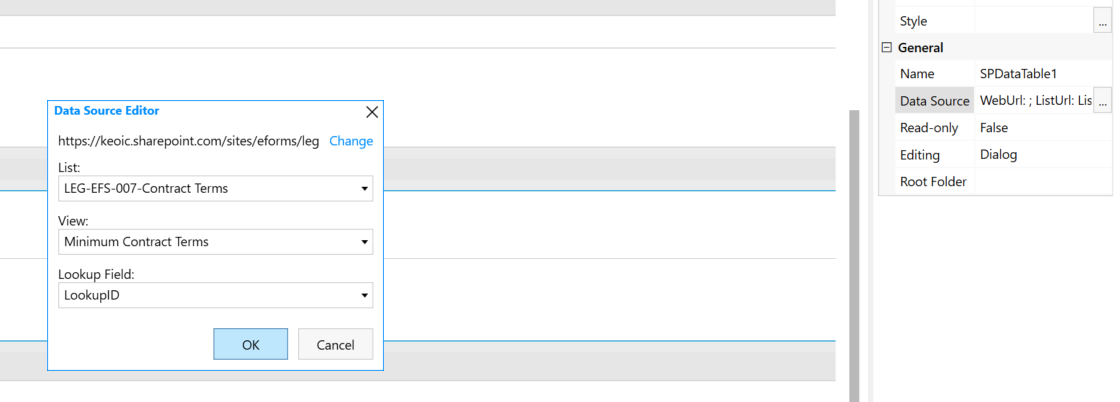
for the 3rd question as soon as the "Add new button" or "Edit" button is clicked it gets redirected to the list form associated with the list and library control (not staying with the current form). Before we just had to change the editing property to "Dialog". to make it work.
You need to replace PercentComplete with the internal name of the column that you want to customize.
I couldn't reproduce the issue with the List or Libary control on my form. Could you please share the screenshot of the control setting and share the screenshot of the form behavior in Edge.
Also, are you getting any errors in the browser console when clicking Add new item or Edit buttons?