Hi,
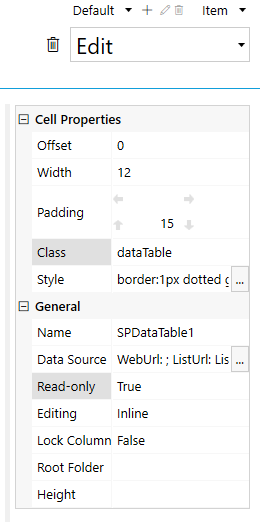
I set List and Library as read-only for Edit view since users are not supposed to edit it after submitted. But there is a request to allow for edit before the form is approved.
I want the table to be editable if the status field is not equal to Reviewed or Approved.
What is the correct script for that?
Margo
April 20, 2022, 10:39am
2
Hello @noorshahida88 ,
You can change List or Library control read-only property dynamically using the code:
fd.field('Status').$on('change', function(value) {
    if(value == 'Approved') {
        //make control editable
        fd.control('Control1').readonly = false;
    }
   else {
      //make control read-only
      fd.control('Control1').readonly = true;
  }
})
Hello @Margo ,
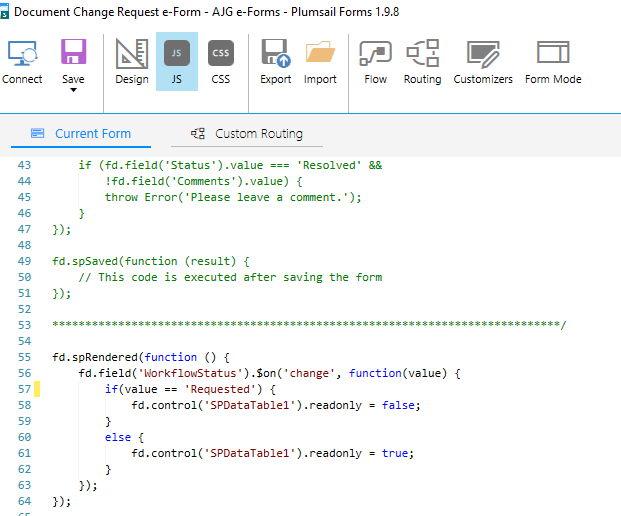
I have tried but nothing changed.
fd.spRendered(function () {
fd.spRendered(function () {
Margo
April 21, 2022, 6:04am
4
Hello @noorshahida88 ,
What Plumsail Forms version are you using?
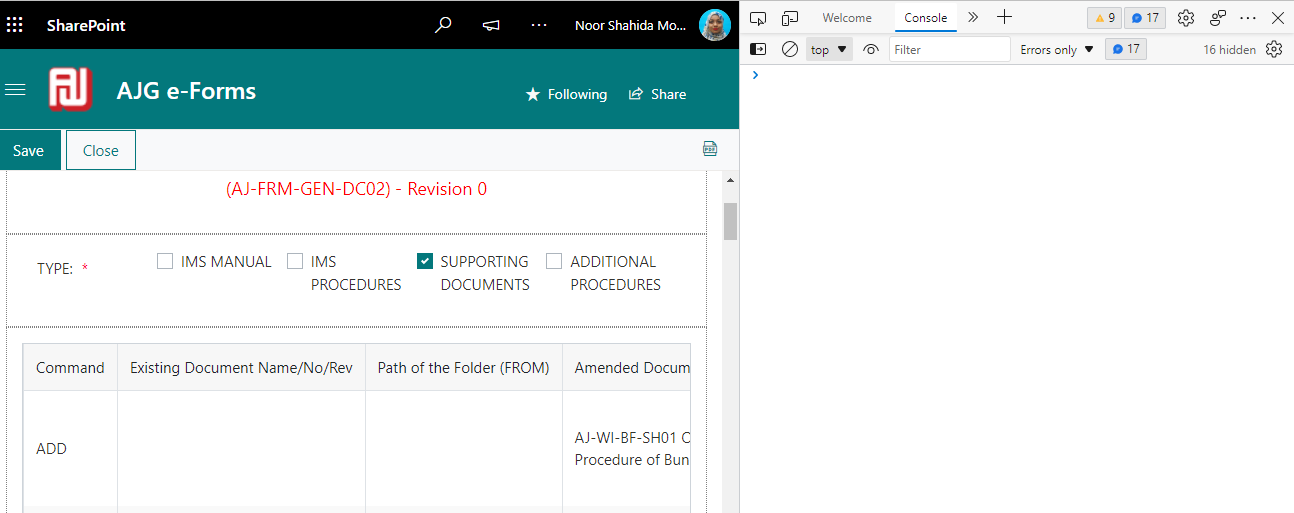
Are you getting errors in the browser console(F12)? Please share the screenshot.
Plumsail for version 1.9.4
no error found
Margo
April 21, 2022, 7:59am
6
@noorshahida88 ,
Please update to the latest version of Plumsail Forms designer which is 1.9.8.
And share errors from the console tab:
Version updated but I don't see any error when opening the Edit form.
Margo
April 22, 2022, 9:31am
8
@noorshahida88 ,
Do you need to make control editable/disabled on form load? If so you need to call the function within spRendered also:
function enableDisableControl () {
        if(fd.field('WorkflowStatus').value == 'Requested') {
                fd.control('SPDataTable1').readonly = false;
        }
        else {
                fd.control('SPDataTable1').readonly = true;
        }
}

fd.spRendered(function () {

        //call function on field change
        fd.field('WorkflowStatus').$on('change', enableDisableControl);

        //call function on form load
        enableDisableControl();
});
1 Like