When I use Merge DOCX, the headers from the merged files are missing in the output file. I want all of the sections to have the same header, and they do in each individual file. How can I ensure the headers persist?
Hello @sympmarc ,
When using the Merge DOCX action in Power Automate, you can set the Apply header and footer parameter to Yes. This will include the header and footer in the merged document.
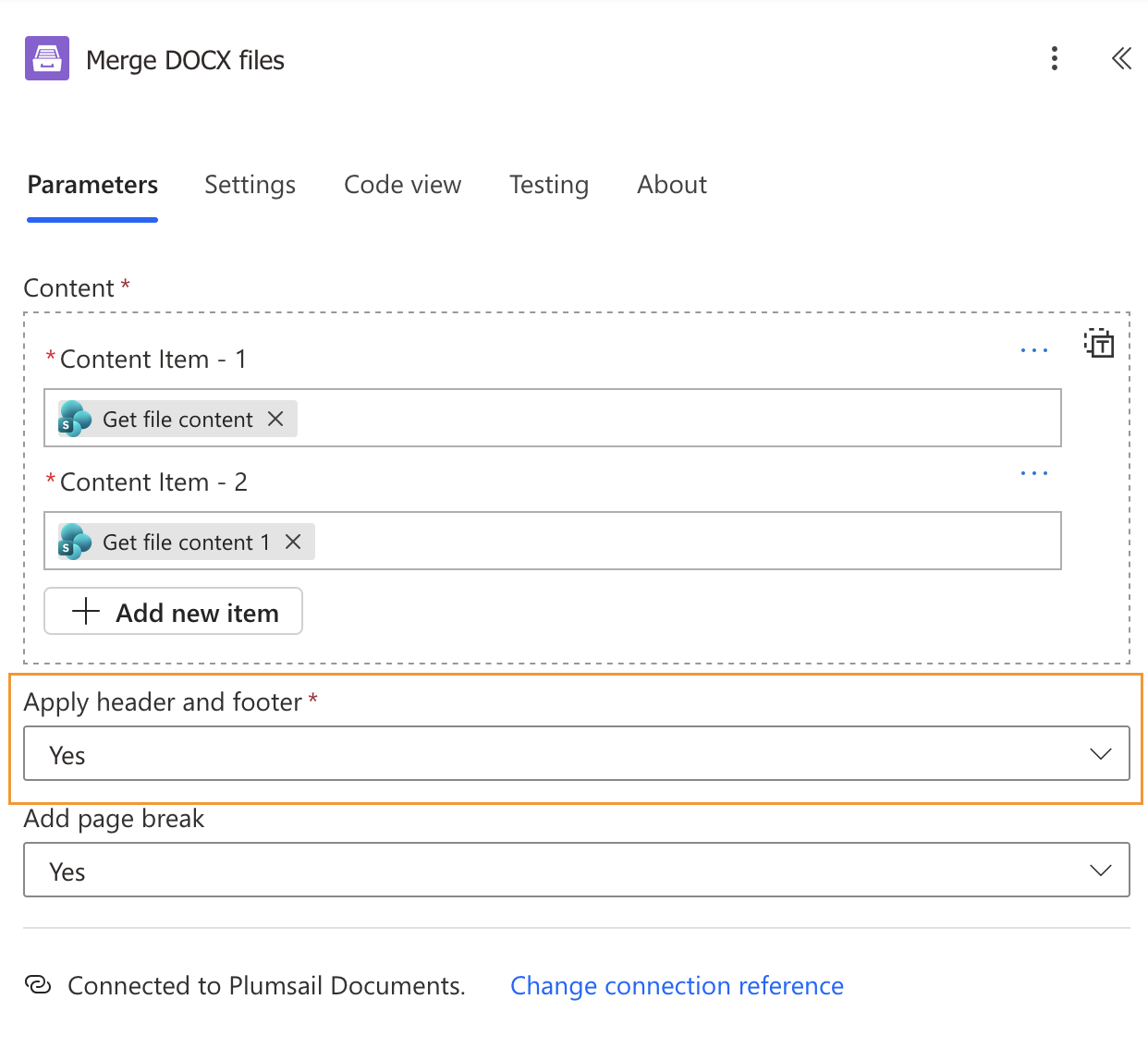
Please see the instructions here: Merge DOCX
Could you please check this setting in your flow?
Best regards,
Aleksandra
Plumsail team
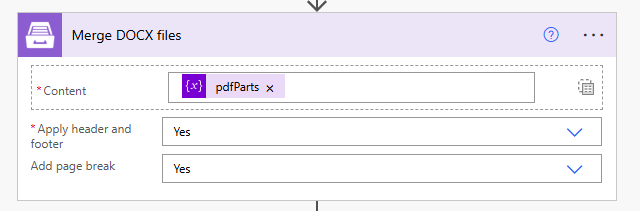
I have had that setting checked, so I don't think that's the problem. (Ignore the fact that the variable is called "pdfParts"; it's actually an array of Word doc content.
The first file in the merge keeps its header, but all subsequent files have no header in the merged Word doc. All of the files have the same header, as they are created from a SharePoint Content Type template which has the header. The header contains a simple brand icon image and a short string.
Hi @sympmarc ,
We have received your support ticket with the source files, the merged document, and additional details about your flow.
We will continue investigating both the header and styles issues in the ticket to keep all the information in one place. We’ll follow up with you there.
Best regards,
Aleksandra
Plumsail team