Hey there! We’re happy to share new updates that we’ve recently added to the Org Chart.
Display Microsoft Teams presence
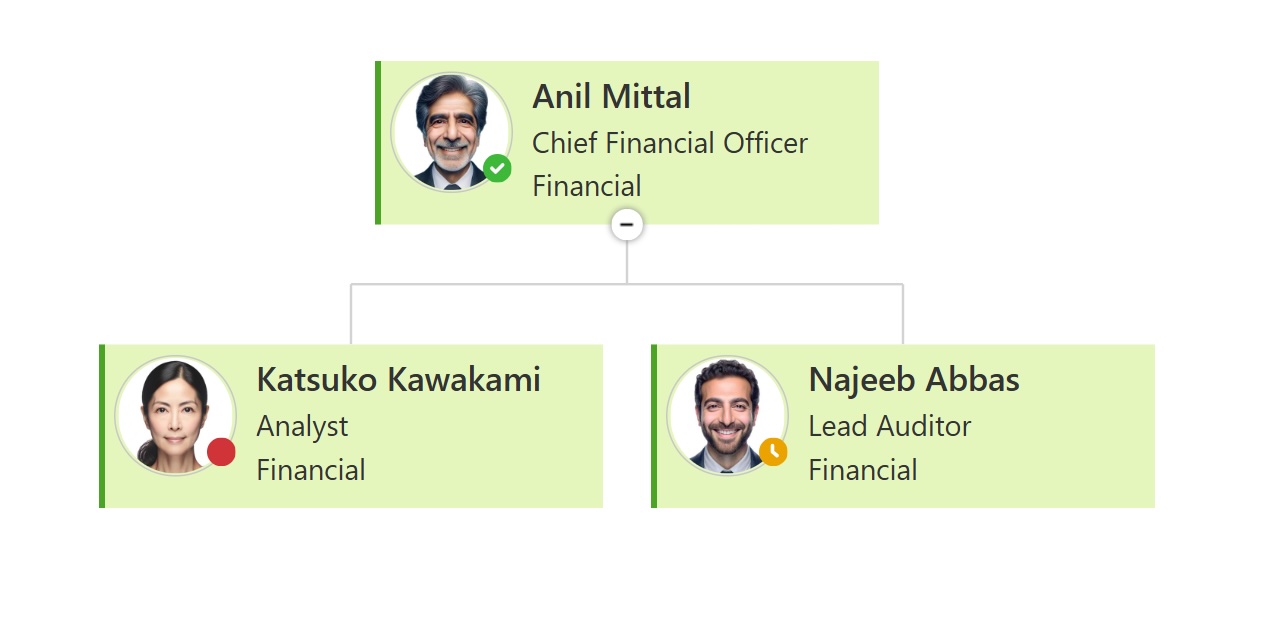
We’ve added the ability to show MS Teams presence status.
Now you can see each employee’s availability (online, busy, away, etc.) right in their box and in tooltips, helping your team quickly understand who is reachable at the moment.
Display a placeholder when no photo is available
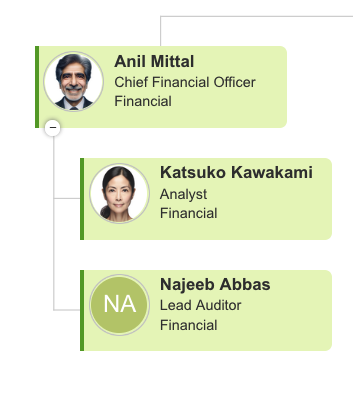
If an employee doesn’t have a photo (or the photo can’t be loaded), the Org Chart will now show a colored placeholder with the person’s initials.
This makes the chart cleaner and easier to read, even when photos are missing.
Find more details in the documentation.
Customize line styles using CSS
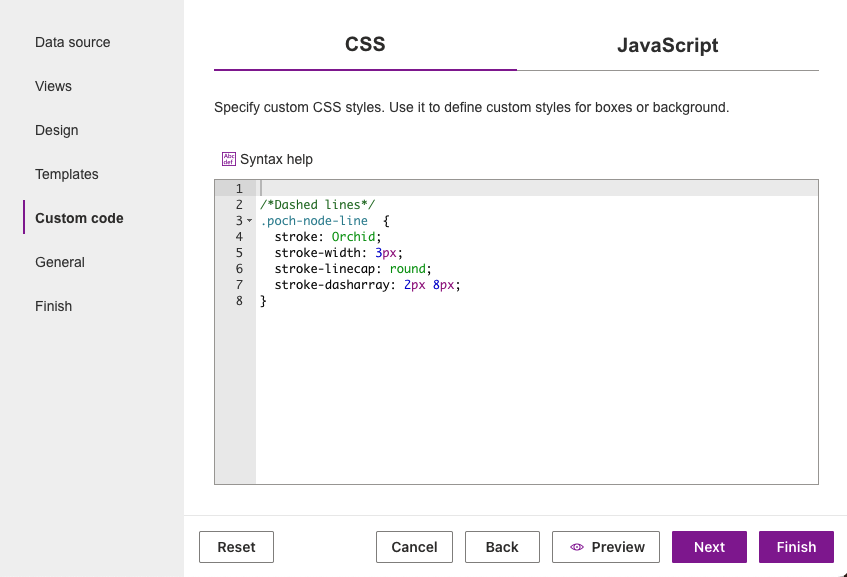
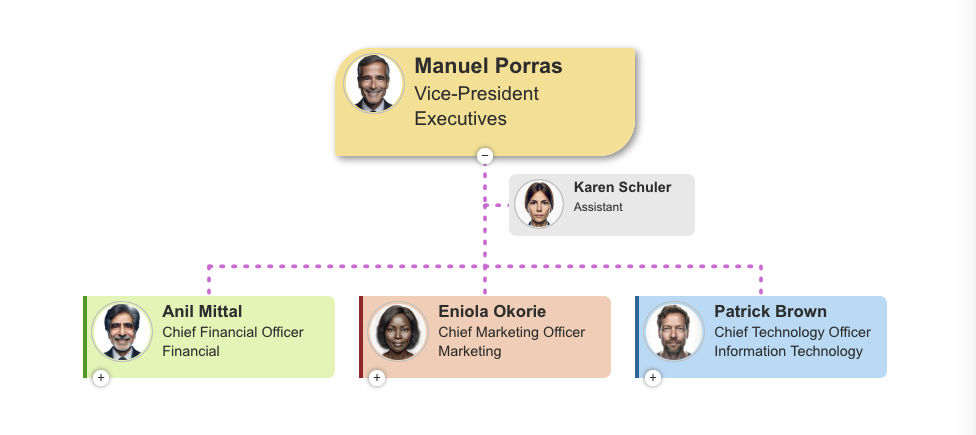
Now you can style connection lines using CSS. Adjust colors, widths, dash styles, and more. This gives you much more flexibility in customizing how your organizational structure is displayed.
Simple CSS example for dashed lines:
And the result:
A more detailed description of how to use CSS is available in the Custom code article.