I'm fairly new to Plumsail Forms, I have been using Forms Designer for a good while now and love the product and flexibility however have been suffering issues due to complexity and number of fields on forms, so we are looking at migrating across.
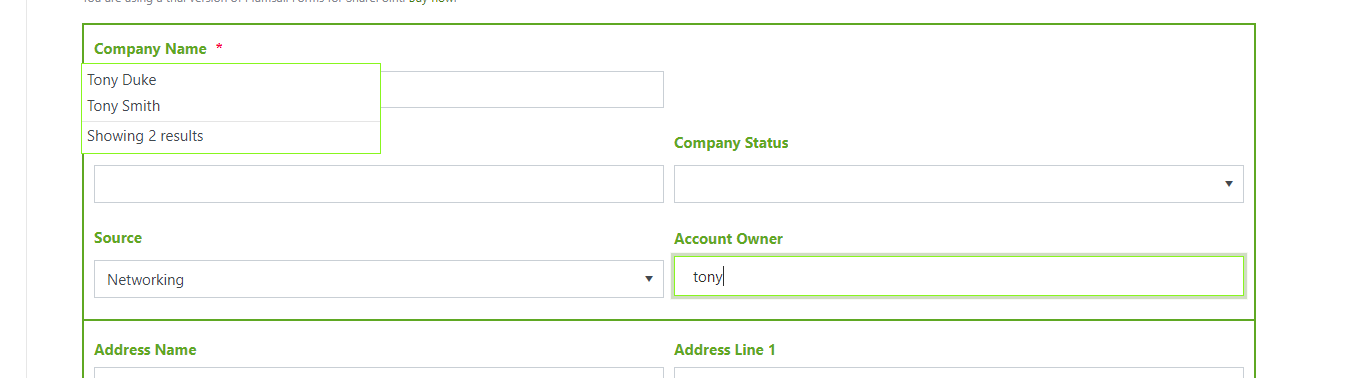
Just putting together my first form and have dropped a People Picker field onto the Form but seem to be having issues with the drop down not being displayed under or anywhere near the field, I have tried removing and re-adding but makes no difference, this is not great from a UX point of view, just wondering what is going wrong here, there is very little Javascript running at present so don't think anything there causing an issue.
fd.spRendered(function() {

    	/*INITIAL SETUP*/


    	// Hide required fields and items
    	$('.hiddenTableCssClass').hide();

    	// Set Account holder to Current User
    	//fd.field('Account_x0020_Owner').control().value(_spPageContextInfo.userLoginName);


    	/*CALLS*/


    	//Calling Functions on form load
    	filterCountry();

    	// Calling Functions when the user changes values


    	/*FUNCTIONS*/


    	// Function to Filter Country Field Lookup to only show Active Countries
    	function filterCountry () {
    		var active = 1;
    		fd.field('Country').filter = 'Active eq ' + active;
    		fd.field('Country').widget.dataSource.read();
    	}

    });
Which brings me to the second part in Forms Designer I use the following code to populate the people picker field with the currently logged on user, this does not appear to work, could you provide me the correct code?
Thank you for getting back to me, firstly that code snippet doesn't seem to work, the result is that the Account Owner field ends up full of X's and an error message shows stating you can only enter one name: -
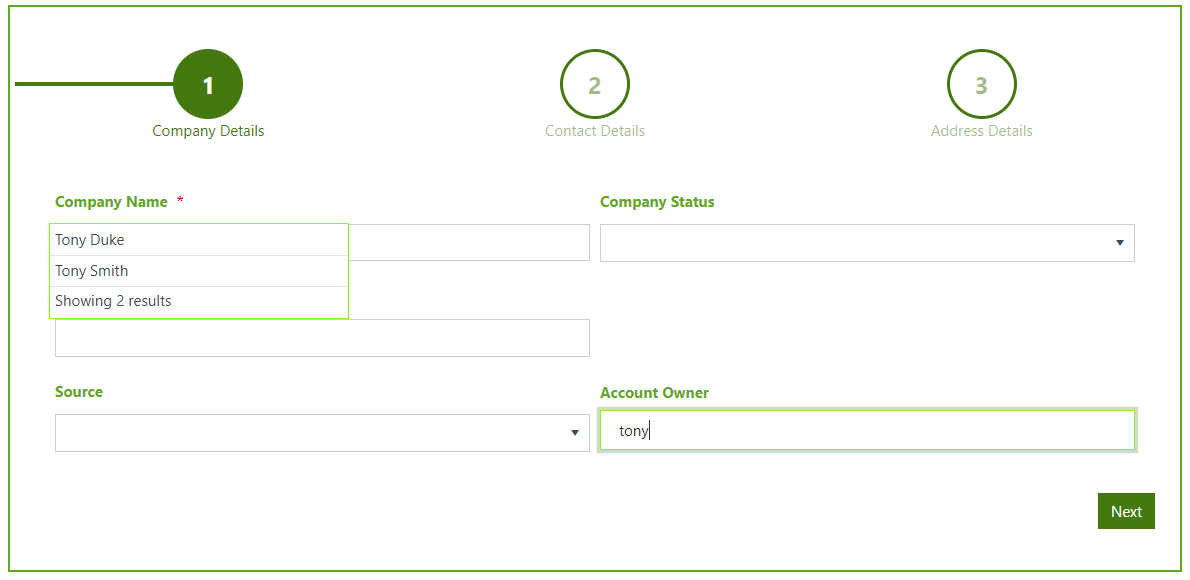
Secondly, I have now changed to a wizard, but the error with the misaligned people picker dropdown is till evident
The code to auto populate the people picker field works perfectly, thank you.
Regarding the misaligned dropdown, I reset the form and then started to build back up checking as I went and the issue seem to come when put a table inside a wizard and then put the field inside the table, I realise now that tables aren't really required in Plumsail Forms and actually the Grid function is much better.
By not using the table I can keep the dropdown with the field, but obviously there may be occassions when this is required.
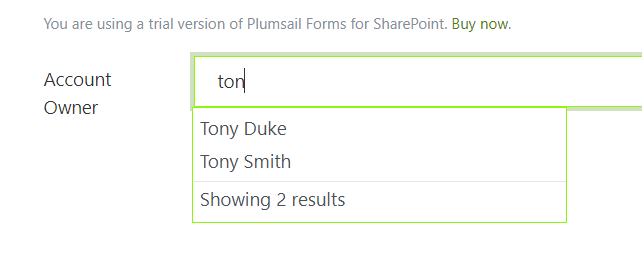
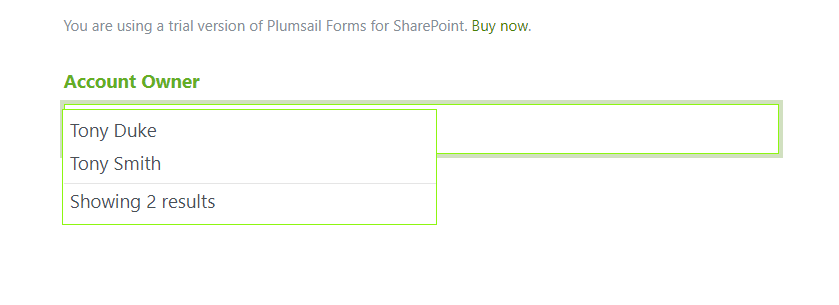
However the dropdown does still end up slightly misaligned when setting the orientation of the title to vertical, which is what we use for almost all of our forms, the drop down then covers the majority of the field, not really a huge issue, but aesthetically not ideal, it should really snap to the bottom/top of the box as lookups and choice fields do...
The issue appears if I change the orientation of the field to vertical, I also set the colour of the title to #64AE25 and set it to bold, the result is below
Dear Tony,
The issue should be resolved in version 1.3.1. Please, update the designer, re-save the form and check the result, it should now work as intended.