Warning… I am very new to using Plumsail forms and have never used Java Script before!
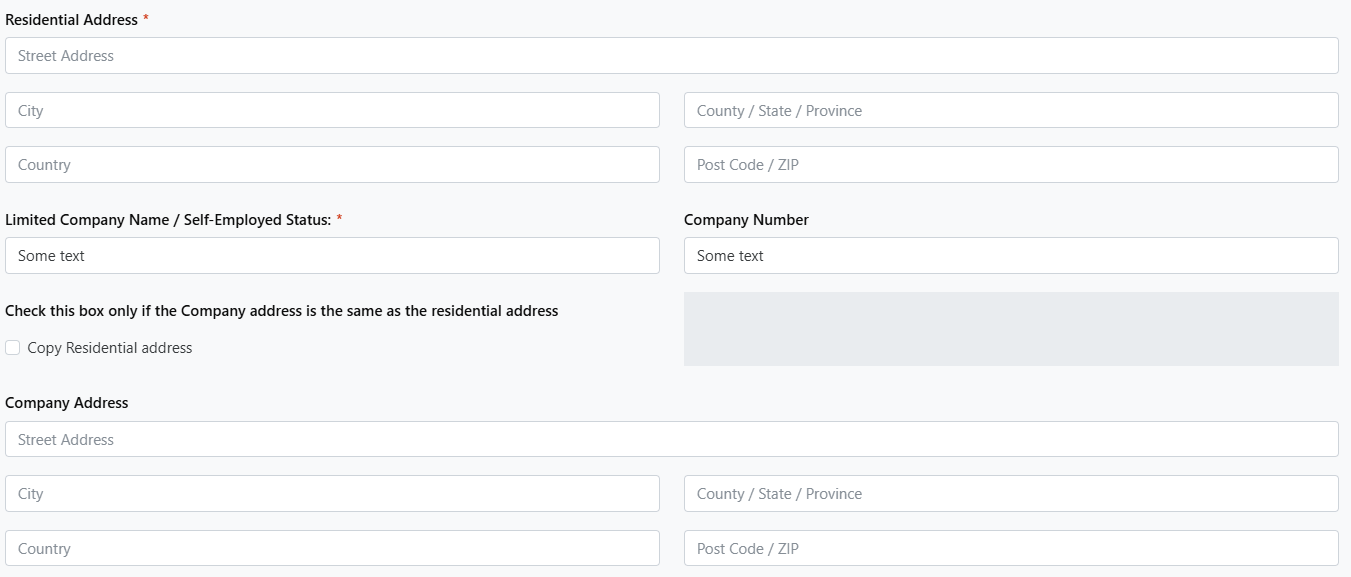
I have created a Plumsail Public Form and want to be able to copy a previously entered “Residential” address to the “Company” address field, if the “Copy residential address” toggle button is selected.
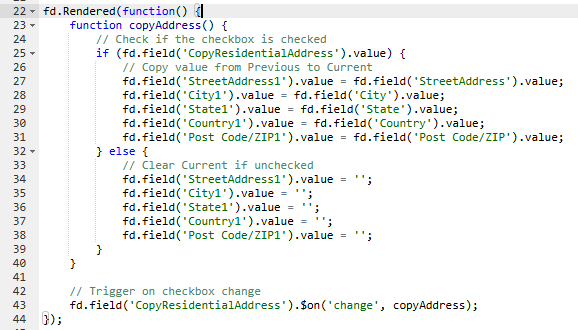
I have entered the below JS (copied from Google) and saved the form; however, when I open the form from a link or the preview, enter the “Residential” address information and click on the toggle, nothing happens and the data is not copied to the “Company” address fields.
I'm sorry your first experience with Javascript started with errors, let's try to fix that.
All modern browsers have handy inspect tools, which you can find by right-clicking and choosing "Inspect" (or something similar). If you open them on the preview page, and open Console tab, you can see additional info that was recorded during code execution (not just yours, any JS code used by a Plumsail form).
I think in this case it would be worth to take a look there, can you check it for any errors, especially for stuff which ends with is undefined?
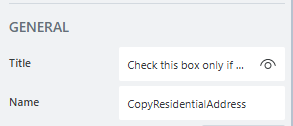
Have you double-checked that you have a field with Name property of CopyResidentialAddress?

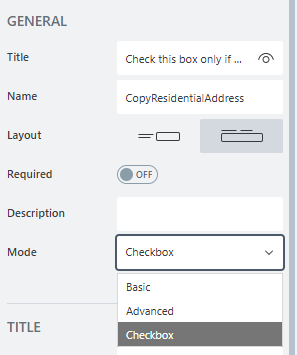
Are you using Multiple Choice field or a Toggle field? Visually they can look the same if for Toggle you set Mode property to Checkbox, but internally they behave differently, and your code seems to be designed for Toggle
I've wanted to share another tip that might be useful when testing JS code later - there is a special function called console.log(), which prints out any value you put inside its brackets to the Console tab. For example, if you replace line 24 with console.log("hello");, every time copyAddress is called, you will see hello printed in console logs. And if you use console.log(fd.field("CopyResidentialAddress").value);, it will print out the current value of this field.
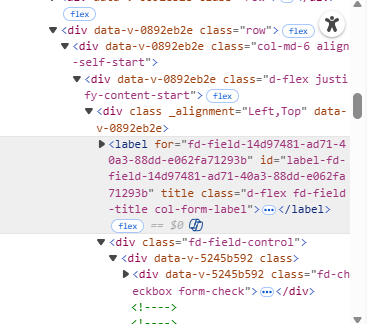
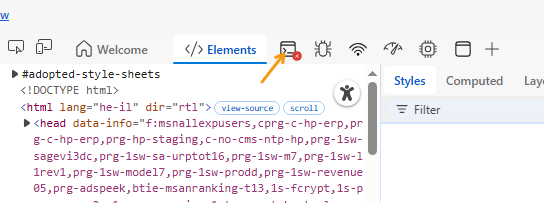
You've opened the inspect tools, but haven't switched to Console tab. In some browsers (like Edge for example) it might only show tab icons if there isn't enough space:
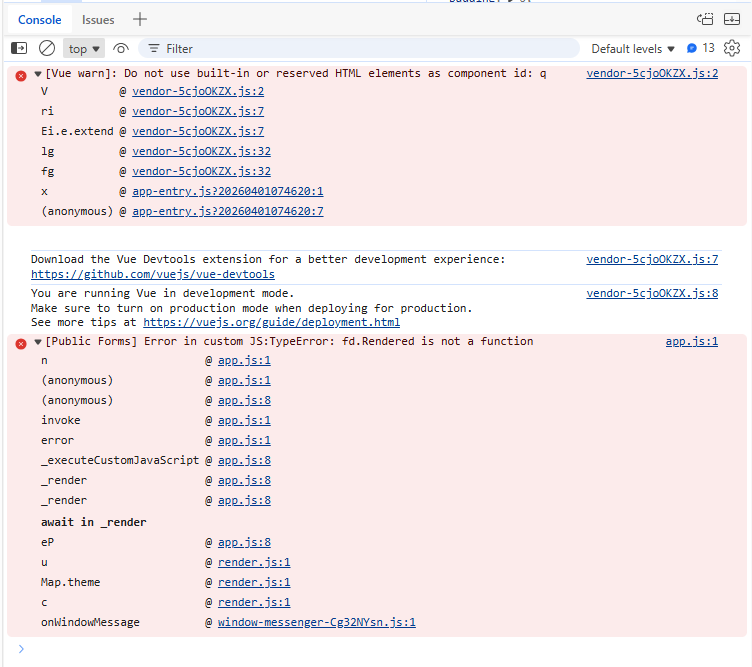
That's perfect! I'm ashamed I haven't seen this myself - you have a typo in fd.rendered, at the very beginning. It should be lowercase, but in your code it's written as