We are having issues with inconsistent and unpredictable formating while populating word document form Sharepoint lists. I will try to explain situation , key problems and the result I would like to achieve.
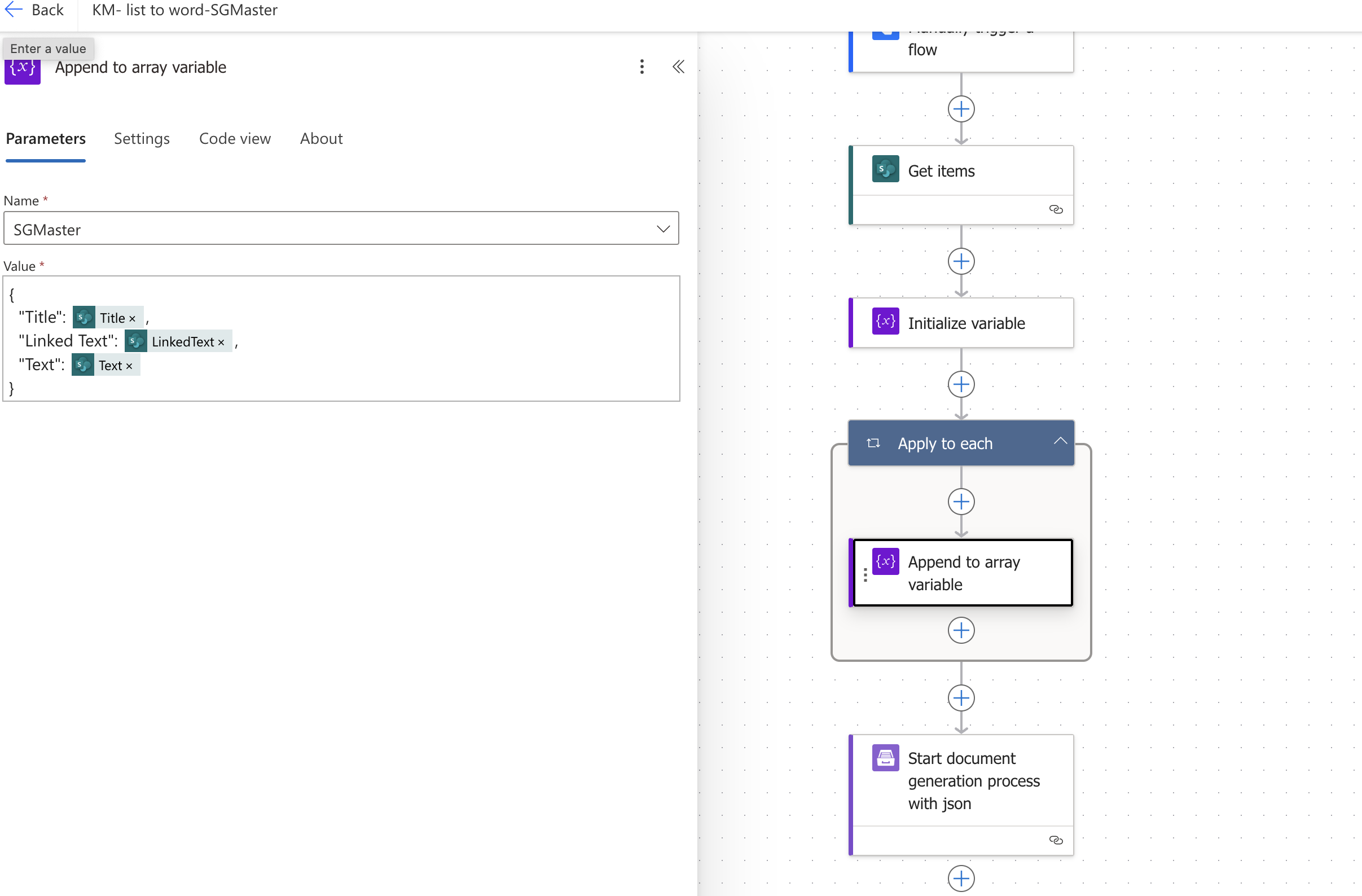
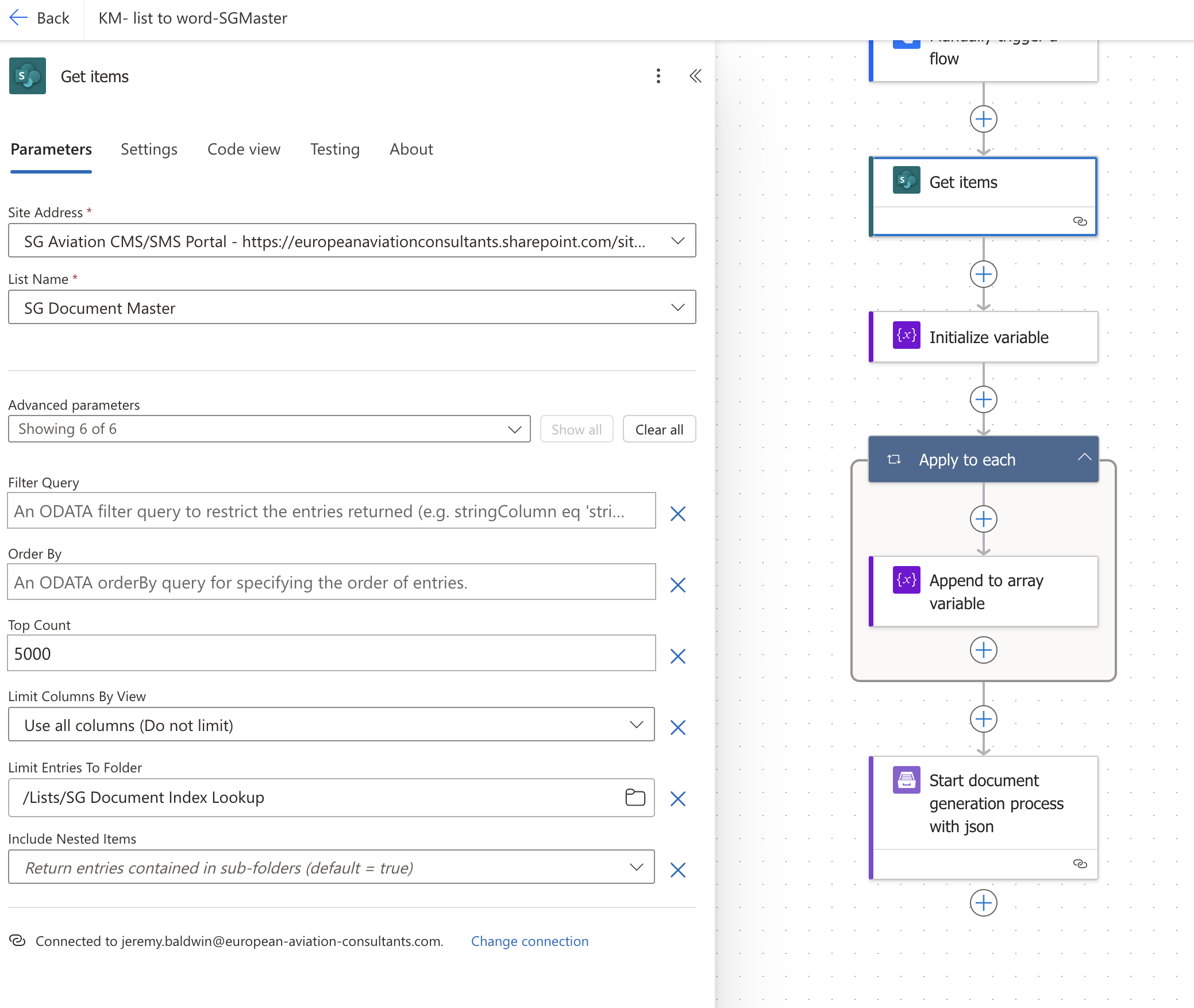
We have a Sharepoint List witch curently has 396 items (each item is a chapter or sub chapter or subs chapter form a Manual ) We are using Power automate and Plumsail to generate a Word document from said List, but using the same list and the same flow we have run in several issues:
- each time generated Word document looks slightly different. We of course did not expect such a complex document to come out perfectly formatted, hoverer I was hopping it would look similar to Lists and produce constant results
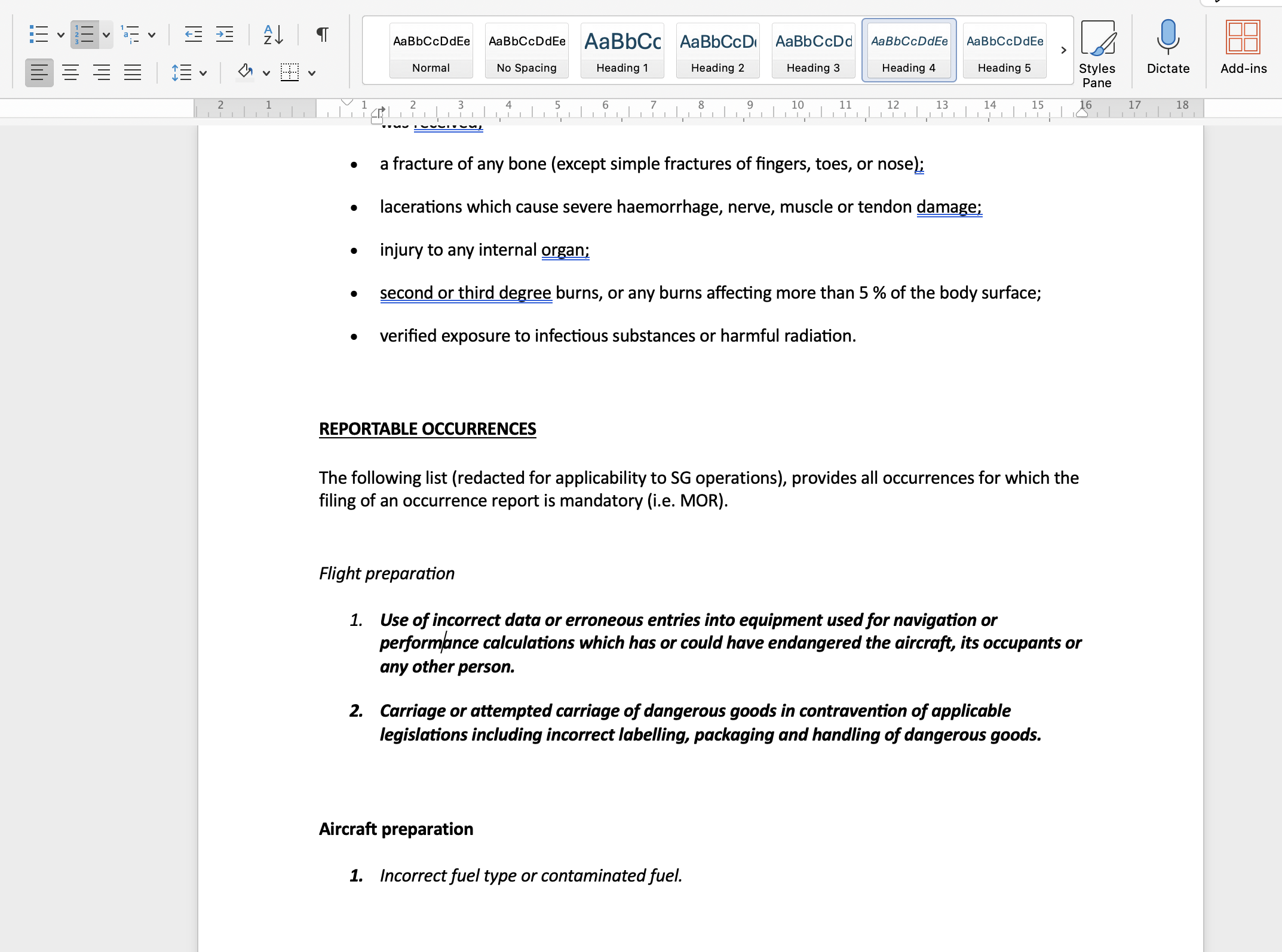
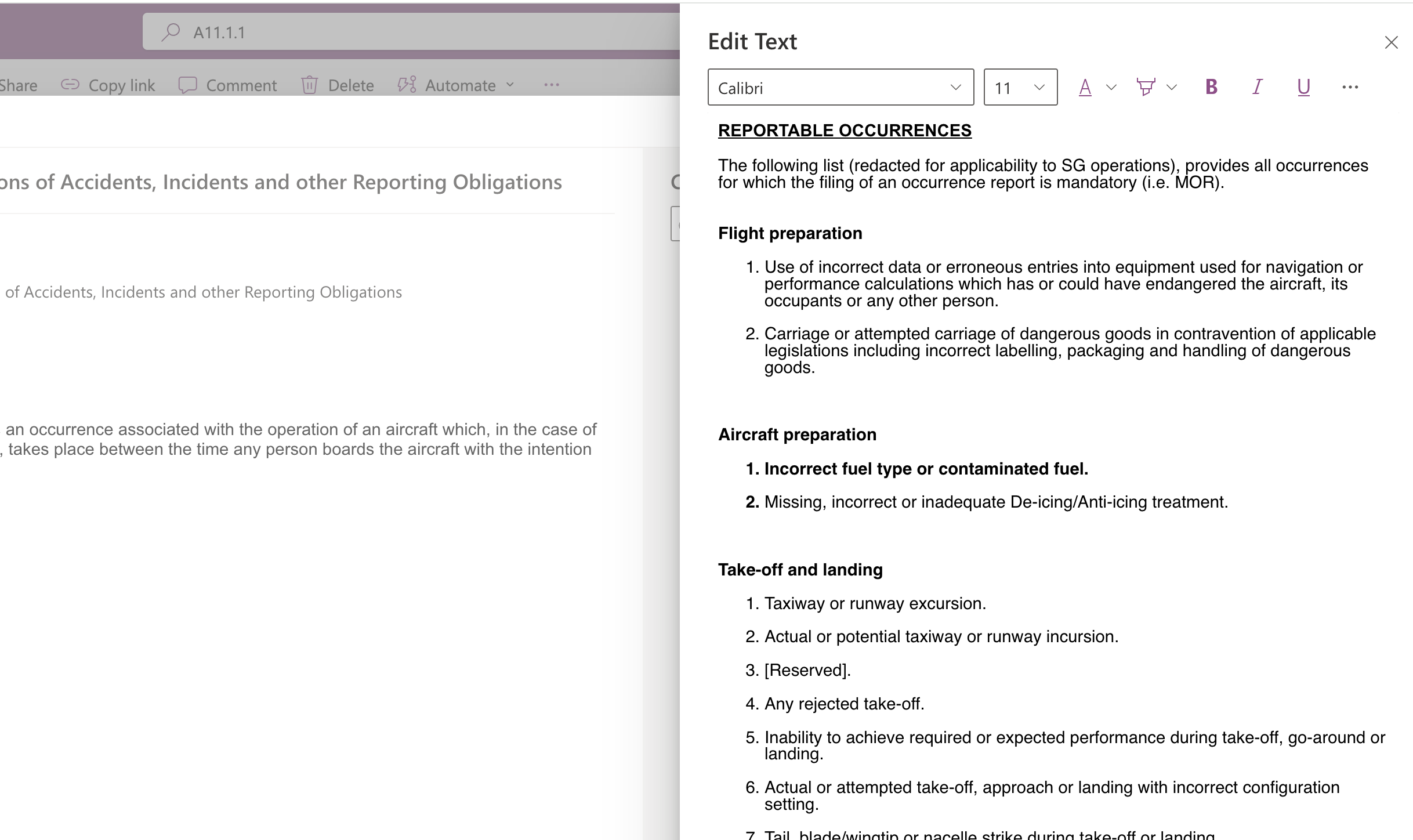
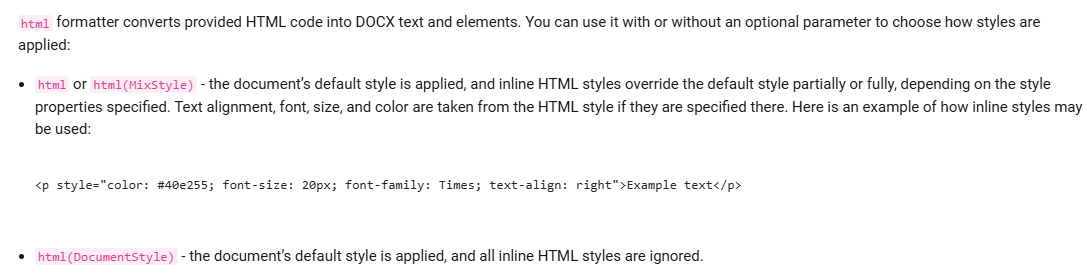
Main issue is Lists "Text" column that contains multi line rich text format. It all looks good in Lists but when in word document some entries are created with style normal and look ok, some entries (chapters) are made as heading4, bold and italics when none of the formatting in Lists correspond to it. The document is huge and complex with lots of bulletins lists and numbering lists it is impractical to change it in Word in 620 page doc.
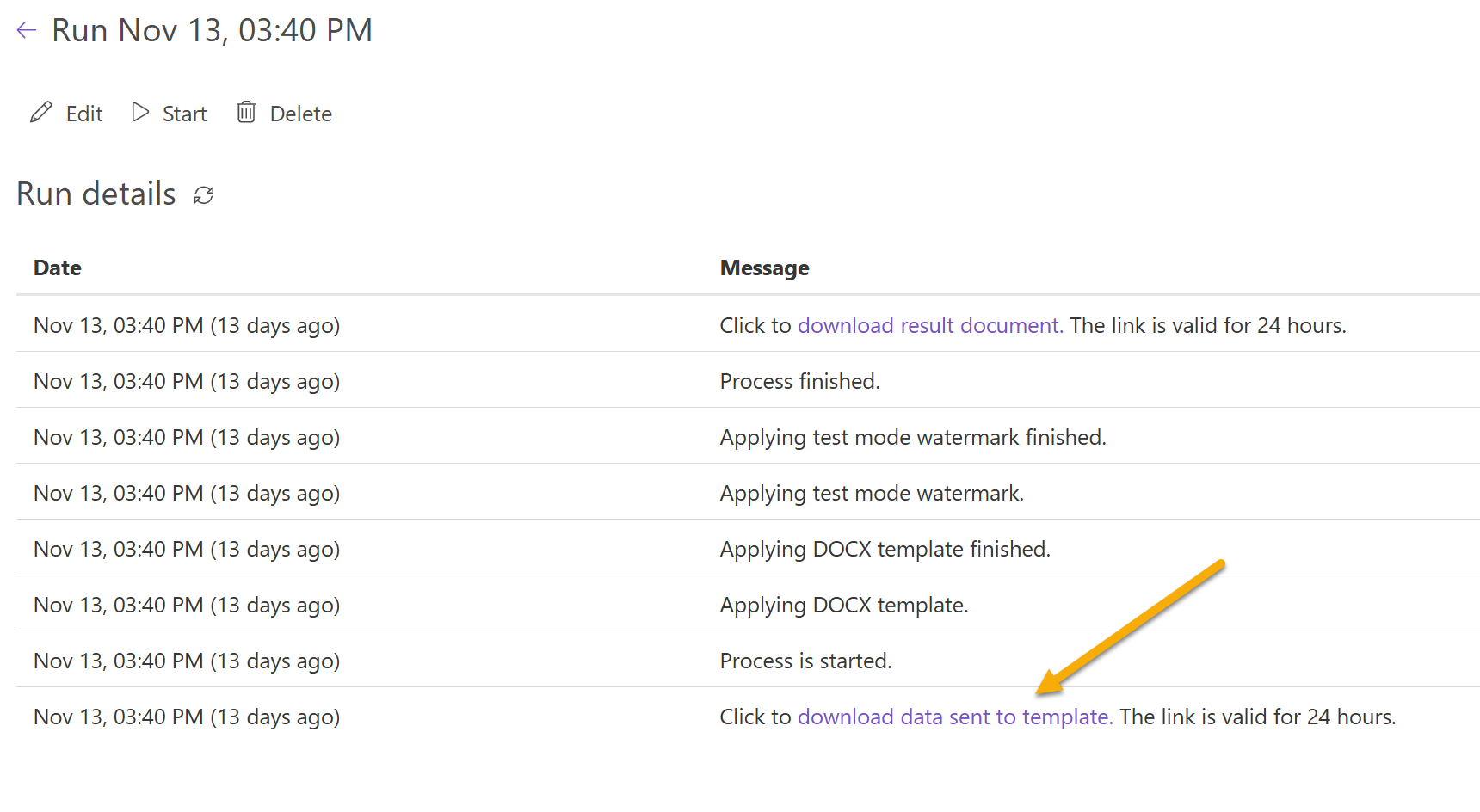
2)Each time flow is used to generate document some entries just get dropped, and it is random. Can not find why
- Images that appear inside text in Lists rich text column do not get transferred to Word document
I would like to know what causes this inconsistency and how to fix it. Is there a way how to force certain formatting on end document. For example The lists column in rich text would maintain font , normal style , bold, italic, underscore, highlights, etc. Is there a way for plain text column that contains chapter numbers be populated in word document as headings.
Also is it possible to arrange order of entries in output document not based on ID column but on new ID column or any other numbering system.
Is there a way how to transfer column that contains links into word document.
Thank you . will be waiting for answer.