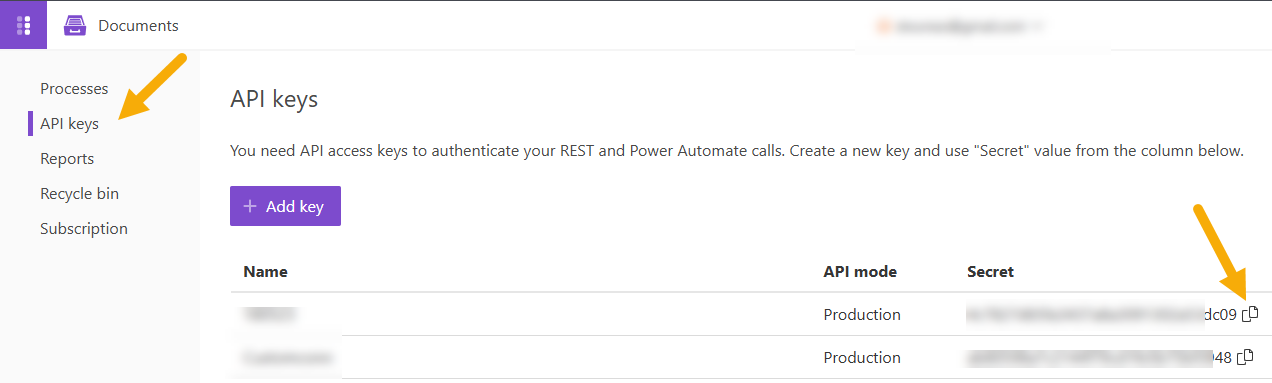
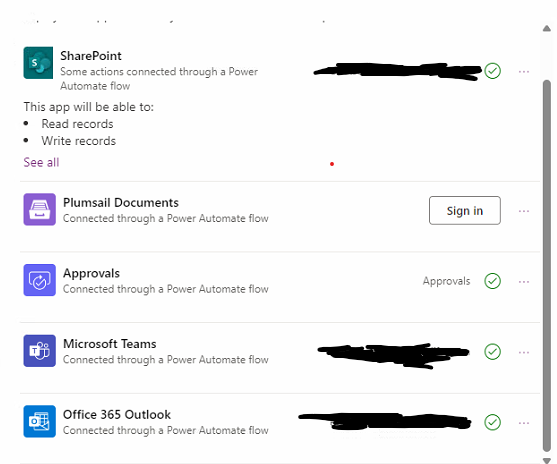
I'm also having the same issue. I have updated the API key in my Connections tab, but some users are not having the connection shared. This issue just started yesterday after working for a little over a year.
Indeed, Microsoft changes the sharing option for some reason.
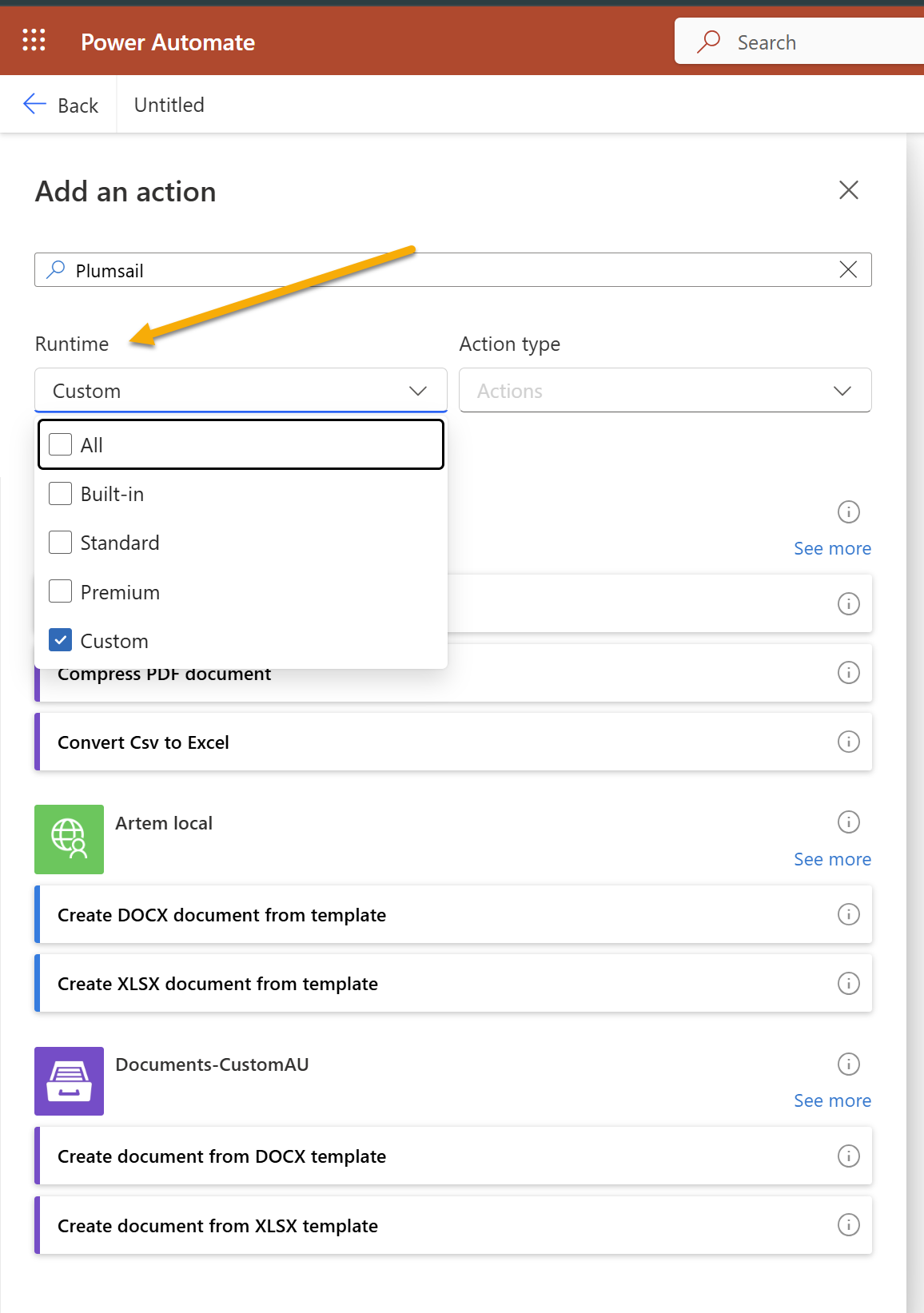
We'll research it further. In the meantime, please use the Documents custom connector. It can be shared.
i created a custom connector, but i can not seem to link it to the plumsail control in power automate.
It does not allow the option to chhose the custom connector.
need more guidance
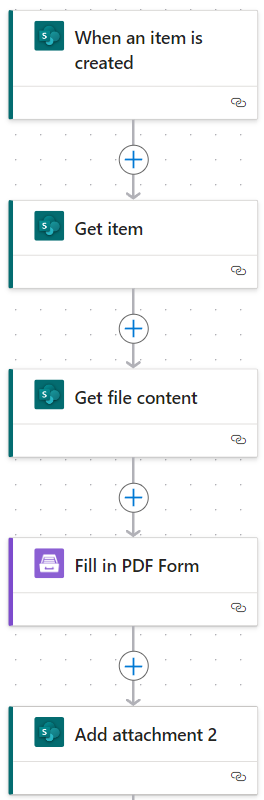
I tried to use the custom connector suggestion, but it was going to change to a "Premium" connector and require additional licensing. So, I decided to change my trigger from a PowerApps trigger to a "When an item is created" trigger from SharePoint. I no longer have the flow inside my PowerApp. This seems to be working for me.
I’m experiencing the same issues as described above:
Users are now required to provide an API key;
I tried the custom connector, but it requires a Premium license to work;
It must be instantaneous and uses other data than the SP List, so @BHoke's workaround won’t work for us.
This issue is currently preventing my 60 users from using the application.
Has anyone found a solution or an alternative workaround?
Any quick help would be greatly appreciated.
Microsoft has published the fix for this issue, and the connection should now be shareable again. Please let us know whether the issue is resolved on your end.