When I add fields to the Search area under Templates, it doesn't seem to update when I search for data in any of the fields
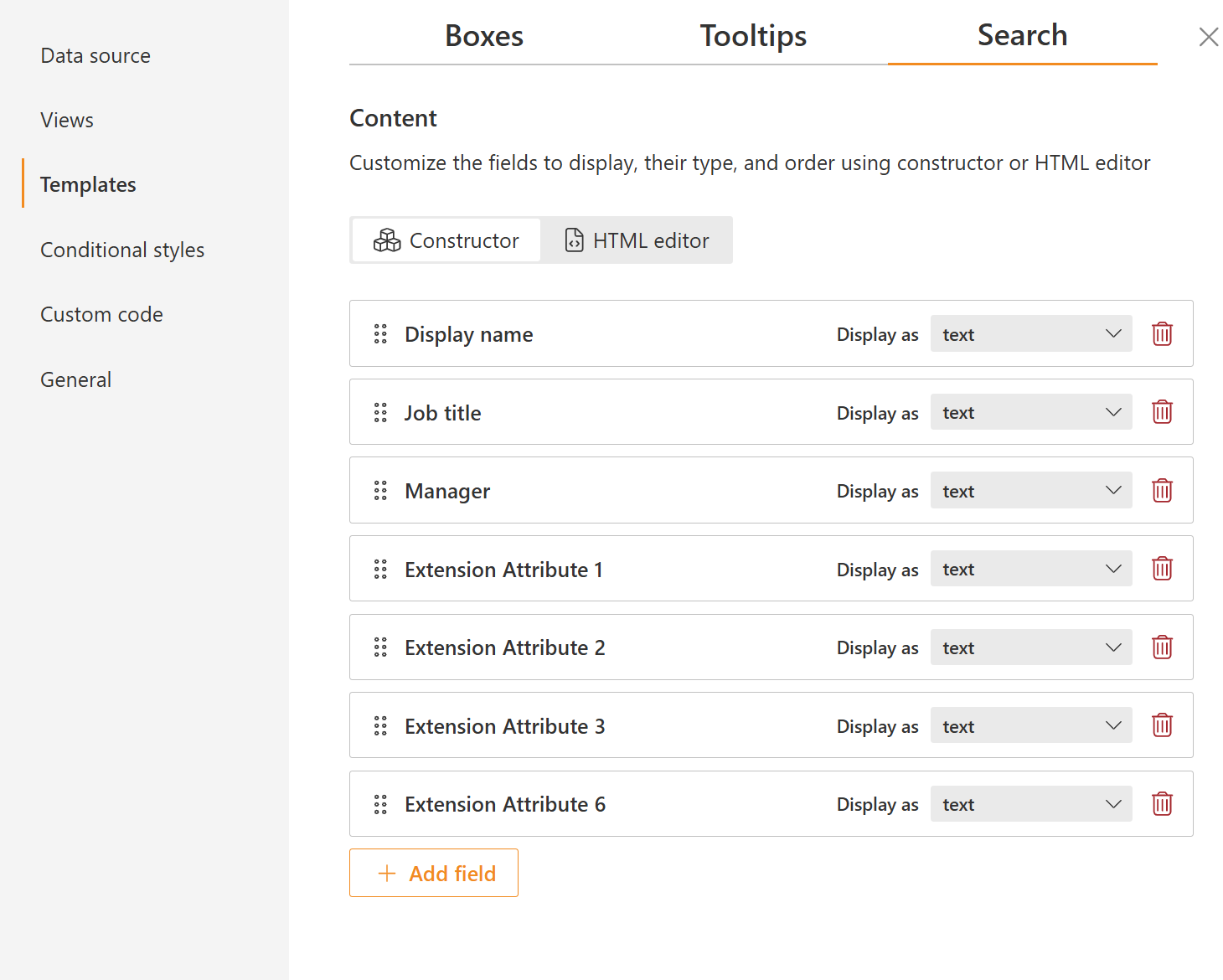
The search template helps you control which fields are displayed in the search result cards. For example, you may want to include the manager’s email there, as shown in the image below:
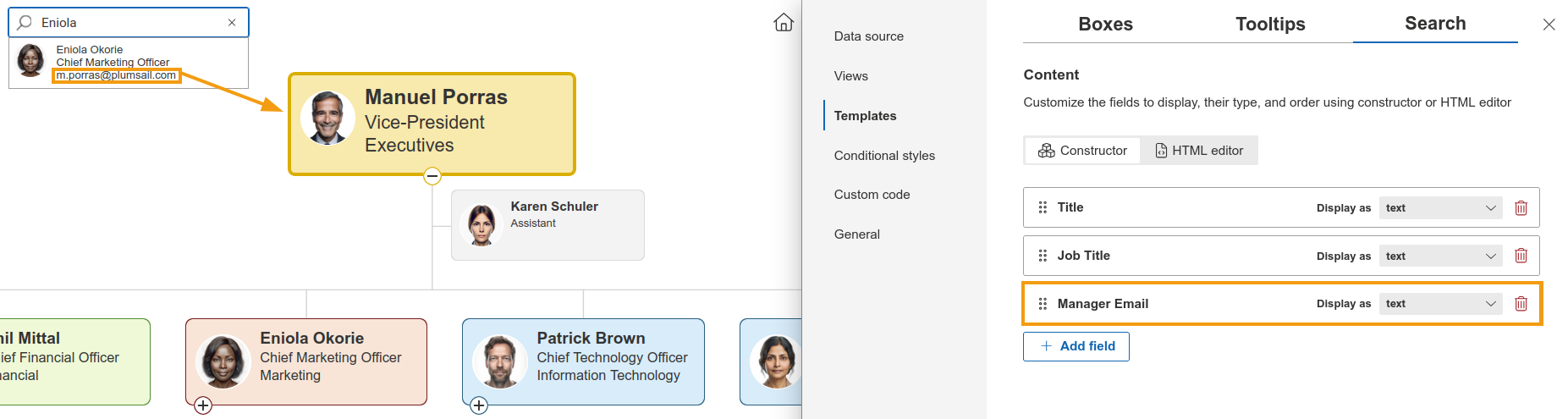
However, adding or removing fields from the template only affects what is displayed in the results. It does not change which fields are searchable, as those depend on the data source being used.
If you have any questions or would like to explore this further, let me know and I will do my best to assist.
Best regards,
Milagros
Plumsail team
Appreciate the quick response. We are using Entra as the source data and there doesnt appear to be any config. Office Location is a populated field in Entra and we are also using ExtensionAttributes. Can we get a list of fields in Entra that are available to be searched in Plumsail Org Chart?
The searchable fields available when using Entra ID as the data source are:
departmentdisplayNamegivenNamejobTitlemailsurnameuserPrincipalName
These details are available in our documentation, along with additional information about using Entra ID as a data source and the other options available.
If you need more flexibility, you can also consider exporting your employee information and using an Excel/CSV file as the data source instead.
Best regards,
Milagros
Plumsail team