I have a function that checks for dates on items in a related list when running a workflow to determine if a publishing action should an initial email or a follow-up email. I get the items using fd.control().selectedItems like so, then iterate through them to build an email list.
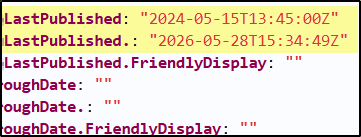
Oddly, the LastPublished date value sometimes returns "2024-05-15T13:45:00Z" regardless of the actual list item value even if it's blank. Both the primary list and the lookup list were created within the past few months, so I have no idea where this very specific 2024 date comes from.
Here's a screenshot showing the item.LastPublished date as the incorrect "2024-05-15T13:45:00Z" and the item['LastPublished.'] date as the correct value of "2026-05-28T15:34:49Z".
For now, I'll use the item['BidPackageLastPublished.'] for the form logic, but this bug does make me a little wary of using any values returned by accessing list rows, and there's a lot more validation I plan to do with these. Any idea why this might be happening?
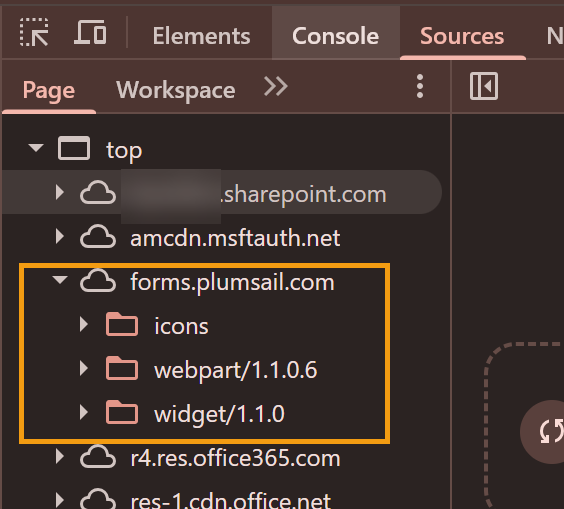
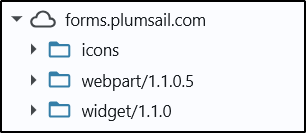
Please also check the version of the web part and the widget the form is using. To do this, open the form, then open the Developer Tools (F12) > Sources > Page > forms.plumsail.com.
Please share a screenshot.
And this is the section of code that queries and uses the dates:
let items = fd.control("BidderManagement").selectedItems;
let contacts = [];
items.forEach((item) => {
    const publishAsAddendum =
        item.LastPublished !== null &&
        item.LastPublished !== undefined &&
        item.LastPublished !== ""
        // I added the next check after finding the issue, but
        // I'd like to rely on the standard field value rather than
        // this if possible
        && item["LastPublished."] !== ""
            ? true
            : false;
    const contactName = JSON.parse(item.ContactLookup).text;
    contacts.push({
        ContactName: contactName,
        Email: item.Email,
        PublishAsAddendum: publishAsAddendum,
        ContactEntryID: item.ID,
    });
});
Thank you! I couldn't reproduce the issue so far. I also suggest updating the app package in the site App catalog to get the latest version of the web part.
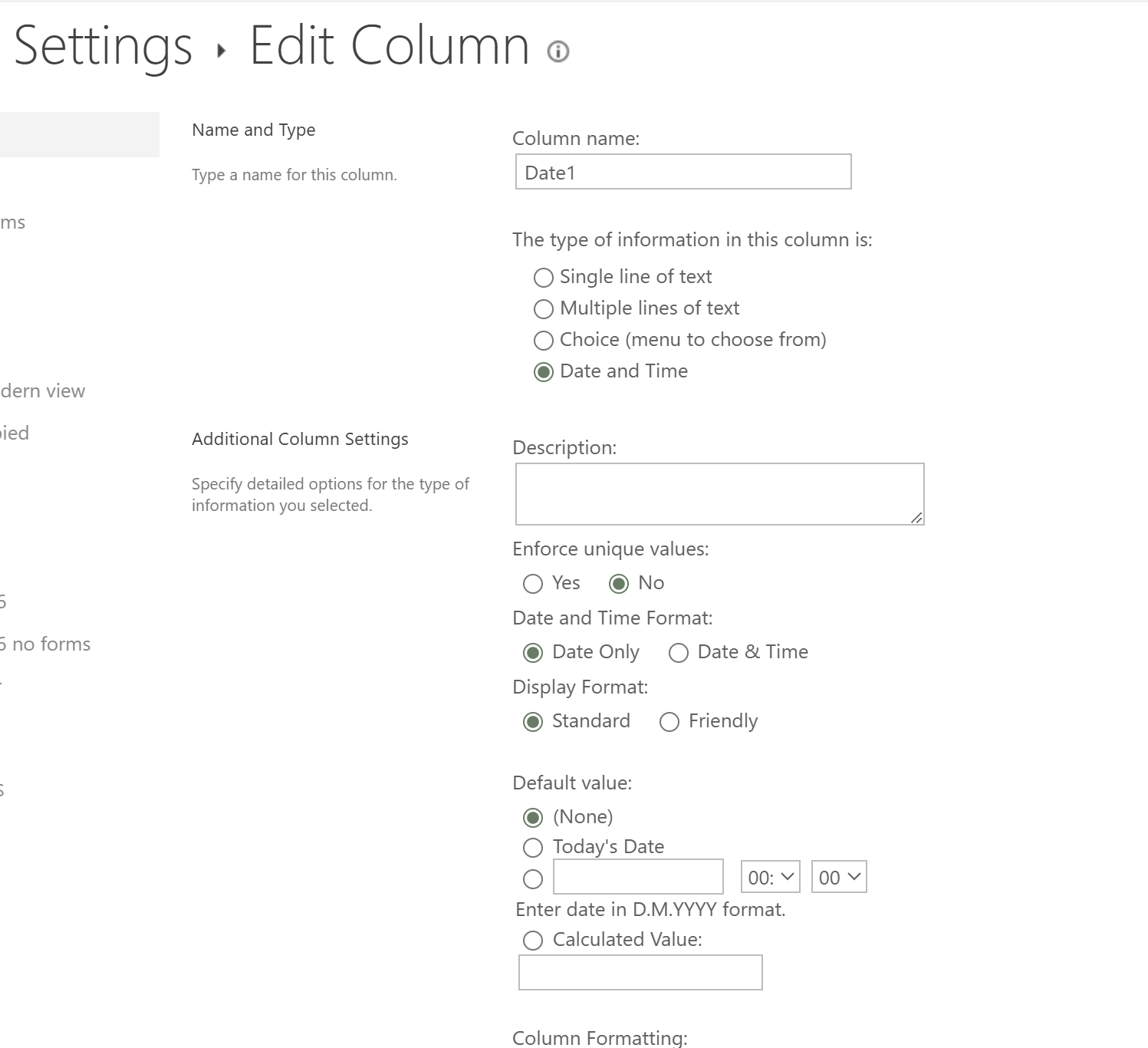
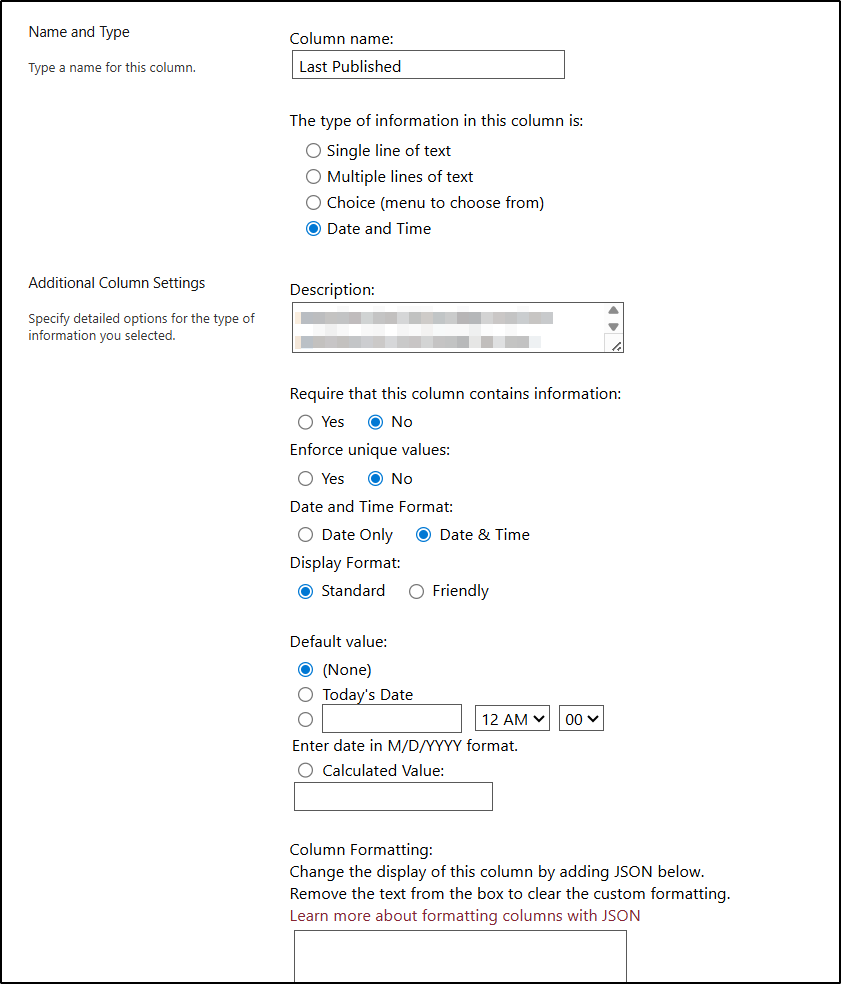
How was the list created? Was it built from scratch, or was it created from a template/migrated? Also, how are items added to the list—manually, through Power Automate, or via a script?
@Margo I solemnly swear I'll avoid wasting you and your team's time from here on out -- this was happening because of a throwaway line of code I wrote in testing and uncommented by mistake. Thanks for looking into a problem I created myself! Sorry about that...