Hi there,
I'm loving this Form engine but is there a way to have one style sheet in CSS and use it for branding etc..
Also where can I find the documentation and examples and what css selectors to use in a stylesheet e.g for controls and SharePoint fields.
Any help or links to resources would be appreciated
Dear @ninjacoder,
Are we talking about Public or SharePoint forms? If Public, then we recommend using Themes for simpler changes - Themes in Plumsail Forms (public forms) — Public web forms
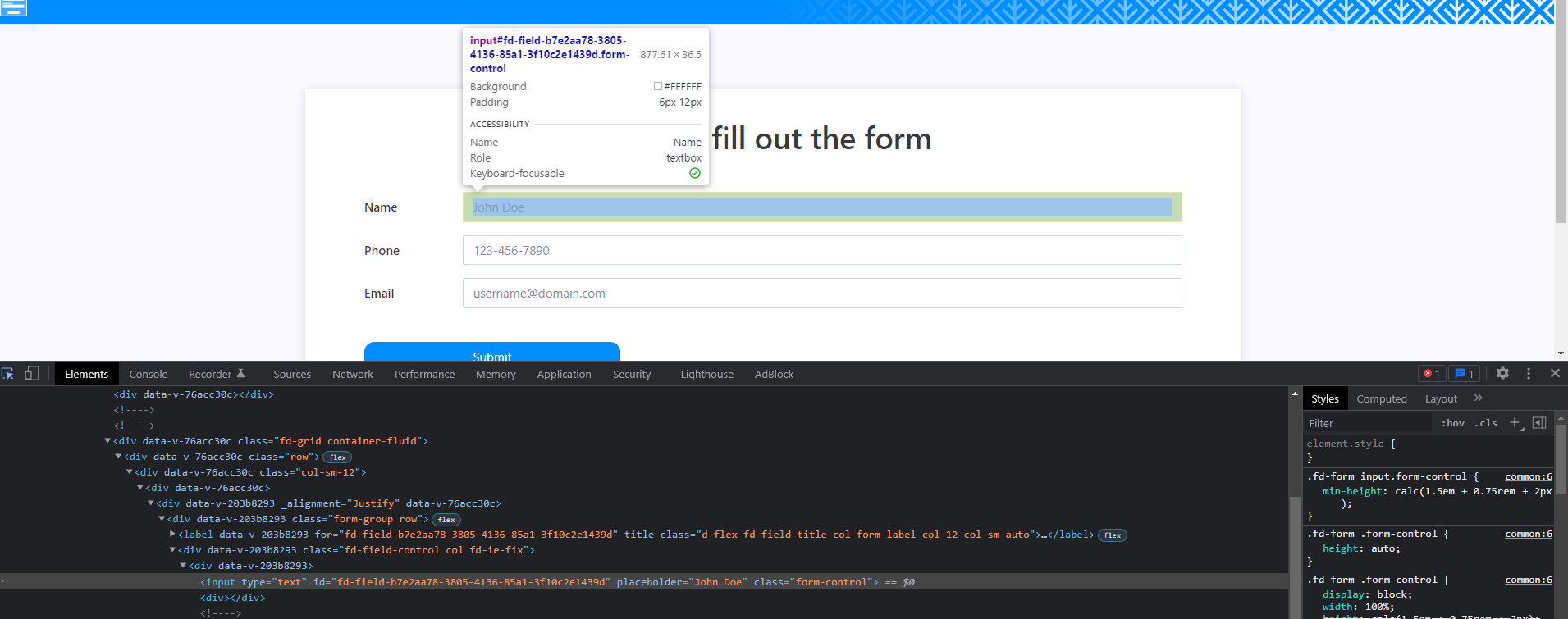
Of course, you're not limited in CSS use, but it's not as well documented as JS API, for example. For specific changes, we recommend inspecting a page and finding the classes you want to change:
Thanks Nikita for your reply.
Can you please show some examples e.g
What will the css look like if i want to change all the input text box background color to red
or
just change a specific element (e.g a Button control or another textbox on the page)
Thanks
Dear @ninjacoder,
It would depend on the field type where you want to change background, but for the simple Text field, you can add Class: my-field and add the following CSS to the Theme settings > Custom CSS:
.my-field input{
    background: red!important;
}
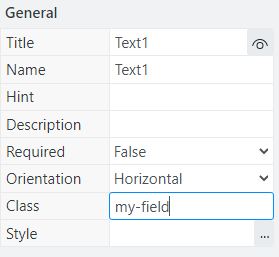
Same is true for buttons and other text boxes. You first give them class, and then you can target them individually. Or you can just specify their Style directly in properties, it works like HTML style attribute.
Thanks Nikita.
I will check it out and let you know