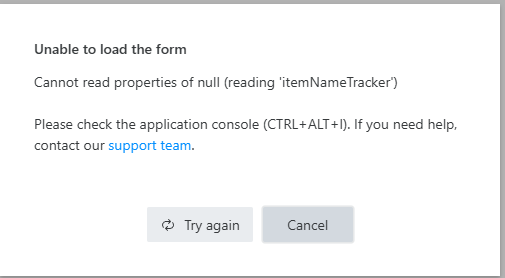
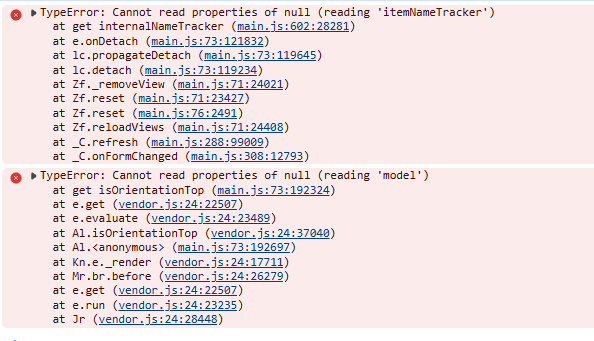
There seams to be a problem with the forms after the last updates (today, 01.07.26).
When switching between the forms (New & Edit & Display), the code and the fields on the form do not change, they remain the same as on the form that was opened first on connecting to the list via the Plumsail application.
Example: If I open the application from the New form, and switch to the Edit Form, all of the fields, containers etc. remain the same as on the New form. Same happens with the JS code.
At the same time, in this same situation, if i try to reconnect to the list again from the Edit form, with the app opened
When pressing "Try again", the form opens as it should, with it's code and form fields and containers from the Edit form, but the problem does not disappear, meaning, if I switch between forms again, the same problems listed above will happen.
After the update, the field layout seams to change correctly between forms, but the code still stays the same.
If I save a JS/ CSS code on the New form, the same code would copy to the Edit and Display forms.
When reconnecting to the list, the code seams be the right one, but then when switching again between forms, the same code copies to the other forms as well.
The error message I showed before doesn't appear anymore when I try to reconnect to the list.
The issue seems to be resolved after the last update. There are no more error messages, and the fields layout/ code now corresponds to the opened form. Thank you for your assistance @Margo and @Nikita_Kurguzov