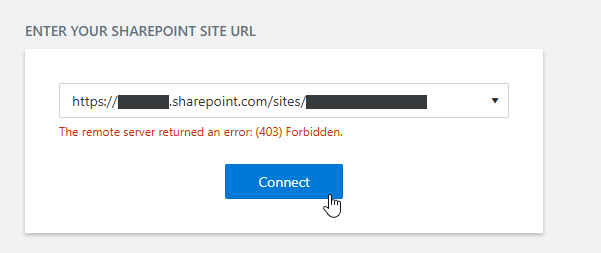
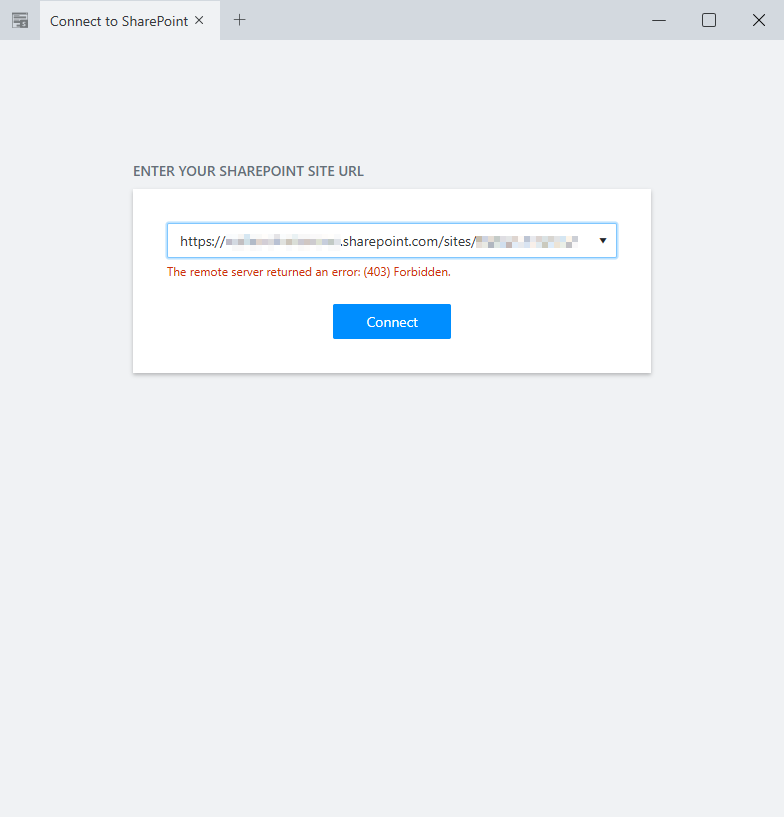
Hi. I've just signed up and are testing the trial of SharePoint forms. I've successfully added the Plumsail Forms app to a select SharePoint site (it is a site that was created via an MS Team being created). I've downloaded and installed the Plumsail Forms Designer however when I launch the designer and provide the URL to the specific SharePoint site I get the error "The remote server returned an error: (403) Forbidden.".
This is a network issue. This might be a proxy or a firewall issue.
Please make sure this domain https://forms.plumsail.com/ is added to the allow list in your network settings or try a different network.
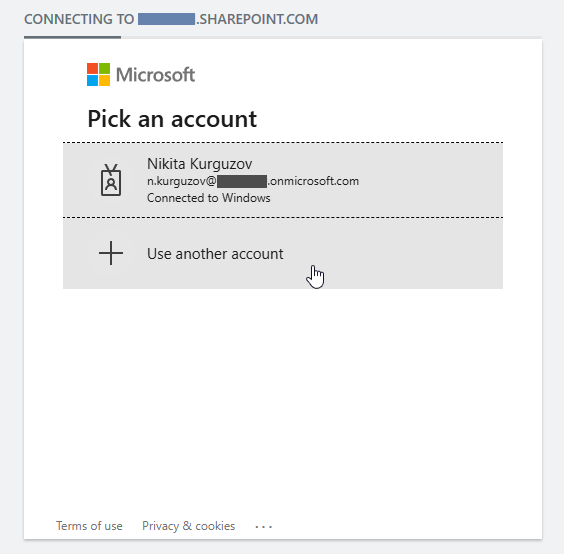
Hi Margo. No proxy required and no firewall settings getting in the way. I've just tried it from another computer on the same network and it connects OK. I did notice that on the computer where it's not working you can see where the Plumsail Designer should prompt for authentication, but it doesn't and then shows the forbidden error. On the computer where it does work the authentication appears OK and you can provide the O365 login creds.
Dear @aocallaghan,
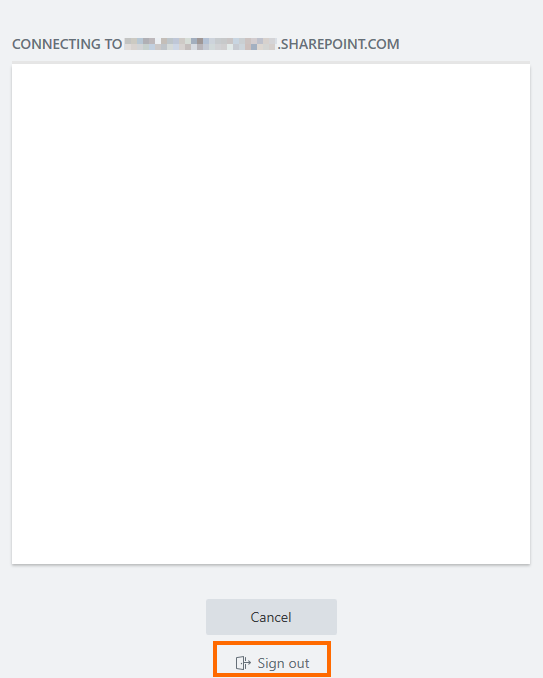
Can you post some screenshots? Normally, you should be able to log out either way. For example, on my PC I am also getting this error:
We do have multiple accounts and tenants, however Plumsail is being trialed with just one of them. I've tried connecting multiple times but get the same result each time.
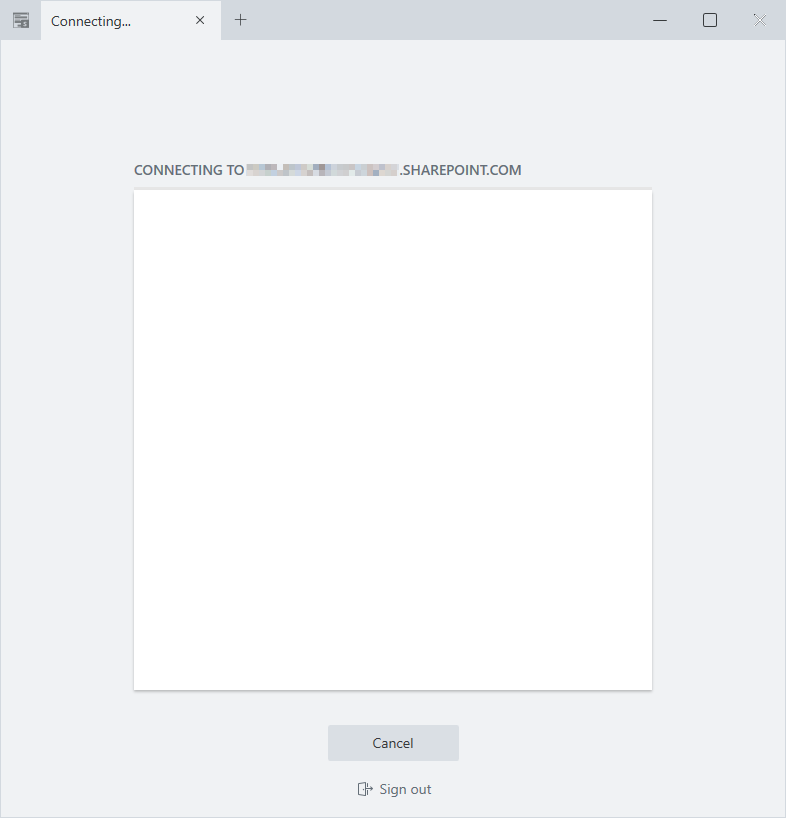
Hi. Sorry. Still does the same. I deleted the 'SPDesigner.exe.WebView2' folder from within the apps folder then relaunched the designer, entered the SharePoint site URL, hit enter, then very quickly clicked on the 'Sign Out' link at the bottom of the window. As soon as I click the 'Sign Out' link it immediately returns to the 'The remote server returned an error: (403) Forbidden.' error.
I tried it a number of times ensuring that the 'SPDesigner.exe.WebView2' folder was deleted between each attempt.
It happened to me for the first time and followed the documentation and I cannot Sign out. For different tenants, it works perfect. But I have a new one right now and I cannot join due to 403 forbidden.
As you described, it immediately returns the 403 Forbidden and I cannot even click Sign out.
Unfortunately I was never able to resolve it, but the problem just eventually stopped occurring. I put it down to an updated Plumsail client so I didn’t continue to investigate. Interesting that you have multiple clients with no issue but are now experiencing it with a new tenant….
do not know what happened “behind the scene,” but it works
We have not done any changes on that specific tenant. Azure apps were correctly added and consented with necessary permissions. I also opened a ticket with Plumsail.
On Saturday morning I was able to connect to the sites. Really do not know, what happened.
The tenant is not “new”, but for the plumsail forms for sharepoint, the tenant is "new” This tenant was created 3-4 years ago I think.
Well today, the issues was back and “Forbidden” immediately after trying to log in.
Still do not know why this happens related to that one specific tenant, but then I tried “working” tenant and tried to authenticate. Looks like the authentication window forced my credentials “my company credentials” in the window (authentication window). So, wrong tenant - forbidden, working tenant showed me that this account (my acc) cannot be used, so I “disconnected” and then tried the “wrong” tenant and Plumsail challenged me to authenticate. So, I used the correct credentials for the “wrong” tenant and the designer connected me without any issues
I am not an Azure/Entra ID expert, but might be due to Single Sign on or whatever?
Do not know.
Hi @StepanS. I’m assuming that if you manage multiple tenants then you may have different Edge profiles created (one for each tenant as I do). I feel that the Plumsail client is somehow selecting the incorrect (for that particular tenant) profile hence is trying to auth with the wrong creds. I don’t have a solution since ours is working but it feels as though it’s related to that.