I am trying to follow the instructions in the documentation, which seem to suggest it is possible to link a web form to SharePoint to allow editing of items in a SharePoint list by unauthenticated users.
The page in the Plumsail documentation is titled “Connect Plumsail Web Form to SharePoint Online”. I tried to include a link here, but got an error saying I couldn’t include a link as it looked like I was advertising something…
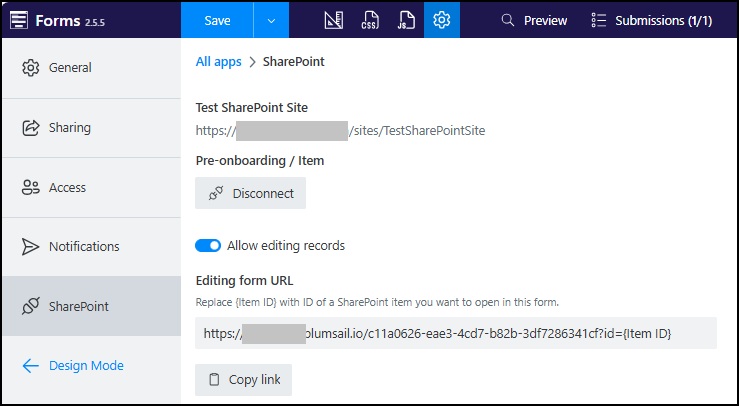
I have created a Form and linked it to a SharePoint list:
I dragged and dropped the fields from the “Sharepoint fields” section of the sidebar onto the form.
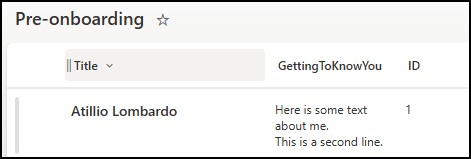
I have added some dummy data to the SharePoint list:
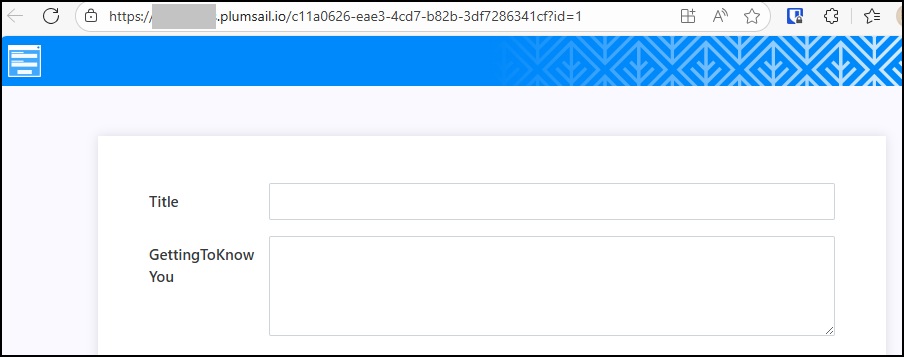
However, when I load the form using the ?id=1 query string at the end, it doesn’t populate any of the fields with data:
Also, when I enter data in the Plumsail form and save, it doesn’t update in SharePoint.
I’ve tried with and without authentication and it didn’t make any difference.
Do I need to use any Javascript to get the fields in the Plumsail form to populate? Or is what I’m attempting not possible and I should be using Azure Functions or similar?