AirTable -> Powerpoint image fail

I have a template to insert an image from AirTable. The token works fine in Word. When I add it to the Alt Text of an image placeholder in Powerpoint, the Plumsail Airtable extension gives this error and fails:

Error during process start: Image relationship not found for: NGS.Plugins.Templater.OpenXml.Xml

Hello @Bamboozal,

Please share with us the PPTX template and the data you send to the template.

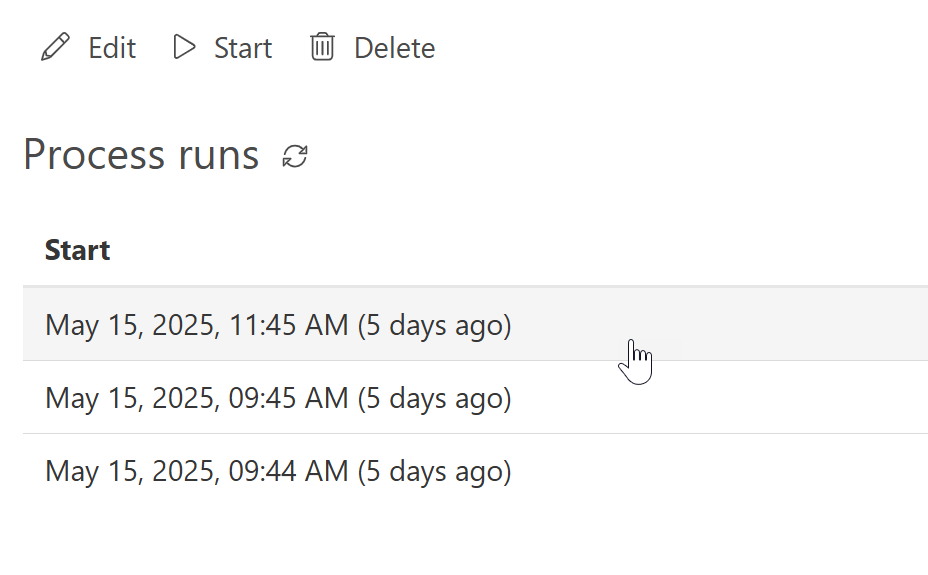
You can download the data in the process history:

Feel free to send the details to support@plumsail.com to open a support ticket. Please include a reference to the community thread.

Best regards,
Petr
Plumsail team

Hi Petr. I've emailed 4 times but no response. Can you help?

Hello @Bamboozal,

It appears your messages have not reached our help desk. Please try contacting us via our support widget. If this fails, we are also available via sales@plumsail.com.

Hello @Bamboozal,

I replied to the support ticket SL20791. I'll also copy my reply here.

Indeed, your template has an image placeholder with the Alt text

{{PrimaryImageFromItem.value.thumbnails.large.url}:picture}

When I tried your template, I got an error, but then I changed your image placeholder to a new one in the Microsoft Desktop PowerPoint app.

Also, I use PC on Windows. It worked ok; please check the attachment. You can replace the alt text with your token and test it.

Collection Presentation 2-changed.pptx (38.6 KB)

Best regards,
Petr
Plumsail team