You can now mention your team members and contacts directly within ticket comments to quickly address them and get their attention faster.
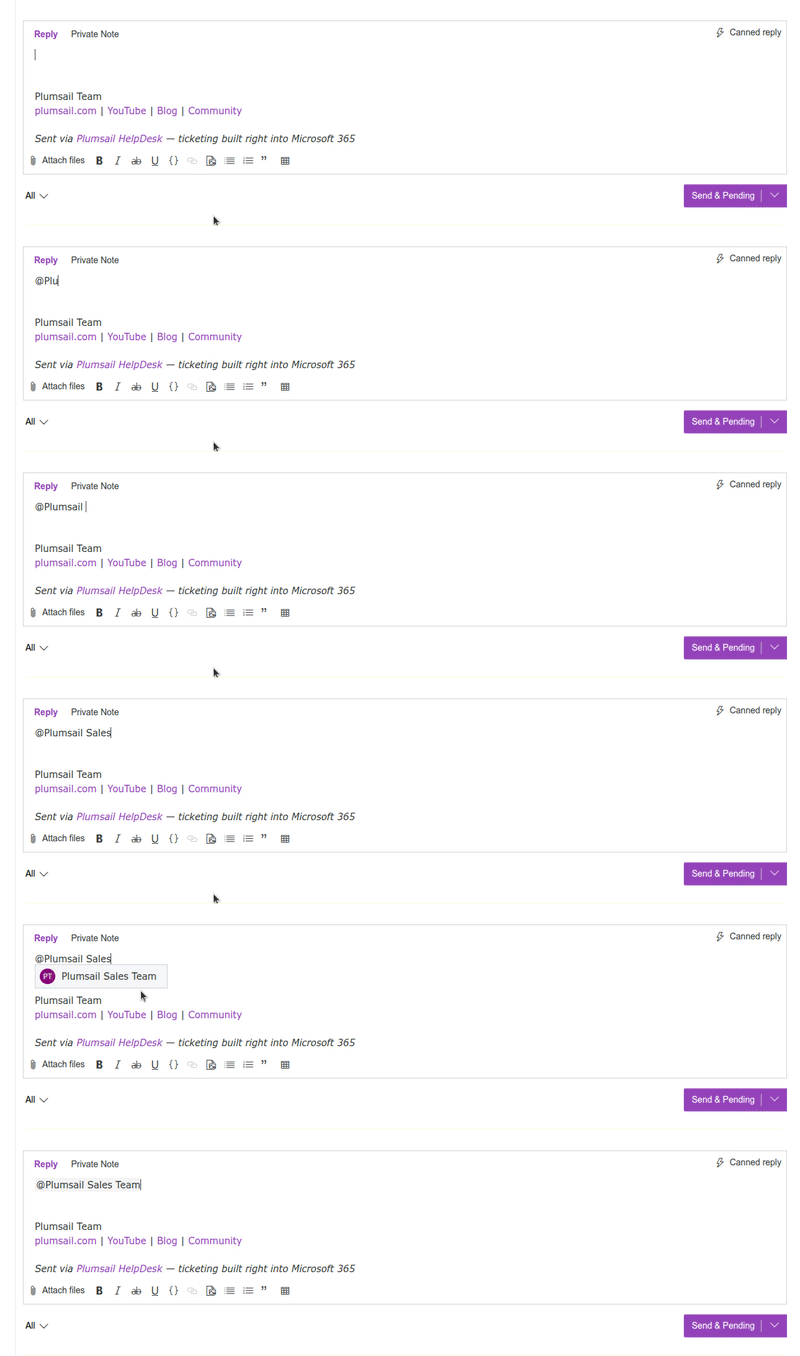
How to use mentions
- In the comment box, simply use the @ symbol.
- Immediately follow it with the contact's name.
- A drop-down menu will appear with suggestions or the option to add a new contact, if the name is not found.
A few things to have in mind:
- You can mention any contact in public comments. However, mentions in private comments are restricted to agents only.
- Mentions only work when used within the HelpDesk UI. Those included in email-based responses will not be processed.
- Mentioning a contact sends a single notification. If you need to keep a contact updated on the entire progress of the ticket, add them as a CC recipient instead.
Read more about mentions.