Hi everyone,
I’m automating a PowerPoint (triggered from Power Automate) and I need help with slide repetition and conditional hiding. To make sense of the issue, here’s the setup:
-
I work in insurance and want to generate renewal decks with repeating slide trios per policy.
-
Each trio is:
-
Slide A = Title (Line of Coverage)
-
Slide B = Market Conditions (policy-specific)
-
Slide C = Benchmark / Loss / Renewal Strategy (generic, always included)
-
So if a client has 3 policies (Auto, GL, WC), the output should be 3 trios (A–B–C for Auto, then A–B–C for GL, then A–B–C for WC).
My Data
From Power Automate, I send a JSON array like this (simplified):
"Policies": [
  {
    "Policy": {
      "Key": "AUTO",
      "LineOfCoverage": "Auto",
      "HasMarketConditions": true
    }
  },
  {
    "Policy": {
      "Key": "GL",
      "LineOfCoverage": "General Liability",
      "HasMarketConditions": true
    }
  },
  {
    "Policy": {
      "Key": "WC",
      "LineOfCoverage": "Workers Compensation",
      "HasMarketConditions": true
    }
  }
]
So I have a nested collection: Policies (array) → each contains Policy (object) → fields like Key, LineOfCoverage, etc.
What Works
- If I use
{{Policies.Policy.LineOfCoverage}}on Slide A, the A–B–C trio repeats per policy as expected, BUT only without anyhide-block-if, do all three trios render properly.
What Breaks
-
When I add
hide-block-ifto the B slides (so that only the Market Conditions slide matching the policy Key remains), the behavior goes wrong:-
Only one B variant shows up, and it only shows for whichever policy’s B slide happens to be first in the template order.
-
All C slides disappear entirely.
-
-
Example: If WC’s B slide is first in the template, only WC’s B shows (on the WC trio), Auto and GL get just A slides, and no trio includes C slides.
My Tokens
On each B slide I’ve tried things like:
{{Policies.Policy.Key}:hide-block-if(value != "AUTO")}}
{{Policies.Policy.Key}:hide-block-if(value != "GL")}}
{{Policies.Policy.Key}:hide-block-if(value != "WC")}}
And on A and C I anchor with {{Policies.Policy.LineOfCoverage}} or {{Policies.Policy.Key}}.
My Question
According to the official Plumsail docs, the correct syntax for hiding is:
{{field}:hide-block-if(condition)}
But in my setup, the first B slide “wins” and later B slides and all C slides disappear.
How should I structure my template or tokens so that:
-
Each trio (A–B–C) repeats once per policy,
-
Only the correct B slide for that policy is visible,
-
All C slides appear consistently.
Is there a specific way to structure the hide-block-if tokens inside a repeated collection that I’m missing?
Any guidance or examples would be really helpful.
Thanks!
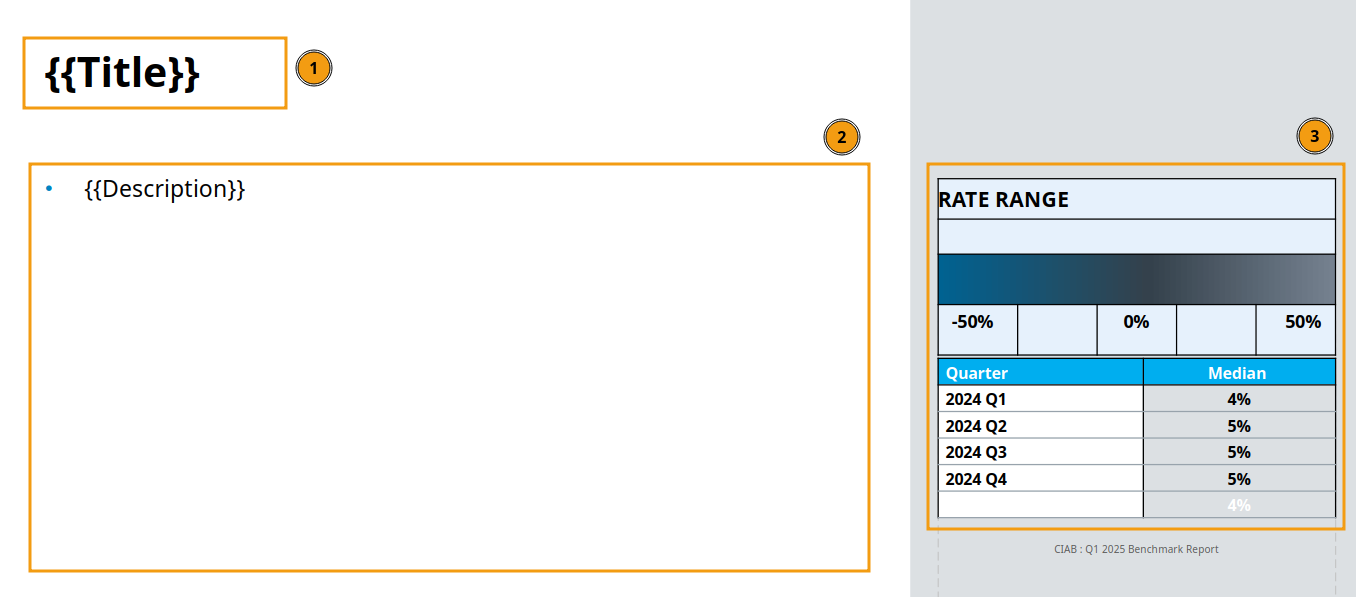
Attached is my pptx template also:
abc (2).pptx (5.8 MB)